
Contacts Core
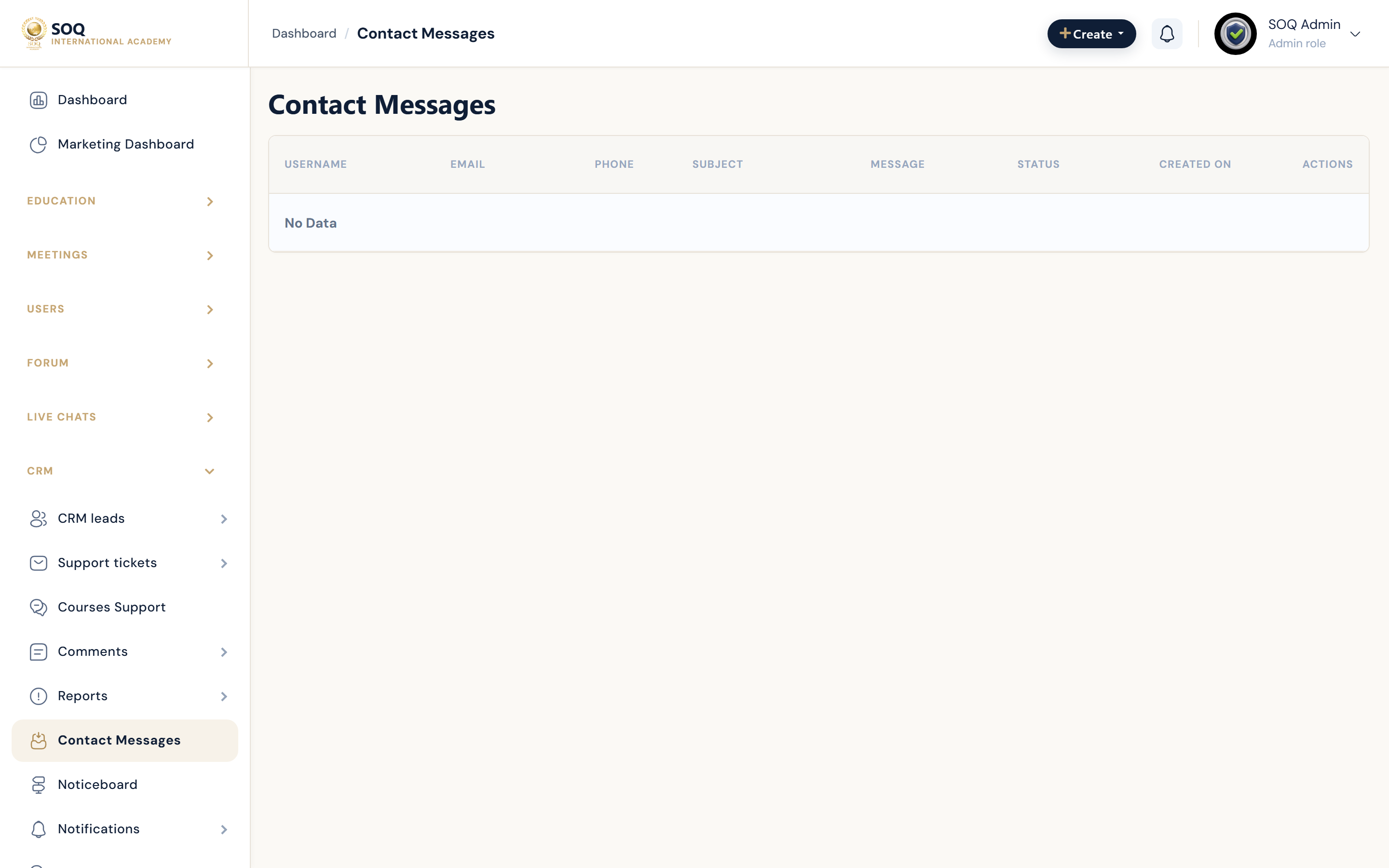
Illustrative screenshot “ Admin -> CRM -> Contacts ” annotated walkthrough. Screenshot controls in this image are not clickable and may not match the current live UI.
Contacts
What this screen is
Review contact-form submissions from the public site.
What you see
Inbox of contact messages with sender details.
Screenshot annotations
- 1Open inbox: See marker 1 on the screenshot.
- 2Search: See marker 2 on the screenshot.
- 3Filters: See marker 3 on the screenshot.
- 4Messages: See marker 4 on the screenshot.
- 5Read state: See marker 5 on the screenshot.
- 6Reply workflow: See marker 6 on the screenshot.
Field / control guide
- Sender: Name/email.
- Message: Inquiry body.
- Status: Read/handled if tracked.
- Created: Submission time.
How to complete the task
- Step 1: Read new contacts.
- Step 2: Respond via email/CRM process.
- Step 3: Mark handled per ops practice.
Notes / pitfalls: Never store payment credentials sent by mistake in contact forms.