
Demo Accounts & 1-Click Login
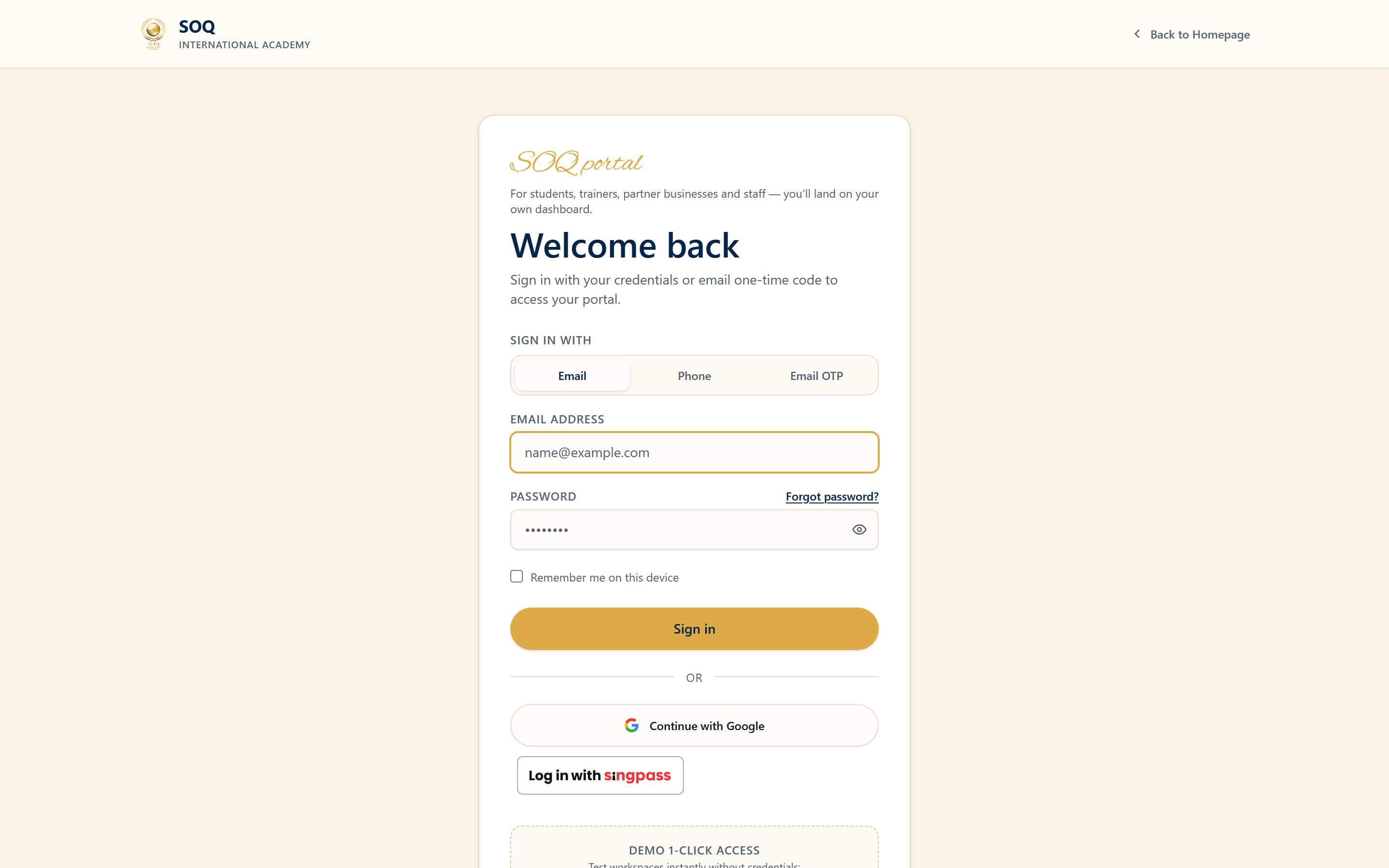
Live screenshot from the SOQ beauty demo (aiacademy.aiee.dev).
Accounts below come from the Beauty demo pack (php artisan demo:seed beauty). There is no separate “superadmin” role — Admin is the top account. Full pack guide: Beauty Demo Pack.
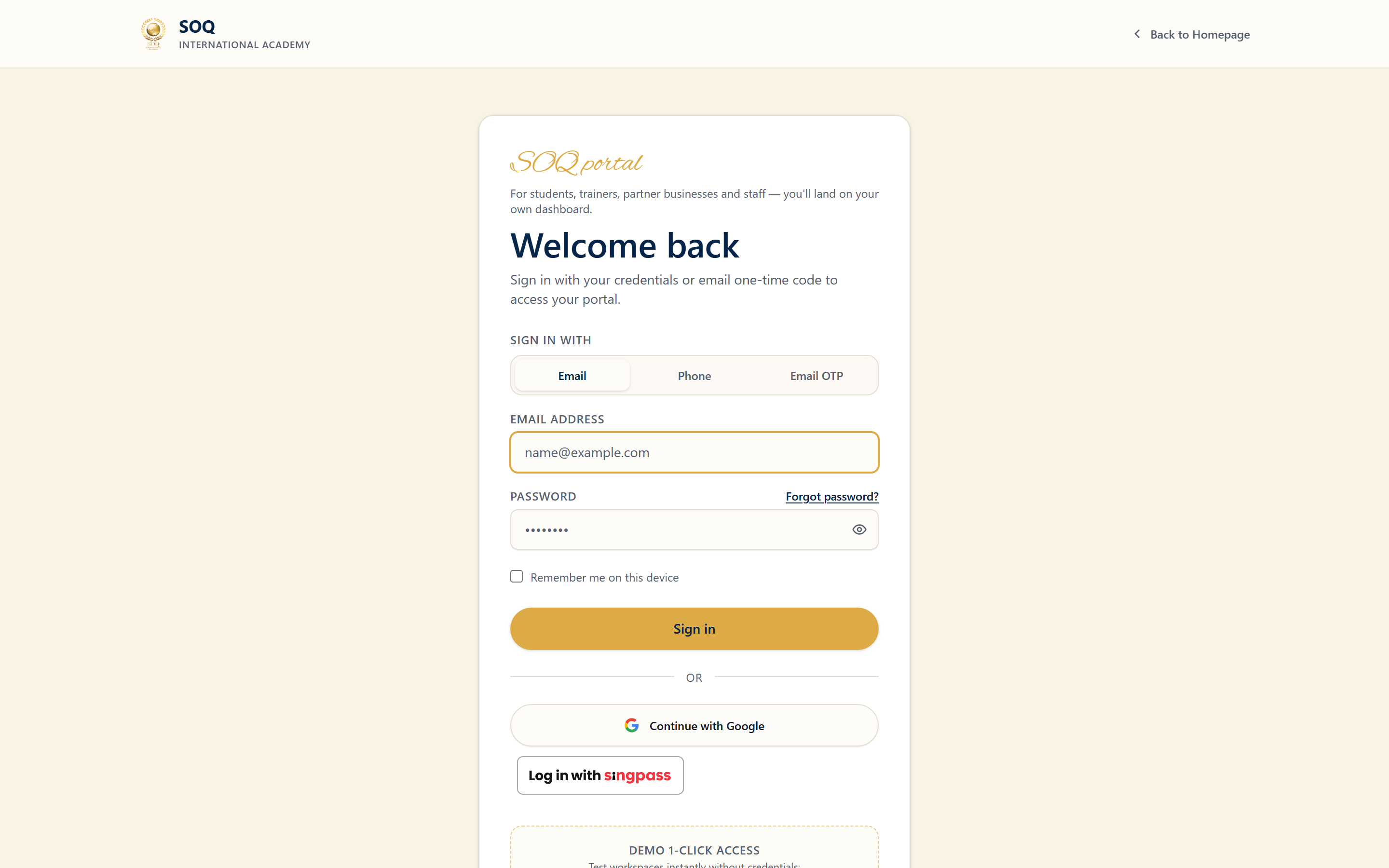
Public login (/login) with one-click Demo buttons and header Demo dropdown when enabled.
Beauty pack accounts
| Role | Password | Goes to | |
|---|---|---|---|
| Admin | admin@soq.edu.sg |
Demo@1234 |
/admin — all sections |
| Staff-Administrator | staff.admin@soq.edu.sg |
Demo@1234 |
/admin — ops/users/courses; no settings/themes |
| Staff-Designer | staff.designer@soq.edu.sg |
Demo@1234 |
/admin — themes, pages, appearance |
| Staff-Marketing | staff.marketing@soq.edu.sg |
Demo@1234 |
/admin — campaigns, discounts, ads |
| Staff-Manager | staff.manager@soq.edu.sg (also legacy staff@soq.edu.sg) |
Demo@1234 |
/admin — courses, learners, support |
| Staff-Accountant | staff.accountant@soq.edu.sg |
Demo@1234 |
/admin — sales, payouts, finance |
| Staff-Course Consultant | staff.consultant@soq.edu.sg |
Demo@1234 |
/admin — courses, enrolments, CRM |
| Staff-Sales | staff.sales@soq.edu.sg |
Demo@1234 |
/admin — CRM, sales list, promotions |
| Staff-HR | staff.hr@soq.edu.sg |
Demo@1234 |
/admin — people, instructors & access |
| Staff-Principal | staff.principal@soq.edu.sg |
Demo@1234 |
/admin — academic lead (courses & learners) |
| Partners: Affiliate | affiliate@soq.edu.sg |
Demo@1234 |
/panel — affiliate links & commissions |
| Partners: Course | org@soq.edu.sg |
Demo@1234 |
/panel — academy org (courses & instructors) |
| Partners: Store | demo.hw.hydrafacial@soq-hw.sg |
Demo@1234 |
/panel — hardware store partner |
| Partners: Jobs | demo.sephora@soq-beauty.sg |
Demo@1234 |
/panel — employer jobs & events |
| Instructor | trainer@soq.edu.sg |
Demo@1234 |
/panel |
| Student | student@soq.edu.sg |
Demo@1234 |
/panel |
| Panel students | demo.panel01@soq.edu.sg … |
SoqDemo!2026 |
/panel |
Admin panel login
- Open
https://aiacademy.aiee.dev/admin(or local/admin). - Email:
admin@soq.edu.sg - Password:
Demo@1234
See also Access Admin Panel.
One-click login + header Demo dropdown
When enabled, the public login page shows one-click role buttons, and the site header shows a Demo dropdown next to Login / Register.
- Enable with
DEMO_ONE_CLICK_LOGIN=truein.env. - Disable on customer production — set
DEMO_ONE_CLICK_LOGIN=false(or omit).
Create / refresh demo users
php artisan demo:seed beauty
# empty / reinstall:
php artisan demo:purge beauty --force
php artisan demo:seed beauty
Do not use stock upstream TMS demo passwords (admin@demo.com / admin) on this SOQ beauty install — use the SOQ accounts above.