
Live Classes
Instructors schedule and run live sessions on webinar/live courses. Students join from the learning page. Staff list and oversee live classes from Education course tools at the configured Admin URL.
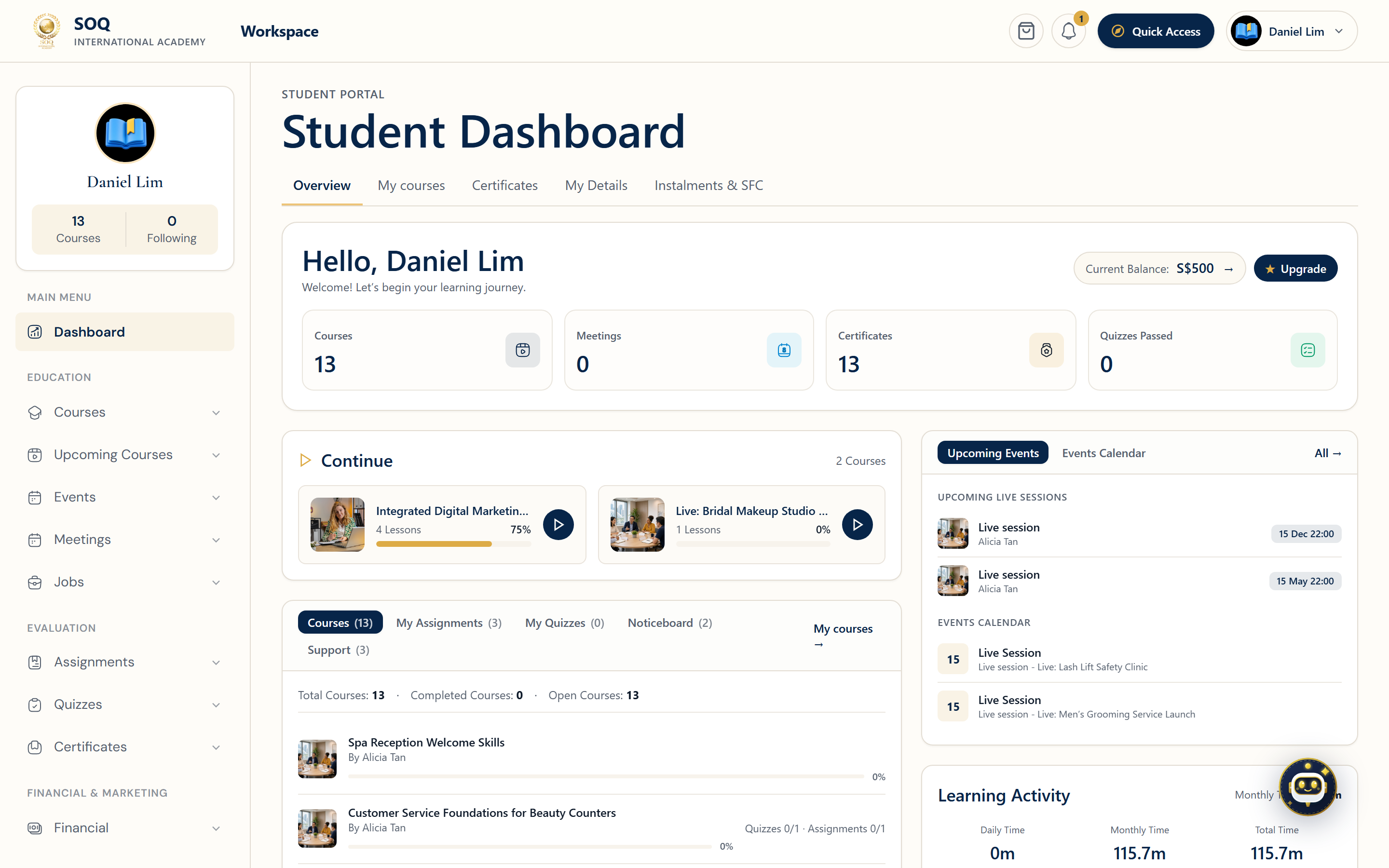
Live screenshot from the SOQ beauty demo (aiacademy.aiee.dev). Controls in the image are not clickable.
Surfaces, roles and current terminology
| Surface | Current navigation terminology | Status |
|---|---|---|
| Admin live list | Education ? Classes filtered to live / webinar types | Core list; some submodules may be feature-gated |
| Course live sessions | Panel course editor ? live sessions / chapter meetings | Instructor-owned courses |
| Learner join | Learning page ? join live session | Requires enrollment |
| Providers | Session APIs from Admin → Features: Custom (Local) link, Zoom, Agora, BigBlueButton, Jitsi, Google Meet | Depends on credentials and Available session APIs |
Permissions, settings and activation
- Configure Zoom, Google Meet, Agora, BBB, Jitsi, or a custom link before instructing teachers to go live. Pick one primary provider for staff training.
- Cron may be required for reminders and some session maintenance jobs.
- Students must be enrolled or otherwise entitled before join works.
- Some related Admin sub-features can show Feature not activated even when the main live class list works — mark those honestly when encountered.
Core workflows
Schedule and start a live session
- Create or open a live/webinar course and add a live session with date, duration, and provider.
- Save and confirm the session appears for the instructor in Panel.
- At start time, launch the provider session from the course tools.
- As an enrolled test student, join from the learning page and verify audio/video or link handoff.
Recover a failed join
- Confirm the learner enrollment and session schedule/timezone.
- Verify provider API credentials and that the session was created on the provider side.
- Check cron and notification settings if the learner never received a reminder.
- Update the session link or rebuild the provider meeting, then retest join.
Result states
- Success: Instructor and enrolled learners join the same live session at the scheduled time.
- Pending: Provider meeting creation or reminder dispatch is still processing.
- Denied: The learner is not entitled, or a required live provider feature is inactive.
- Error: Credential, timezone, or join-link failures block entry; fix provider settings before the next session.