
How to set CronJobs
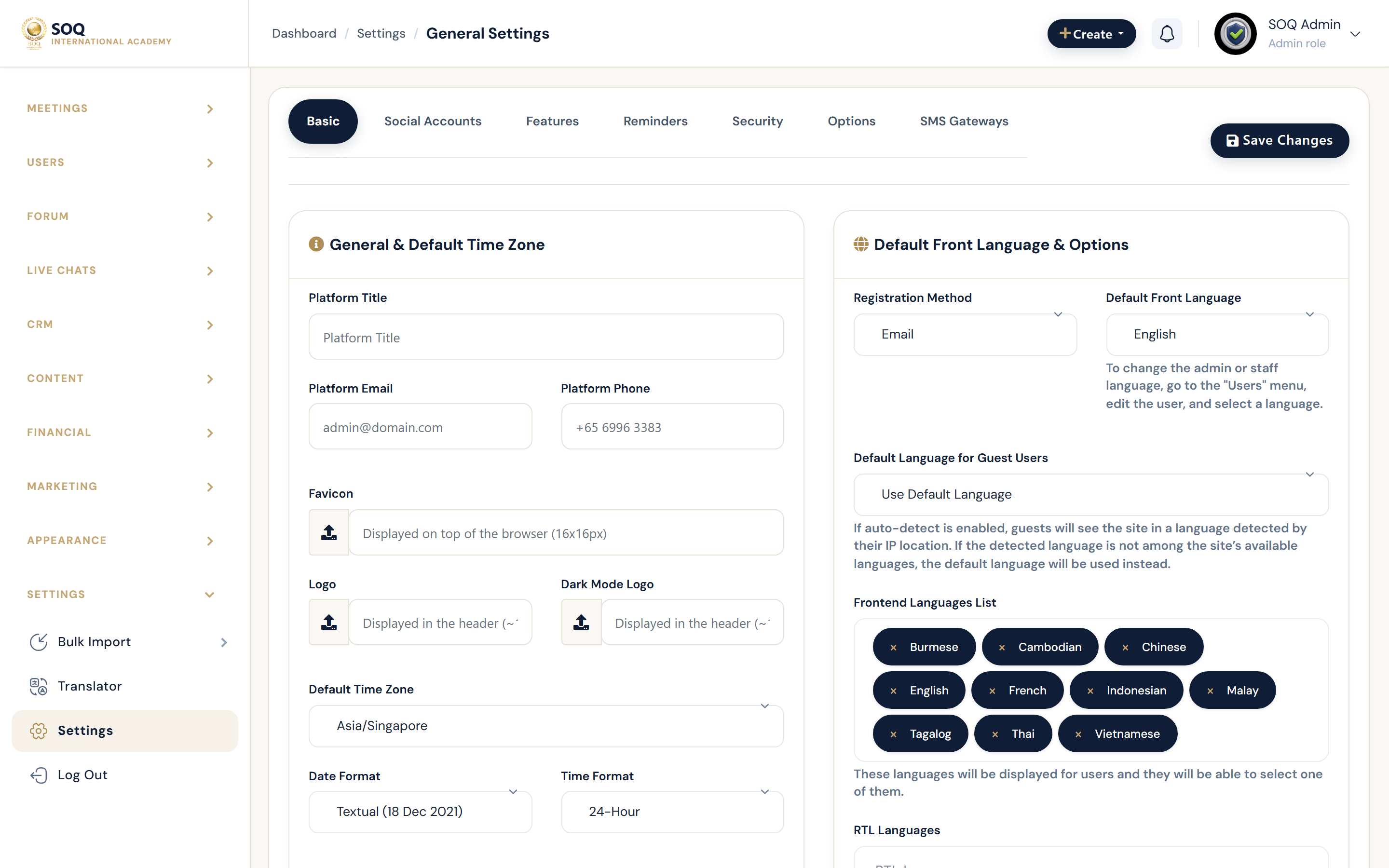
Live screenshot from the SOQ beauty demo (aiacademy.aiee.dev).
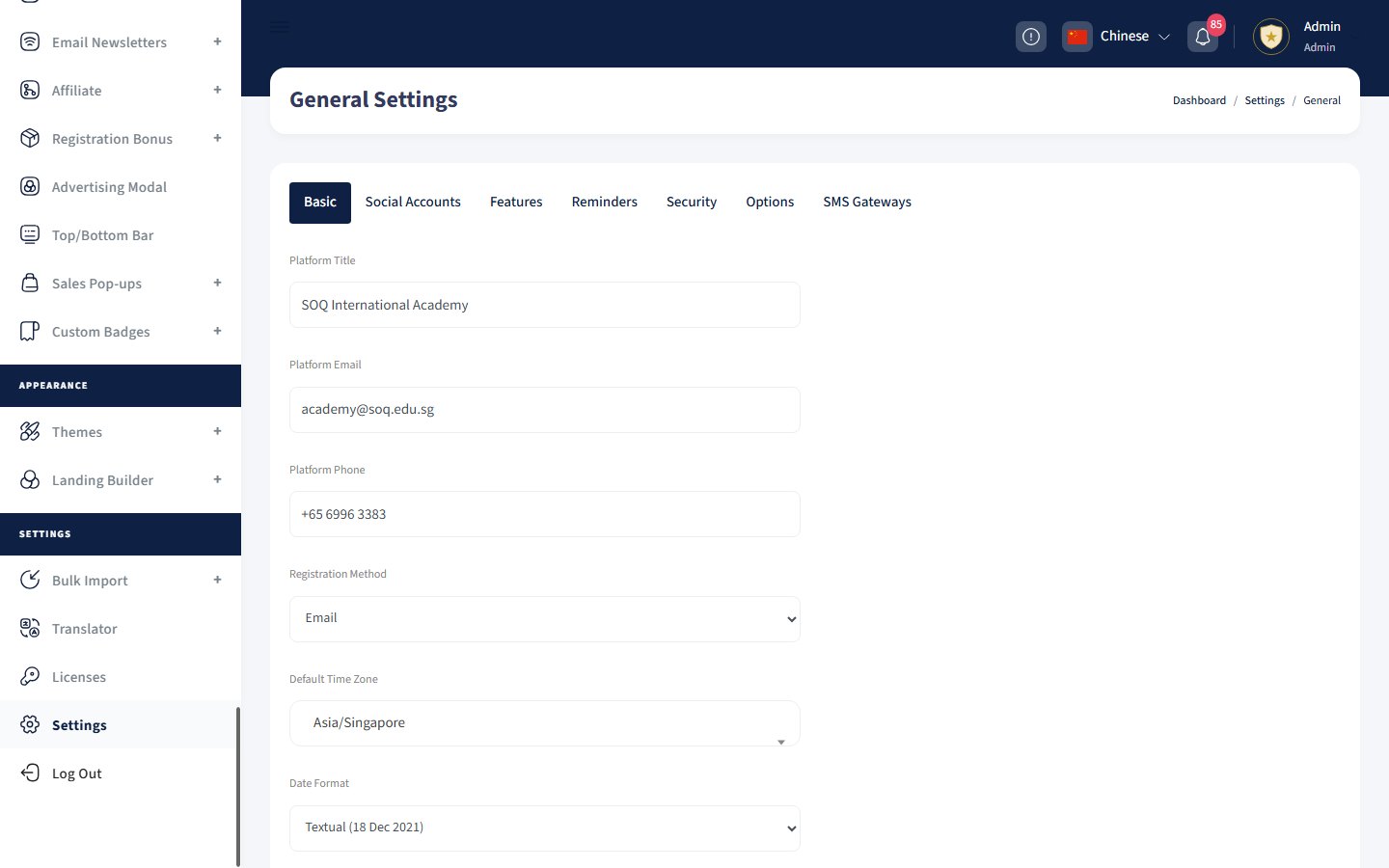
Illustrative screenshot — Hosting panel -> CronJobs. Screenshot controls in this image are not clickable and may not match the current live UI.
CronJobs
What this screen is
Schedule HTTP cron URLs so reminders and background jobs run on SOQ International Academy.
What you see
Documentation of daily and hourly job endpoints to register in the host cron panel.
Field / control guide
- Daily jobs: sendSessionsReminder, sendMeetingsReminder, sendSubscribeReminder, sendInstallmentReminders.
- Hourly jobs: checkGiftsDate, sendAbandonedCartReminders.
- URL form: https://your-domain/jobs/... (replace with your live domain).
- Host cron: Create matching schedules in Hostinger/hPanel cron.
How to complete the task
- Open your hosting CronJobs panel.
- Add once-a-day jobs for the daily reminder URLs.
- Add hourly jobs for gift and abandoned-cart URLs.
- Trigger once manually and confirm notifications send.
Notes / pitfalls: Without cron, live-class and meeting reminders will not send even if General Settings reminders look correct.