
Google Meet
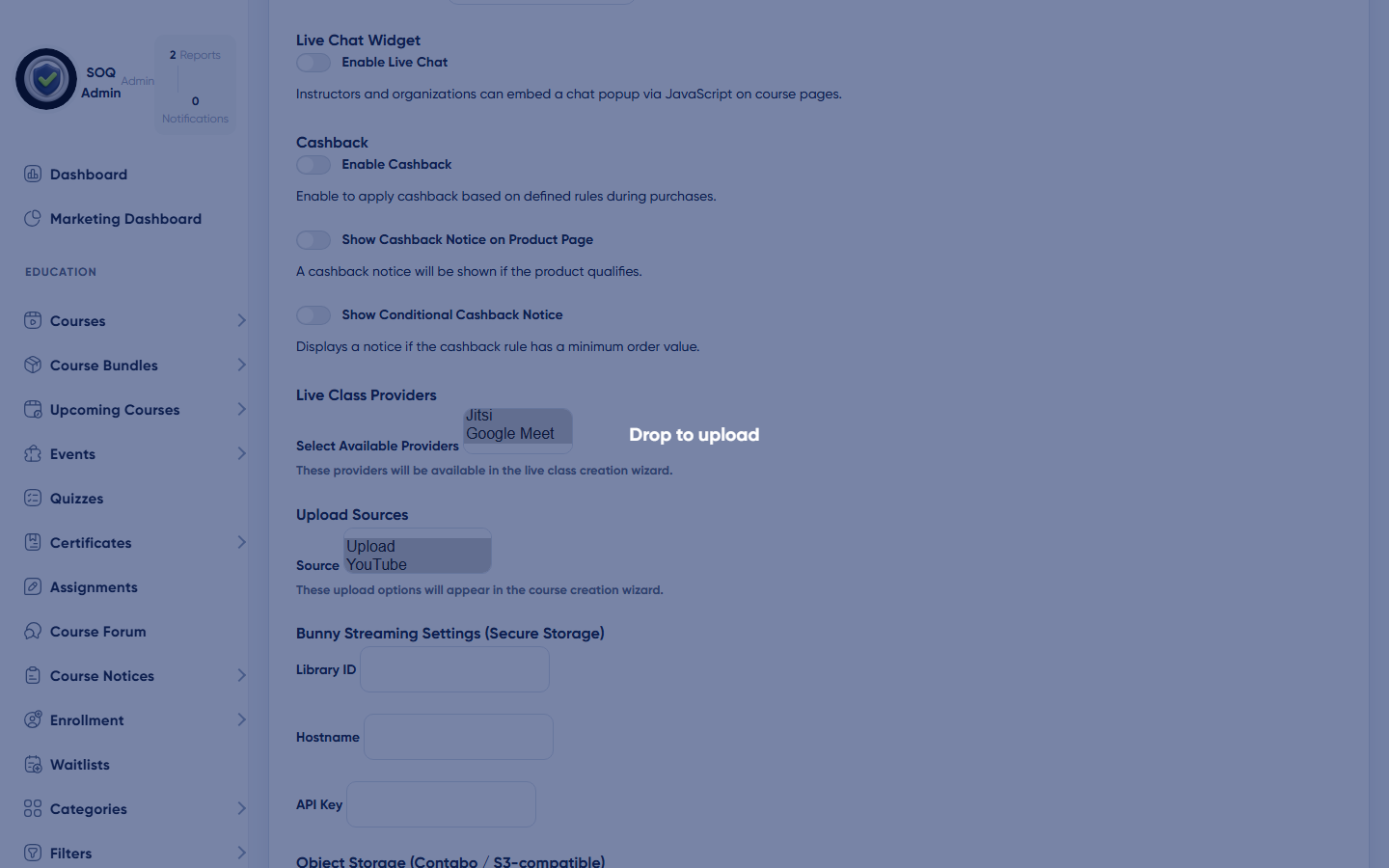
Admin → Settings → General → Features → Google Meet API Settings
Google Meet
What this screen is
Admin Features exposes Google Meet API settings so operators can prepare OAuth client credentials. Full auto-create of Meet links is not complete on this build — see status callout below.
What you see
Google Meet Client ID / Secret, Connect host account button, refresh token status, and available session APIs multi-select.
Field / control guide
- Available session APIs: Include google_meet so instructors can pick Google Meet when creating live sessions.
- Client ID / Client Secret: Google Cloud OAuth client with Meet API enabled.
- Connect host account: OAuth consent that stores the refresh token for the Meet host.
- Redirect URI: Must match /admin/google-meet/callback on this domain.
How to complete the task
- In Google Cloud, enable the Google Meet API and create an OAuth client.
- Add Authorized redirect URI: {APP_URL}/admin/google-meet/callback.
- Open Admin → Settings → General → Features.
- Add google_meet under Available session APIs; paste Client ID and Client Secret.
- Click Connect Google Meet host account and complete Google sign-in.
- Create a test live session with provider Google Meet and confirm a join URL is generated.
Status: Partial (UI only). Admin → Settings → General → Features shows Google Meet credential fields and a Connect button, but this build does not yet ship a working
/admin/google-meet/connect or /callback controller/API client. Treat auto-created Meet links as not ready until engineering completes OAuth + Meet REST wiring (roadmap: Partial). Instructors can still paste a manual Meet URL via the Custom (Local) session API.Notes / pitfalls: Do not promise auto Meet links to clients until connect/callback works. Prefer configurable admin URL helpers over hardcoded /admin/... paths when implementing.