
General Settings
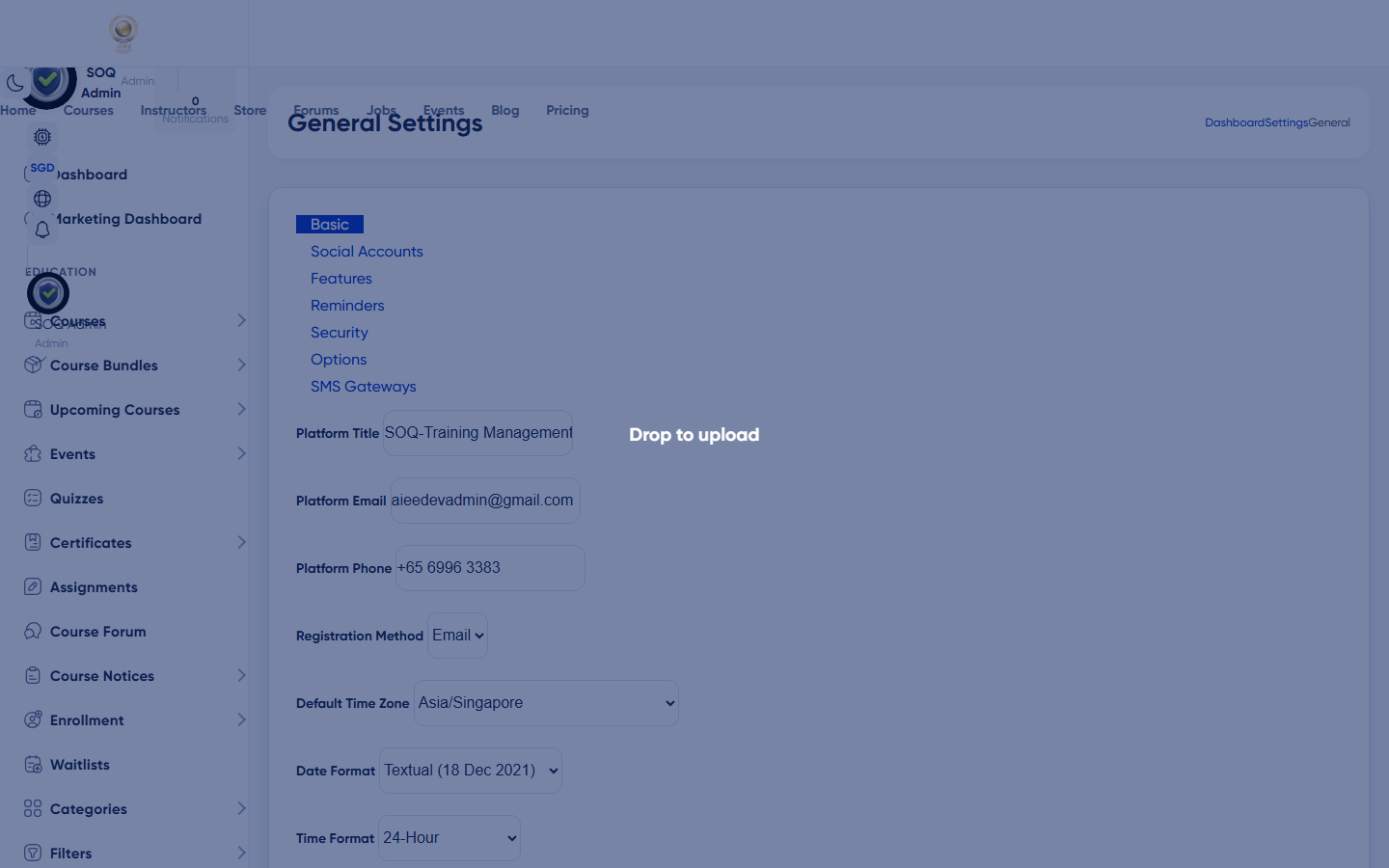
Illustrative screenshot — Admin -> Settings -> General - Basic. Screenshot controls in this image are not clickable and may not match the current live UI.
General - Basic
What this screen is
Configure core site identity and registration behaviour for SOQ International Academy.
What you see
Tabbed settings form. Basic tab shows site title, contact, registration, timezone, date format, languages, and logos.
Field / control guide
- Site / platform title: Brand name shown across the product - use SOQ International Academy.
- Email: Public contact email in header/footer contexts.
- Phone: Public phone number.
- Registration method: Email (default) or SMS - SMS needs a provider.
- Timezone: Server-facing timezone for schedules.
- Date format: How dates render in UI.
- Default / frontend languages: Default locale and languages offered in the switcher.
- RTL languages: Locales that load RTL stylesheets.
- Favicon: Browser tab icon (square).
- Header / footer logos: Header ~44px height PNG; footer often light-on-dark.
How to complete the task
- Open Settings -> General -> Basic.
- Set title, email, phone for soq.edu.sg.
- Choose registration method and timezone.
- Upload logos and favicon.
- Save, then review other tabs: Socials, Features, Reminders, Security, Options, SMS.
Notes / pitfalls: Reminders need CronJobs. SMS registration fails without SMS config. Security-related toggles may also appear under Security Settings.
Illustrative screenshot — Admin -> Settings -> General - other tabs. Screenshot controls in this image are not clickable and may not match the current live UI.
General - other tabs
What this screen is
Additional General tabs cover social links, feature flags, reminders, security-related options, misc options, and SMS.
What you see
Tab strip: Socials, Features, Reminders, Security, Options, SMS (labels may vary slightly by version).
Field / control guide
- Socials: Footer/header social profile URLs.
- Features: Enable/disable platform capabilities.
- Reminders: Live class reminder timing - requires cron.
- Security / Options: Extra policies and behaviour switches.
- SMS: SMS gateway credentials when using SMS auth/notifications.
How to complete the task
- Open each tab you need.
- Change only known settings.
- Save per tab.
- Test registration and a reminder if enabled.
Notes / pitfalls: Unknown feature toggles can hide storefront sections - change one at a time.