
Jobs Feature
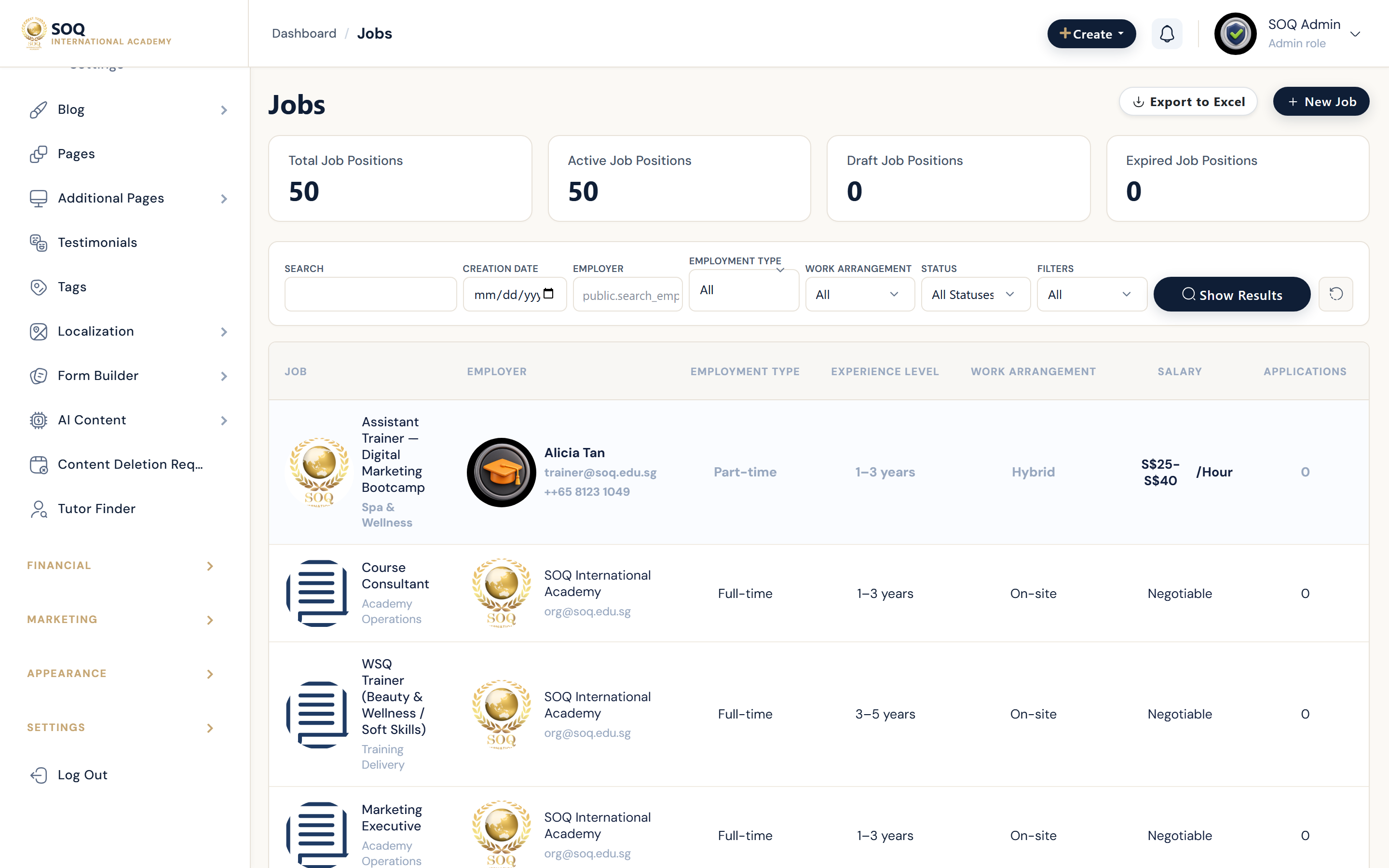
Illustrative screenshot “ Admin -> Content -> Jobs ” annotated walkthrough. Screenshot controls in this image are not clickable and may not match the current live UI.
Jobs
What this screen is
Manage job listings, categories, filters, featured jobs, applications, and jobs settings.
What you see
Job posts, create/edit, requests, featured, employment types, experience levels, settings.
Screenshot annotations
- 1New job: See marker 1 on the screenshot.
- 2Search: See marker 2 on the screenshot.
- 3Status filter: See marker 3 on the screenshot.
- 4Jobs table: See marker 4 on the screenshot.
- 5Open/closed: See marker 5 on the screenshot.
- 6Applications: See marker 6 on the screenshot.
Field / control guide
- Title / company: Listing identity.
- Description: Role details.
- Employment type: Full-time / contract / etc.
- Status: Open / closed.
- Settings status: jobs_general_settings.status gates panel/web.
How to complete the task
- Step 1: Enable Jobs settings if panel/web is dark.
- Step 2: Create a listing with clear apply instructions.
- Step 3: Publish and verify the public jobs page.
- Step 4: Close expired roles.
Notes / pitfalls: Settings on != Admin stub removed. Modules activation still required for Admin entry blades.