
Marketing Overview Core
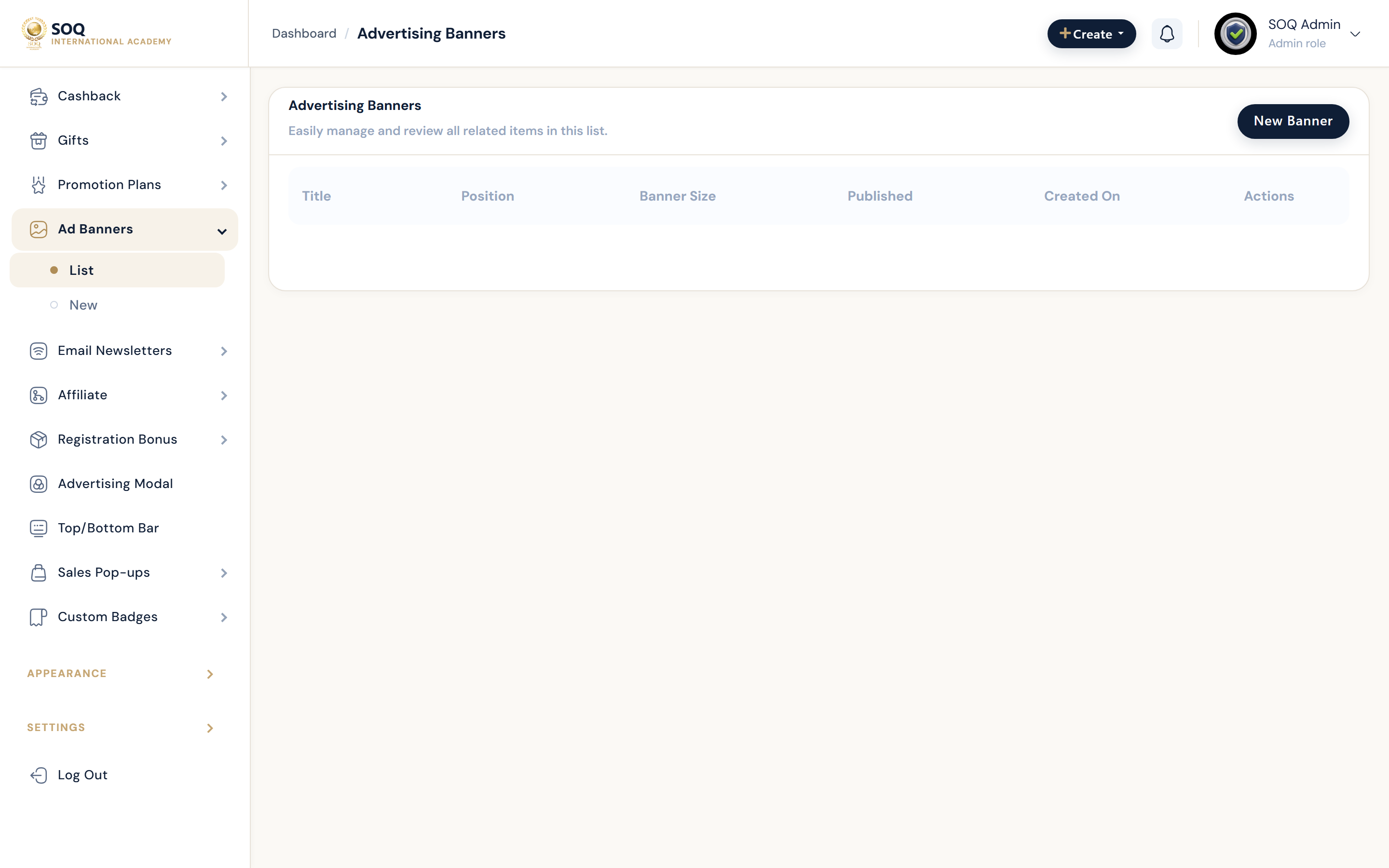
Illustrative screenshot “ Admin -> Marketing ” annotated walkthrough. Screenshot controls in this image are not clickable and may not match the current live UI.
Marketing Overview
What this screen is
Map of the Marketing admin section: acquisition, conversion, and retention tools beyond discount codes.
What you see
Sidebar tools including discounts, special offers, abandoned cart, affiliate, newsletters, gifts, cashback, ads, registration bonus, purchase notifications.
Screenshot annotations
- 1Open marketing: See marker 1 on the screenshot.
- 2Find tool: See marker 2 on the screenshot.
- 3Campaign filter: See marker 3 on the screenshot.
- 4Tool list: See marker 4 on the screenshot.
- 5Active campaigns: See marker 5 on the screenshot.
- 6Reports: See marker 6 on the screenshot.
Field / control guide
- Acquisition: Affiliate, registration bonus, ads, bars.
- Conversion: Discounts, special offers, cart discount, abandoned cart.
- Retention: Gifts, cashback, purchase notifications, badges.
How to complete the task
- Step 1: Pick the tool that matches the campaign goal.
- Step 2: Configure on staging/demo first.
- Step 3: Measure impact in Financial -> Sales.
Notes / pitfalls: Some marketing sub-tools are Modules-stubbed even when discount codes work.