
Meetings Overview Feature
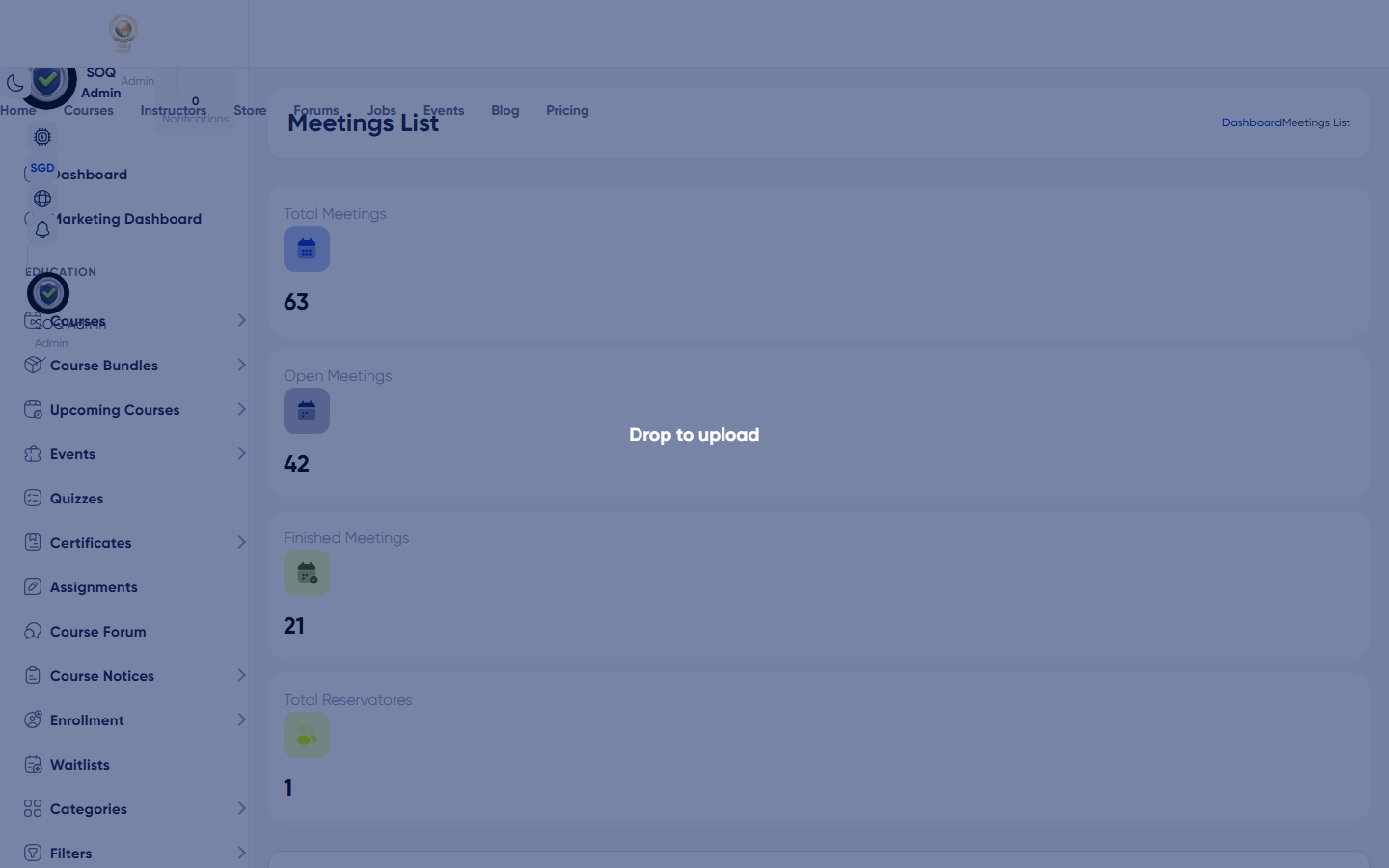
Illustrative screenshot “ Admin -> Meetings ” annotated walkthrough. Screenshot controls in this image are not clickable and may not match the current live UI.
Meetings Overview
What this screen is
Overview of appointment/meeting bookings between students and consultants.
What you see
Meetings/appointments list with status and participant details.
Screenshot annotations
- 1Open meetings: See marker 1 on the screenshot.
- 2Search: See marker 2 on the screenshot.
- 3Date filter: See marker 3 on the screenshot.
- 4Bookings table: See marker 4 on the screenshot.
- 5Status: See marker 5 on the screenshot.
- 6Details: See marker 6 on the screenshot.
Field / control guide
- Participants: Student and consultant.
- Schedule: Date/time of the meeting.
- Status: Reserved / completed / canceled.
- Join info: Link/password when provided.
How to complete the task
- Step 1: Review upcoming bookings.
- Step 2: Resolve conflicts or cancellations.
- Step 3: Confirm consultants have availability set.
Notes / pitfalls: Often Modules-gated with consultants and meeting packages.