
Newsletters Core
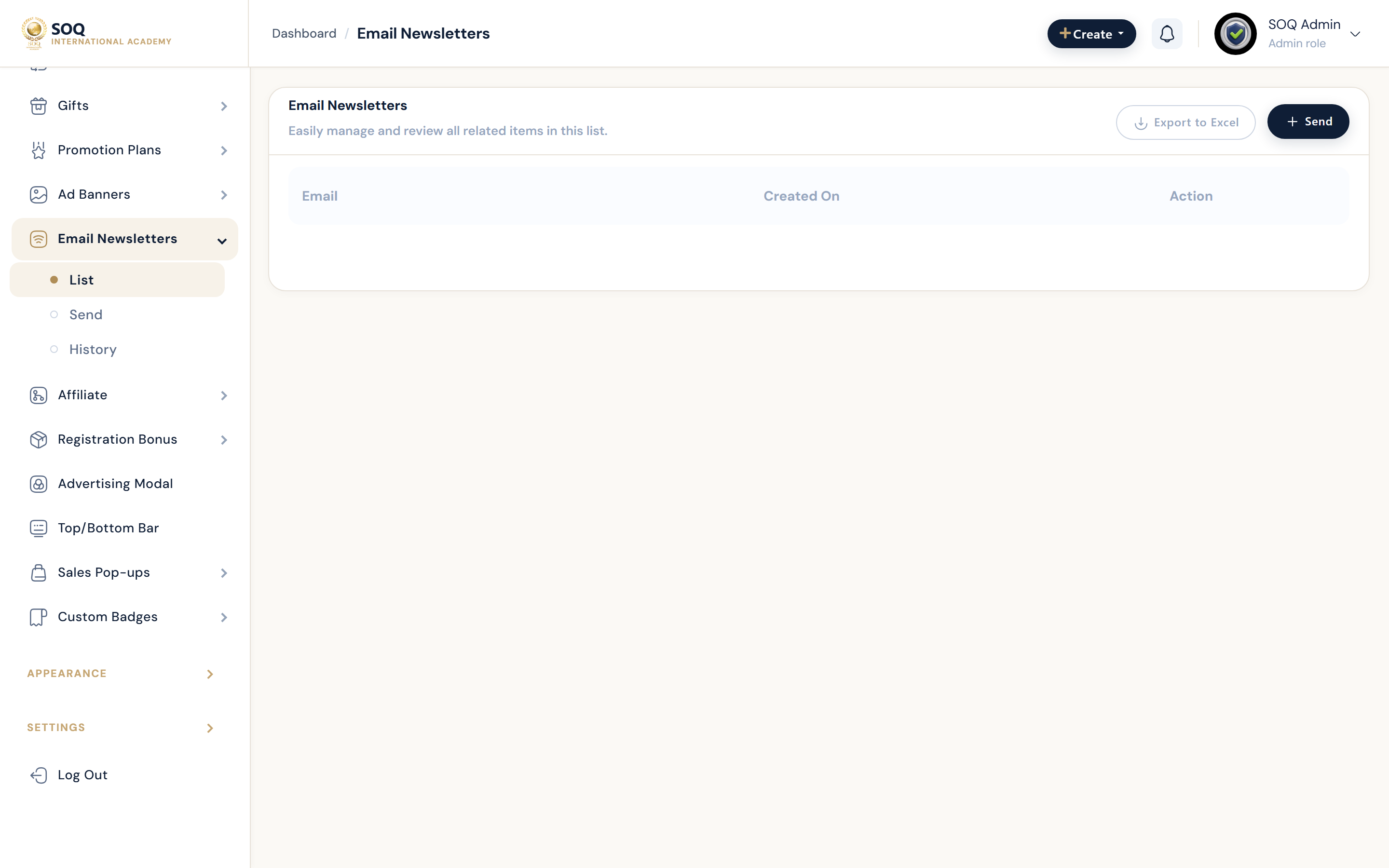
Illustrative screenshot “ Admin -> Marketing -> Newsletters ” annotated walkthrough. Screenshot controls in this image are not clickable and may not match the current live UI.
Newsletters
What this screen is
Manage newsletter subscribers and send campaigns.
What you see
Subscriber lists and campaign tools.
Screenshot annotations
- 1New campaign: See marker 1 on the screenshot.
- 2Search: See marker 2 on the screenshot.
- 3List filter: See marker 3 on the screenshot.
- 4Subscribers: See marker 4 on the screenshot.
- 5Send status: See marker 5 on the screenshot.
- 6Compose: See marker 6 on the screenshot.
Field / control guide
- Subscribers: Email list.
- Campaign: Message content.
- Send: Delivery via SMTP/provider.
How to complete the task
- Step 1: Review subscribers.
- Step 2: Create and send a campaign.
- Step 3: Monitor bounces/complaints.
Notes / pitfalls: SMTP must be healthy before large sends.