
Organization Users
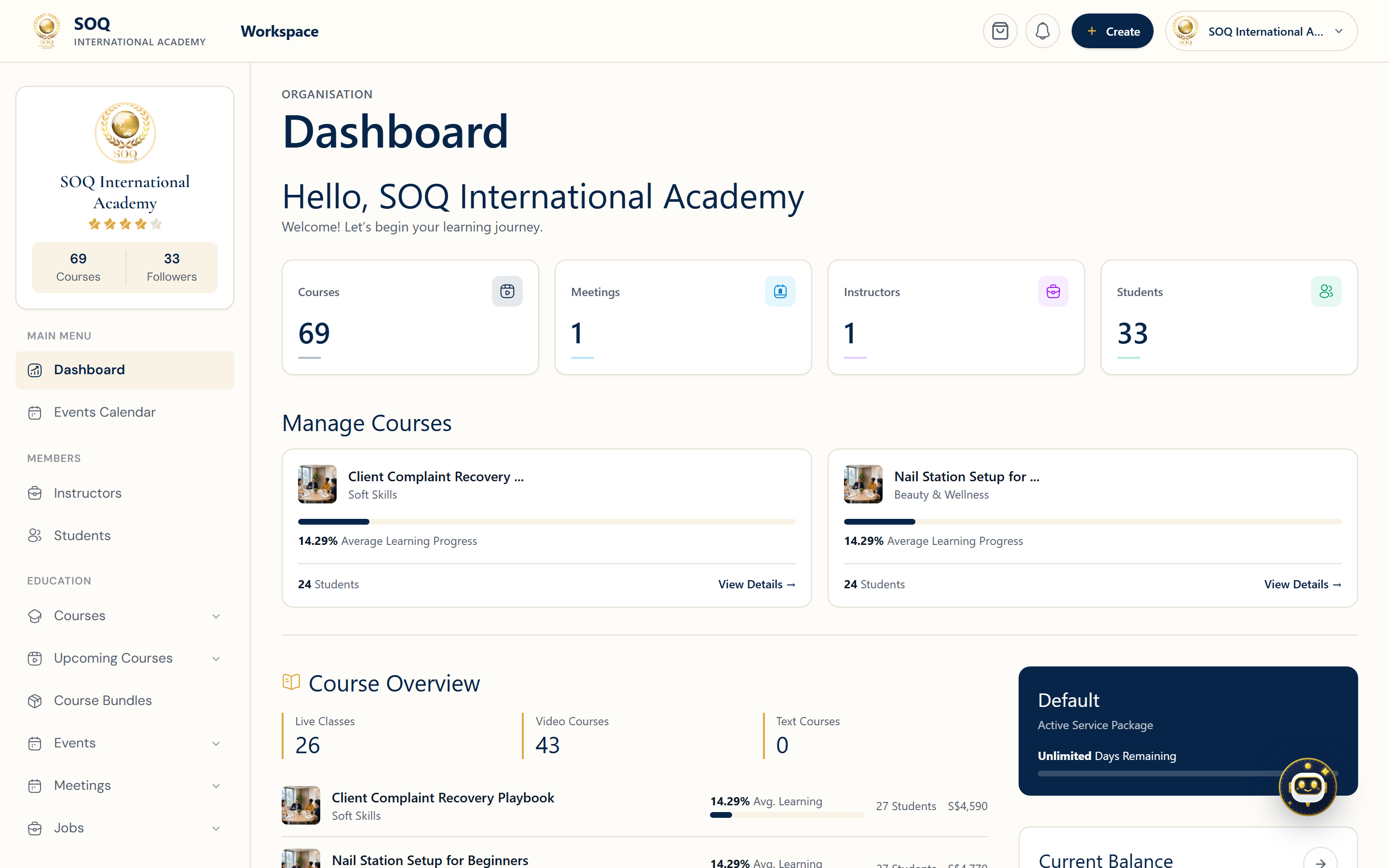
Live screenshot from the SOQ beauty demo (aiacademy.aiee.dev). Controls in the image are not clickable.
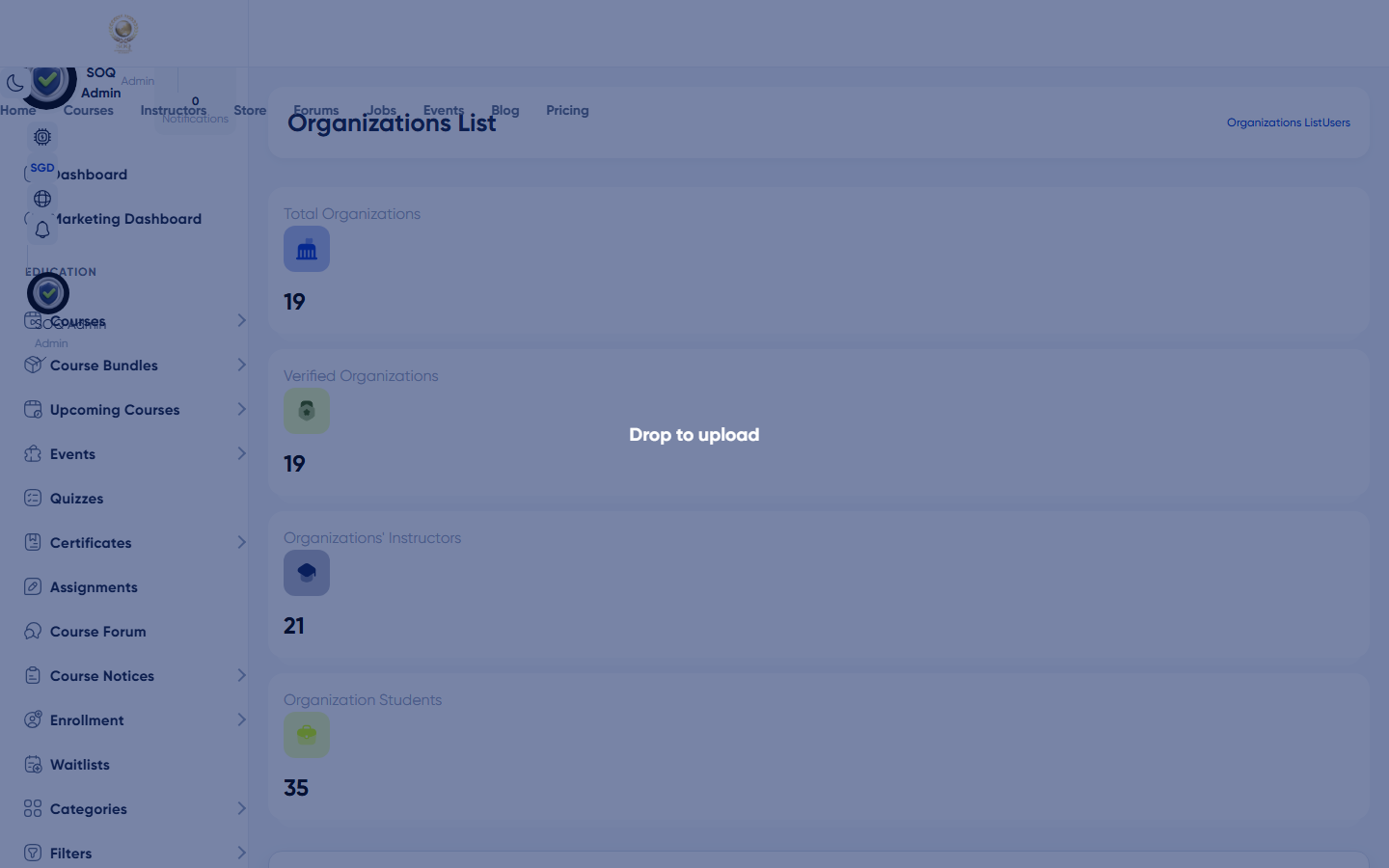
Admin -> Users -> Organizations
Organization users (activation required)
What this screen is
Admin entry for organization accounts. In the current SOQ International Academy build, this screen shows Feature not activated until the module is enabled via Activations.
What you see
An empty-state card: "Feature not activated", with links to Activations and soq.edu.sg.
Field / control guide
- Feature not activated: Module gate - not a permissions bug.
- Activations: Admin -> Activations (or Settings activations) to activate included modules.
- Support: Contact soq.edu.sg if activation is unclear.
How to complete the task
- Open Admin -> Users -> Organizations.
- If you see Feature not activated, open Activations.
- Activate the organization module / related activation.
- Reload Organizations and continue org/member management when the full UI appears.
Notes / pitfalls: Do not treat this stub as a broken users list. Instructor/org public finder pages may still work separately from this admin list.