
Reward Points Feature
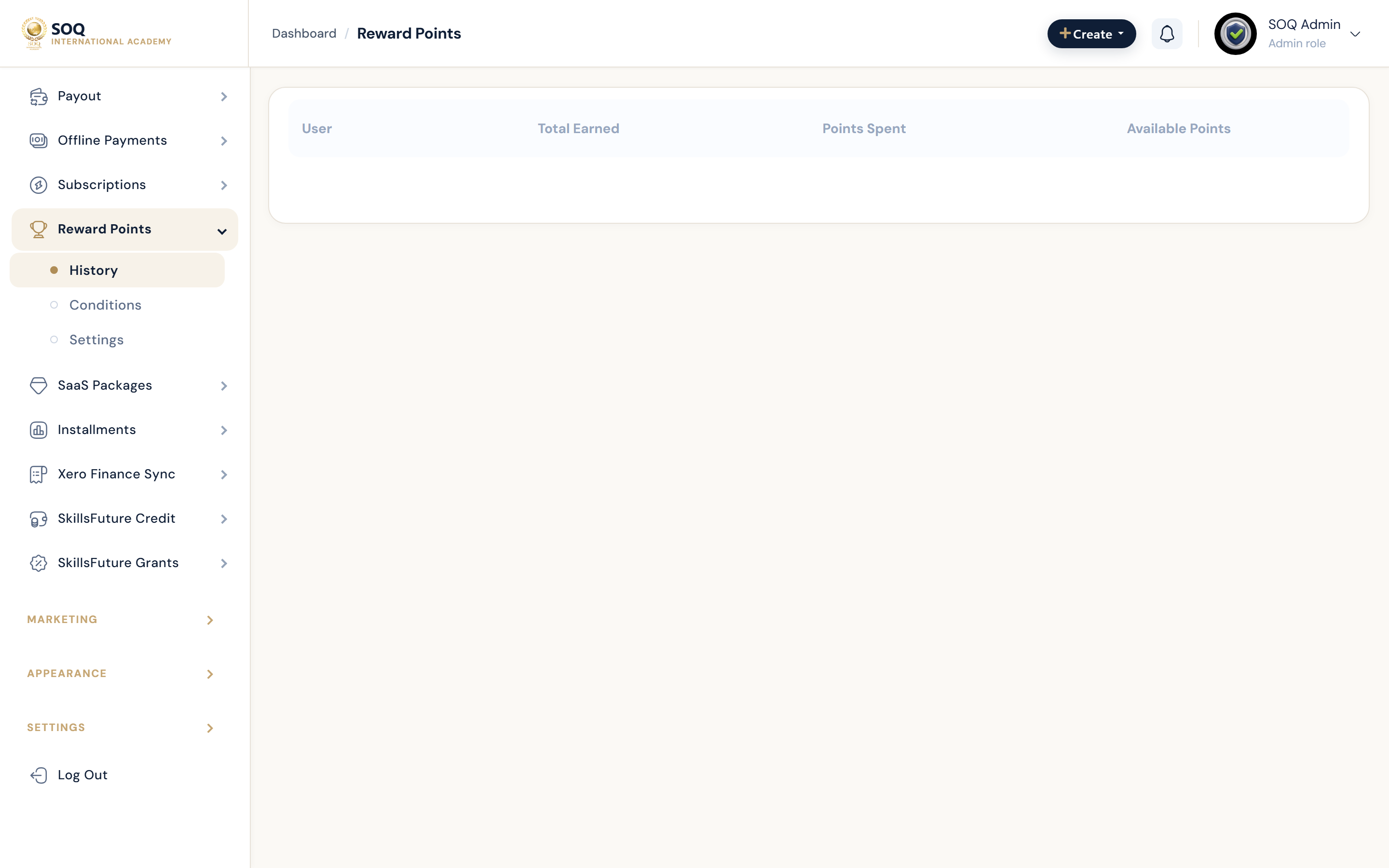
Illustrative screenshot “ Admin -> Financial -> Reward Points ” annotated walkthrough. Screenshot controls in this image are not clickable and may not match the current live UI.
Reward Points
What this screen is
Configure loyalty points earning/redemption and audit point balances and history.
What you see
Reward settings, history, and create/edit reward rules.
Screenshot annotations
- 1New rule: See marker 1 on the screenshot.
- 2Search: See marker 2 on the screenshot.
- 3Filters: See marker 3 on the screenshot.
- 4Rules / history: See marker 4 on the screenshot.
- 5Points balance: See marker 5 on the screenshot.
- 6Settings: See marker 6 on the screenshot.
Field / control guide
- Earn rules: How users gain points.
- Redeem: How points apply at checkout.
- Balances: User point balances.
- History: Ledger of earn/spend.
How to complete the task
- Step 1: Configure earn/redeem rules.
- Step 2: Test with a demo purchase.
- Step 3: Audit balances periodically.
Notes / pitfalls: Document points-to-currency policy for support staff. Modules activation may gate Admin.