
SaaS Packages Feature
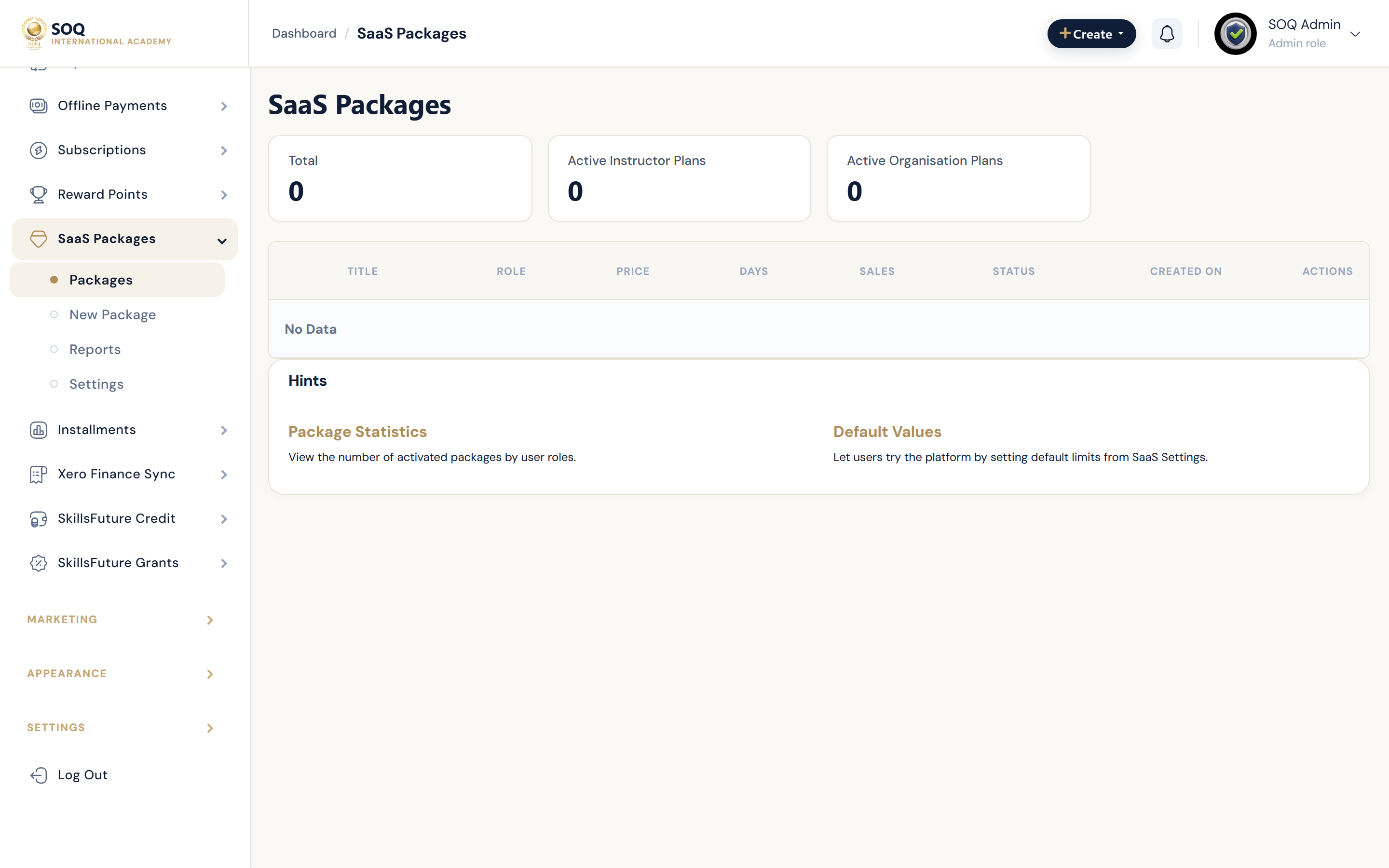
Illustrative screenshot “ Admin -> Financial -> SaaS / Registration Packages ” annotated walkthrough. Screenshot controls in this image are not clickable and may not match the current live UI.
SaaS Packages
What this screen is
Sell registration or SaaS-style packages that unlock platform capabilities for instructors/orgs.
What you see
Package list, create/edit, reports, and package settings.
Screenshot annotations
- 1New package: See marker 1 on the screenshot.
- 2Search: See marker 2 on the screenshot.
- 3Filters: See marker 3 on the screenshot.
- 4Packages: See marker 4 on the screenshot.
- 5Active plan: See marker 5 on the screenshot.
- 6Reports: See marker 6 on the screenshot.
Field / control guide
- Package: Name and entitlements.
- Price / period: Billing terms.
- Status: Active offerings.
- Reports: Sales / uptake.
How to complete the task
- Step 1: Define entitlements and price.
- Step 2: Publish and test purchase.
- Step 3: Confirm the buyer receives access.
Notes / pitfalls: UI copy may say registration packages depending on language strings.