
Support Tickets Core
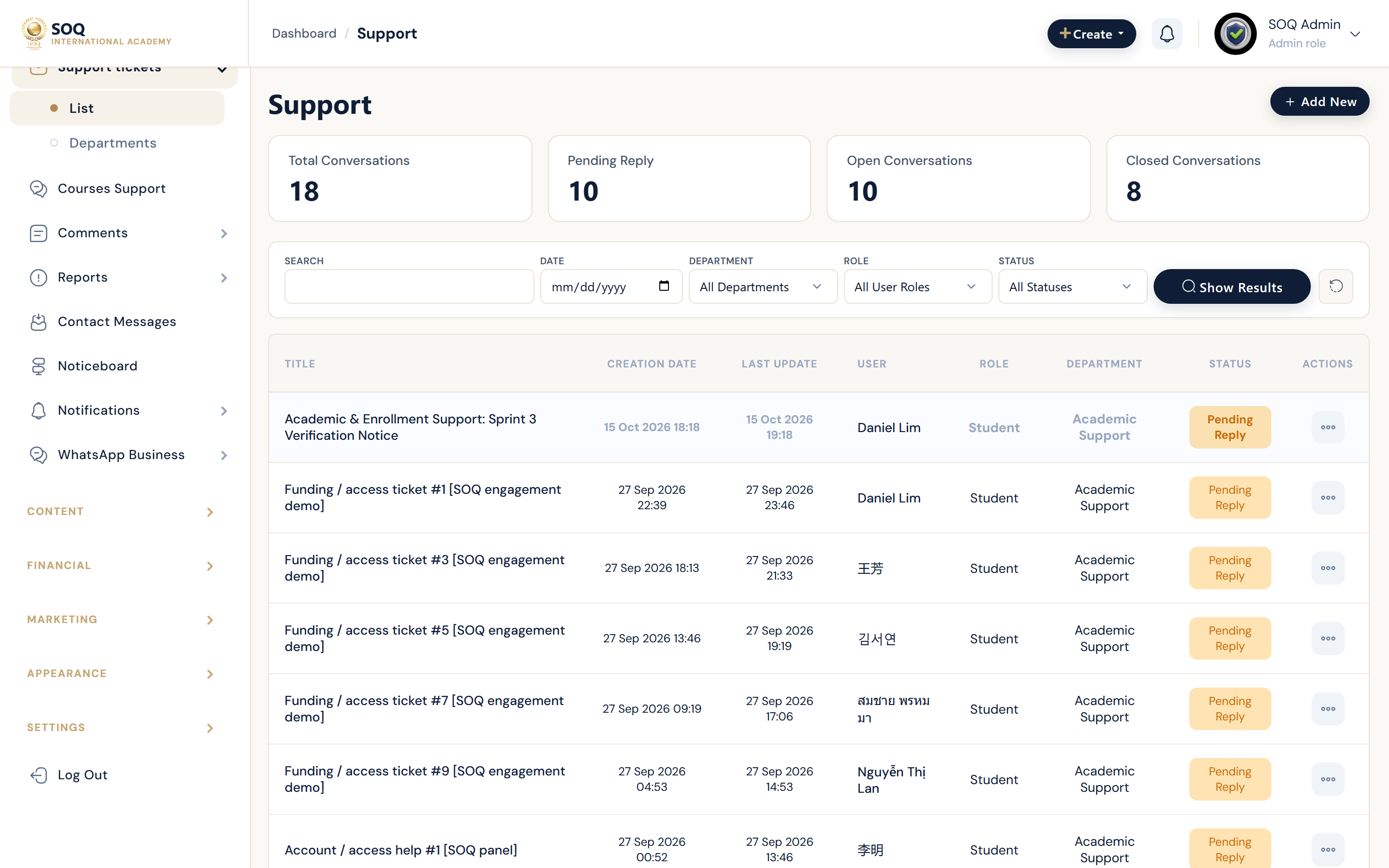
Illustrative screenshot “ Admin -> CRM -> Support ” annotated walkthrough. Screenshot controls in this image are not clickable and may not match the current live UI.
Support Tickets
What this screen is
Handle platform support tickets separate from course-specific conversations.
What you see
Ticket queues with status, assignee, and reply thread.
Screenshot annotations
- 1New ticket view: See marker 1 on the screenshot.
- 2Search: See marker 2 on the screenshot.
- 3Status filter: See marker 3 on the screenshot.
- 4Ticket list: See marker 4 on the screenshot.
- 5Priority: See marker 5 on the screenshot.
- 6Reply: See marker 6 on the screenshot.
Field / control guide
- Ticket: Subject and thread.
- Status: Open / pending / closed.
- Assignee: Staff owner.
- Priority: Ops triage signal when available.
How to complete the task
- Step 1: Triage new tickets daily.
- Step 2: Reply and update status.
- Step 3: Close when resolved.
- Step 4: Escalate payment issues to Financial.
Notes / pitfalls: Course threads may live under Course Support instead of this queue.