
Upcoming Courses Feature
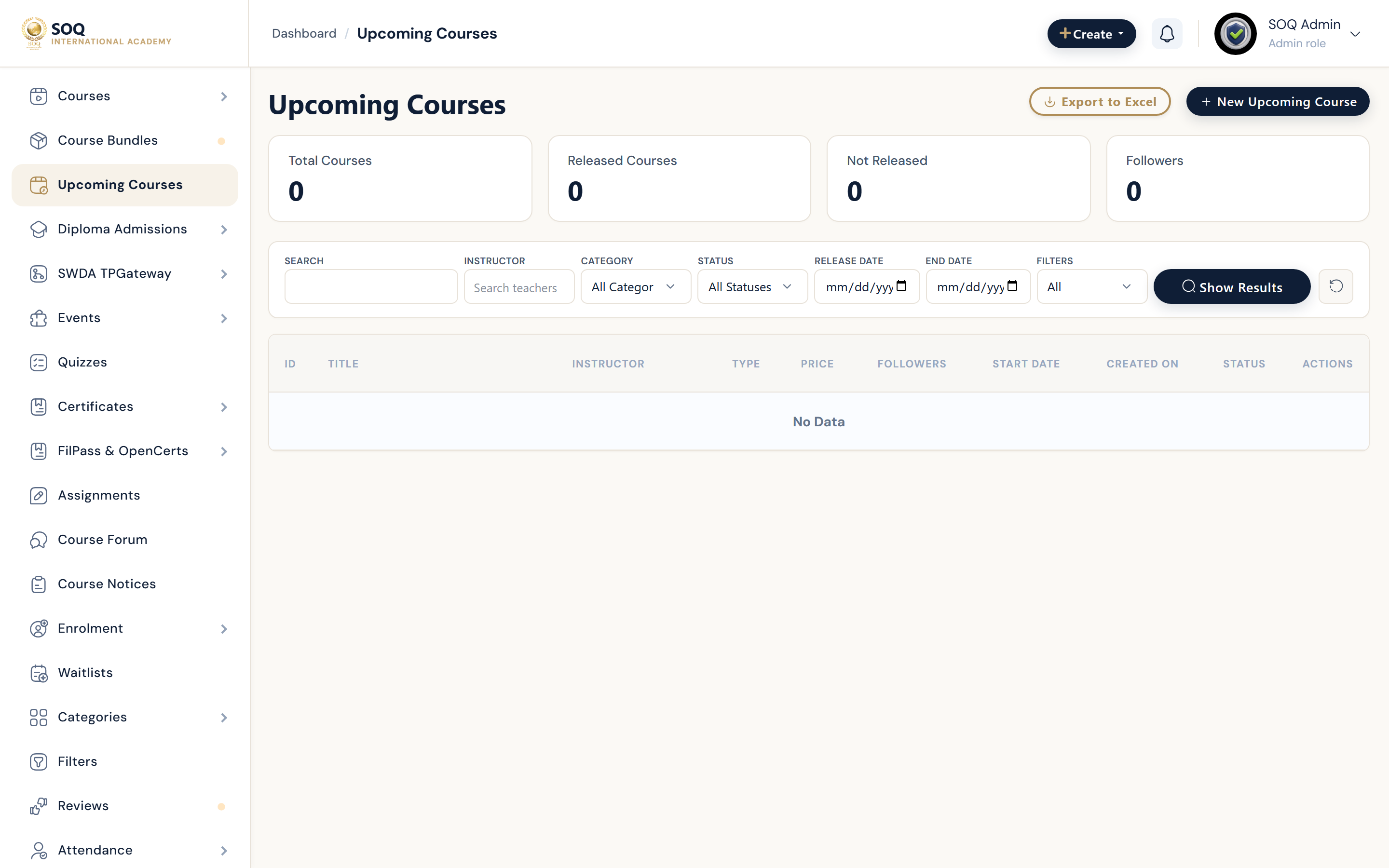
Illustrative screenshot “ Admin -> Education -> Upcoming Courses ” annotated walkthrough. Screenshot controls in this image are not clickable and may not match the current live UI.
Upcoming Courses
What this screen is
Announce courses that are not fully open yet — tease content, capture interest, and convert to waitlist or full listing later.
What you see
Upcoming list, create form, launch date, notify/waitlist controls, and status.
Screenshot annotations
- 1New item: See marker 1 on the screenshot.
- 2Search: See marker 2 on the screenshot.
- 3Filters: See marker 3 on the screenshot.
- 4Upcoming list: See marker 4 on the screenshot.
- 5Launch status: See marker 5 on the screenshot.
- 6Edit: See marker 6 on the screenshot.
Field / control guide
- Linked course: Existing draft/full course or placeholder title.
- Launch date: When the offering becomes available.
- Description: Public teaser copy.
- Notify / waitlist: Interest capture if enabled.
- Status: Visible on public upcoming section or hidden.
How to complete the task
- Step 1: Open Upcoming Courses -> New.
- Step 2: Enter teaser details and launch timing.
- Step 3: Enable waitlist/notify if you want leads.
- Step 4: Publish the upcoming card on the public site.
- Step 5: When ready, convert to a full course listing and close the teaser.
Notes / pitfalls: Feature not activated means the Modules activation is off — not a missing menu permission. Align launch date with site timezone.