
Feature Activation
Optional features are managed directly from Admin → Features / Settings. Use this page as a quick operator checklist for enabling and verifying feature access.
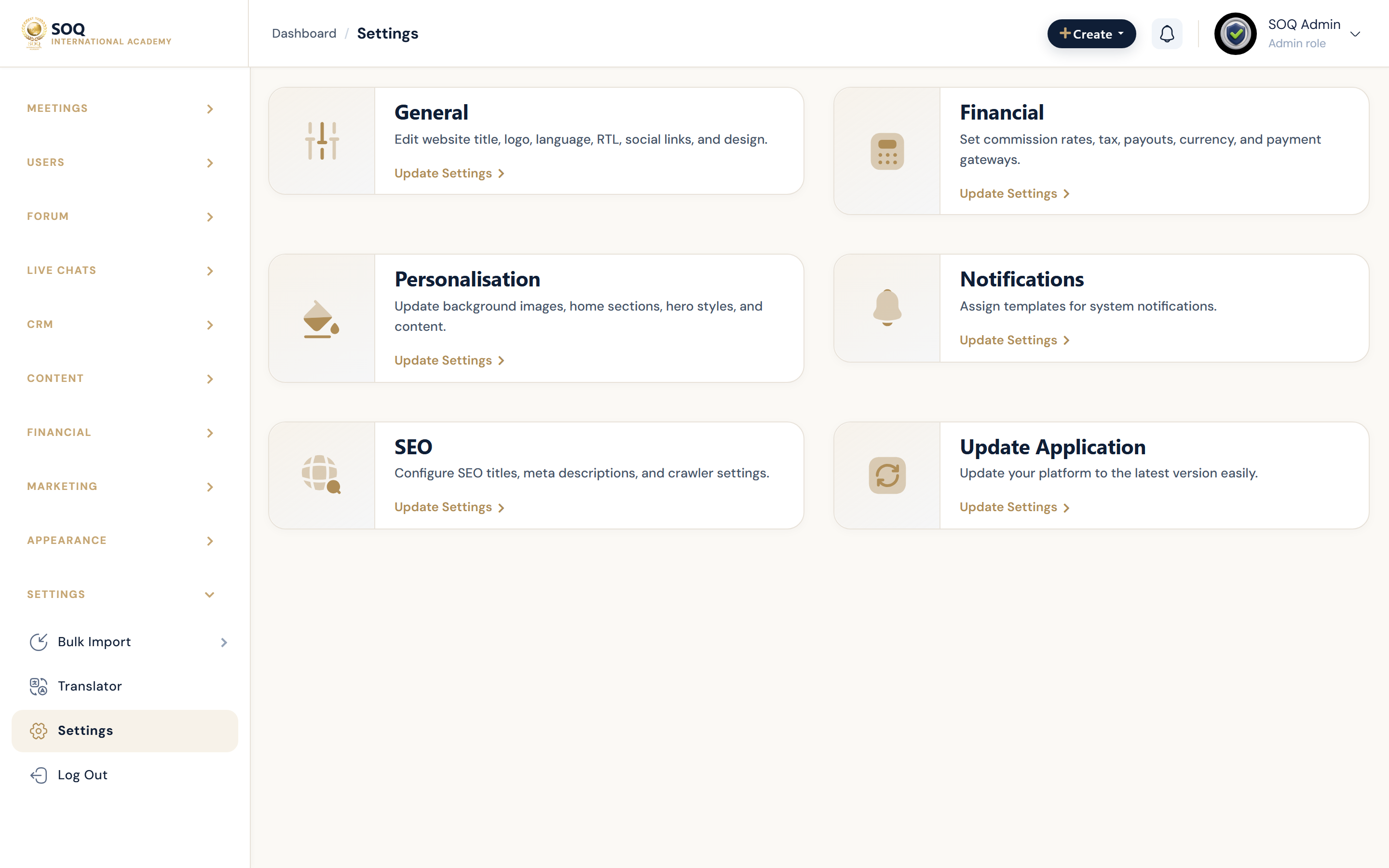
Live screenshot from the SOQ beauty demo (aiacademy.aiee.dev).
What to manage in Admin
- Enable optional feature groups from Features / Settings.
- Roll out only the modules needed by your current launch phase.
- Validate role access after each feature toggle (Admin, Staff, Instructor, Student).
- Track rollout decisions in your UAT checklist and handover notes.
Operator note
- If you see “Feature not activated”, enable the relevant feature in Admin → Features / Settings.
- For support, contact academy@soq.edu.sg / soq.edu.sg.