
Important Points
Platform owners and technical operators complete these post-install checks before opening SOQ International Academy to learners. Actions happen at the configured Admin URL, Contabo / XAMPP environment, and soq.edu.sg for human support.
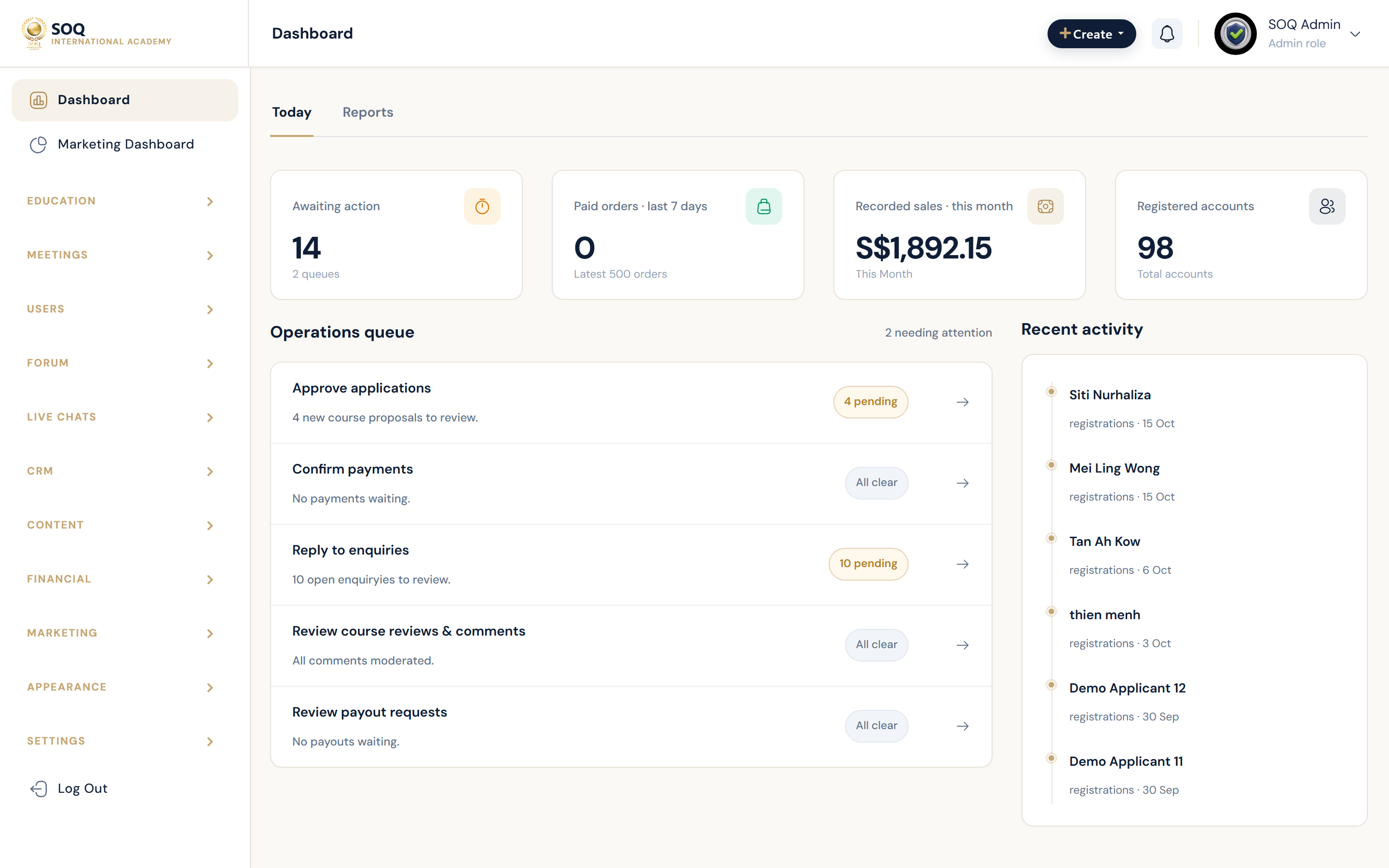
Live screenshot from the SOQ beauty demo (aiacademy.aiee.dev).
Feature activation is handled in Admin. Enable optional features under Admin → Features / Settings before role-based UAT.
Surfaces, roles and current terminology
| Surface | Current navigation terminology | Status |
|---|---|---|
| Feature toggles | Admin → Features / Settings | Core activation flow |
| Support channel | External support via soq.edu.sg | Ops / support |
| Hosting and environment | Requirements → Installation checklist (Contabo / XAMPP) | Core |
| Admin access | Configured Admin URL (default /admin) | Core |
| Update readiness | Deploy + migrate; see How to Update | Core |
Permissions, settings and activation
- Confirm hosting meets Requirements before running Installation.
- Do not publish learner traffic until SMTP/mail and financial basics are verified.
- Use the configured Admin URL; installations may change the default admin path under Security.
- Keep
DEMO_ONE_CLICK_LOGIN=falseon customer production.
Core workflows
Confirm feature activation
- Sign in at the configured Admin URL (demo:
admin@soq.edu.sg/Demo@1234after beauty seed). - Open Admin → Features / Settings and enable only the optional features you need.
- Contact soq.edu.sg for commercial and support entitlements.
Prepare hosting and install
- Confirm PHP, extensions, database, and storage against Requirements (Contabo VPS standard).
- Deploy the app with document root on
public/, configure.env, run migrate +db:seed— see Installation. - Optional pitch data:
php artisan demo:seed beauty(beauty only). - Open Settings → General for site identity and timezone; configure SMTP before mail-dependent flows.
Open the platform safely
- Review Security (admin path, captcha) and Financial (currency, tax, gateways) before sales.
- Disable Maintenance when content and payment smoke tests pass.
- Verify a student can register or sign in and open one course learning path.
Result states
- Success: Admin URL works, Features toggles stick, mail and checkout basics succeed, public site is not stuck in maintenance.
- Pending: Hosting not ready, SMTP unfinished, or Features not reviewed.
- Denied: Staff lack Settings / Features permissions.
- Error: Install, cache, or environment misconfiguration blocks Admin login — fix hosting and
.envfirst.
Operational notes
- Treat this page as an operator checklist, not a separate Admin module.
- Never hardcode a fixed admin prefix in runbooks; always say configured Admin URL.