
How to Update
SOQ TMS beauty build: Deploy code to the Contabo VPS (or local XAMPP), run Composer/migrate as needed, then clear caches. Optional Admin “Update Application” ZIP flows may still exist from upstream — treat them as secondary to a controlled Contabo deploy.
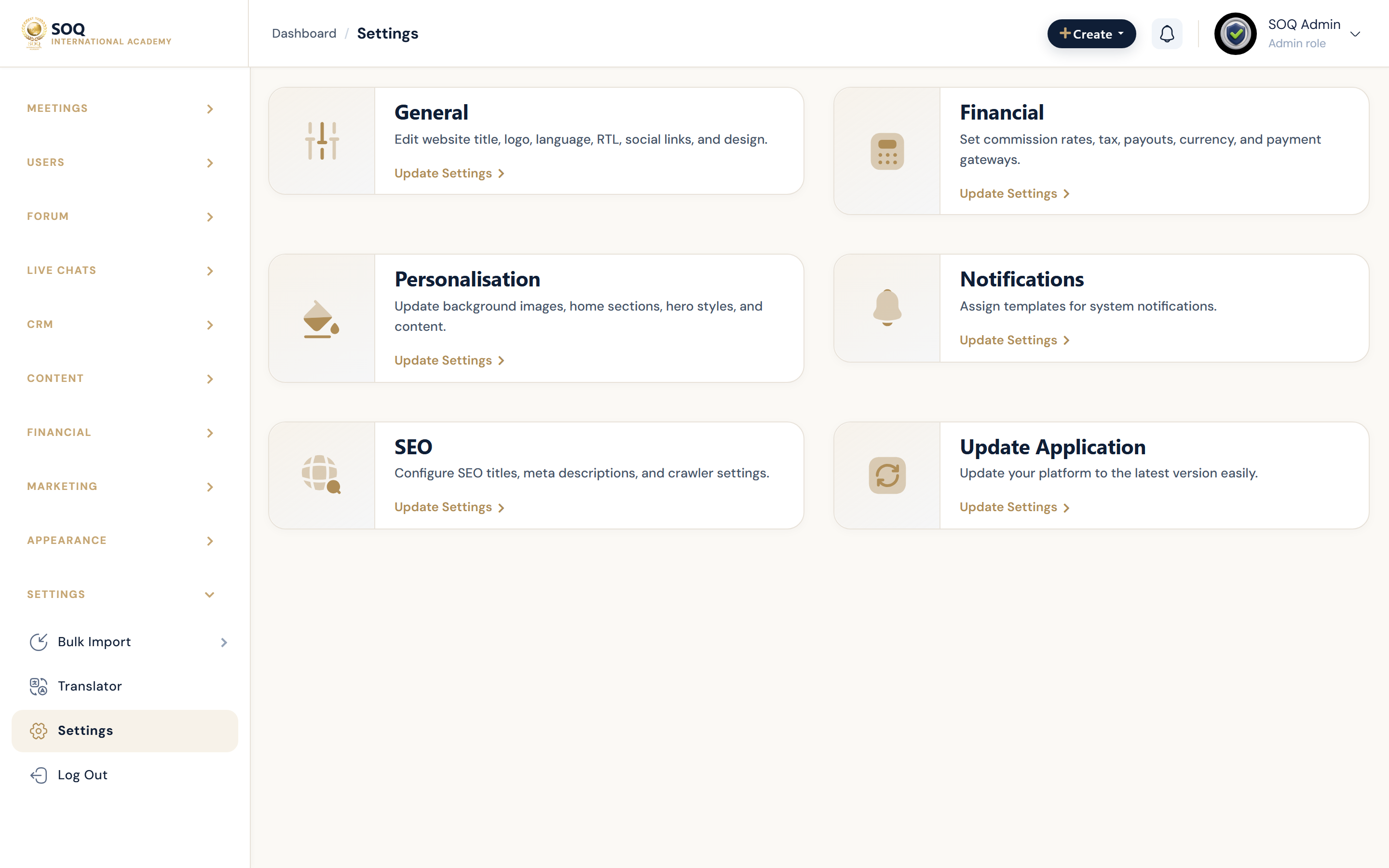
Live screenshot from the SOQ beauty demo (aiacademy.aiee.dev).
Apply platform updates on an existing install without re-running a full fresh install. For first-time setup see Installation.
What this guide covers
Covered here
- Backing up code,
.env, and the database - Deploying a new release to Contabo / XAMPP
- Running
composer installandphp artisan migrate - Clearing caches and re-checking Admin roles / features
- Re-applying Beauty demo data only when you intentionally want it
Not covered here
- Fresh install — Installation
- Feature activation references — see Feature Activation
- Upstream 1.9.x → 2.0.1 intermediate packages — not the SOQ Contabo path
- Which Features to enable — Feature Pack Bundle, Core vs Features