How to Install SOQ International Academy
Standard path (this deploy and new clients): Contabo VPS + Contabo Object Storage, or local XAMPP for editing. Do not import
demo-db.sql / empty-db.sql — those files are not part of this build. Use migrate + seed (and optional Beauty pack) instead.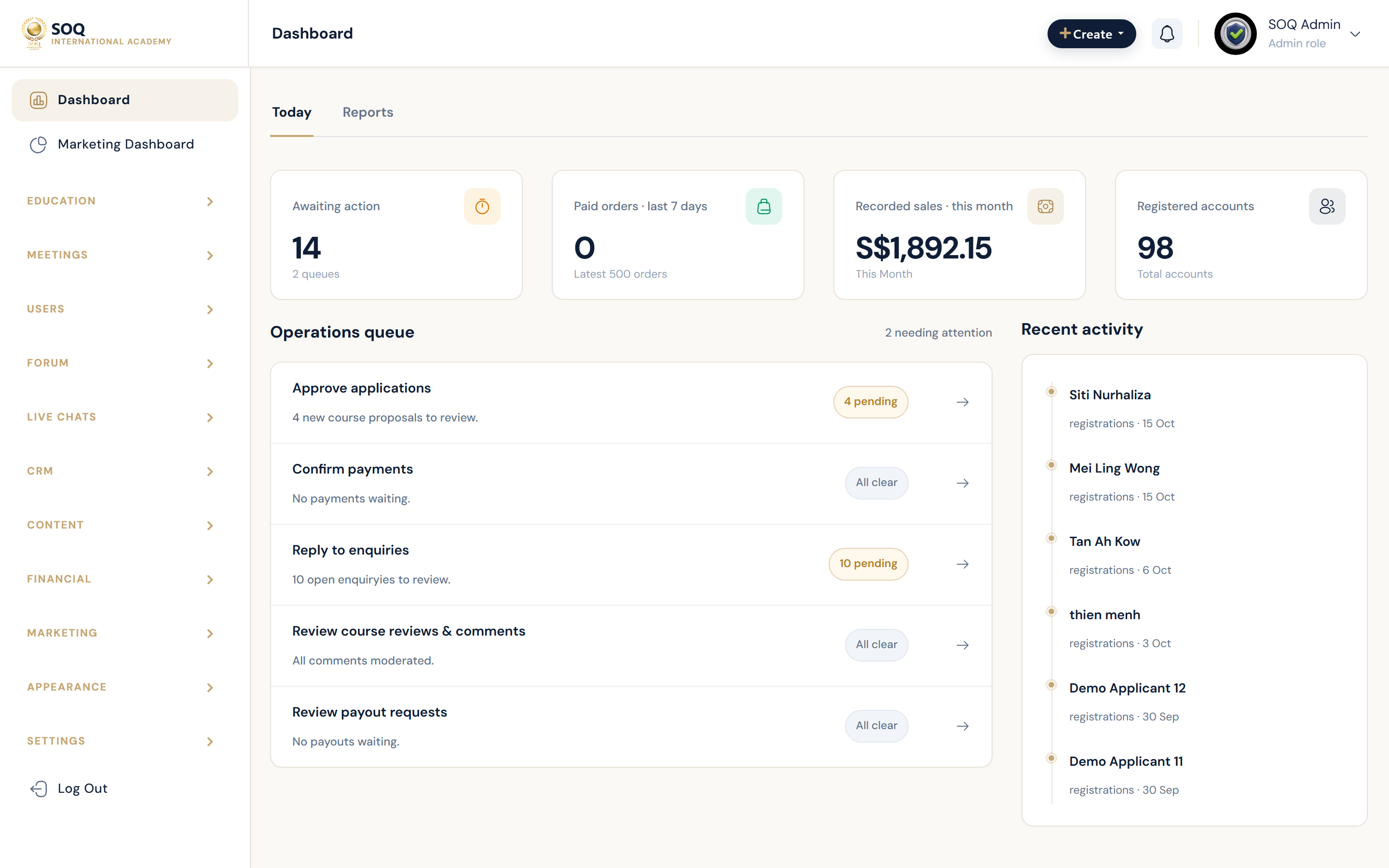
Live screenshot from the SOQ beauty demo (aiacademy.aiee.dev).
Install SOQ TMS so document root points at Laravel public/, then create the schema with Artisan. Optional pitch content comes from Beauty Demo Pack.
Before you start
- Read Requirements, Tech Stack, and Preparing.
- Hosting standard: Contabo VPS (app + DB) — see Hosting. Media: Contabo Object Storage via Admin Features or
MINIO_*(Object Storage). - Admin Features / Settings control optional platform features for this deployment.
- PHP 8.1+ (8.2 recommended), Composer, MySQL 8 / MariaDB, Node/npm for asset builds when needed.
1. Place the application
- Production (Contabo): Deploy the app under e.g.
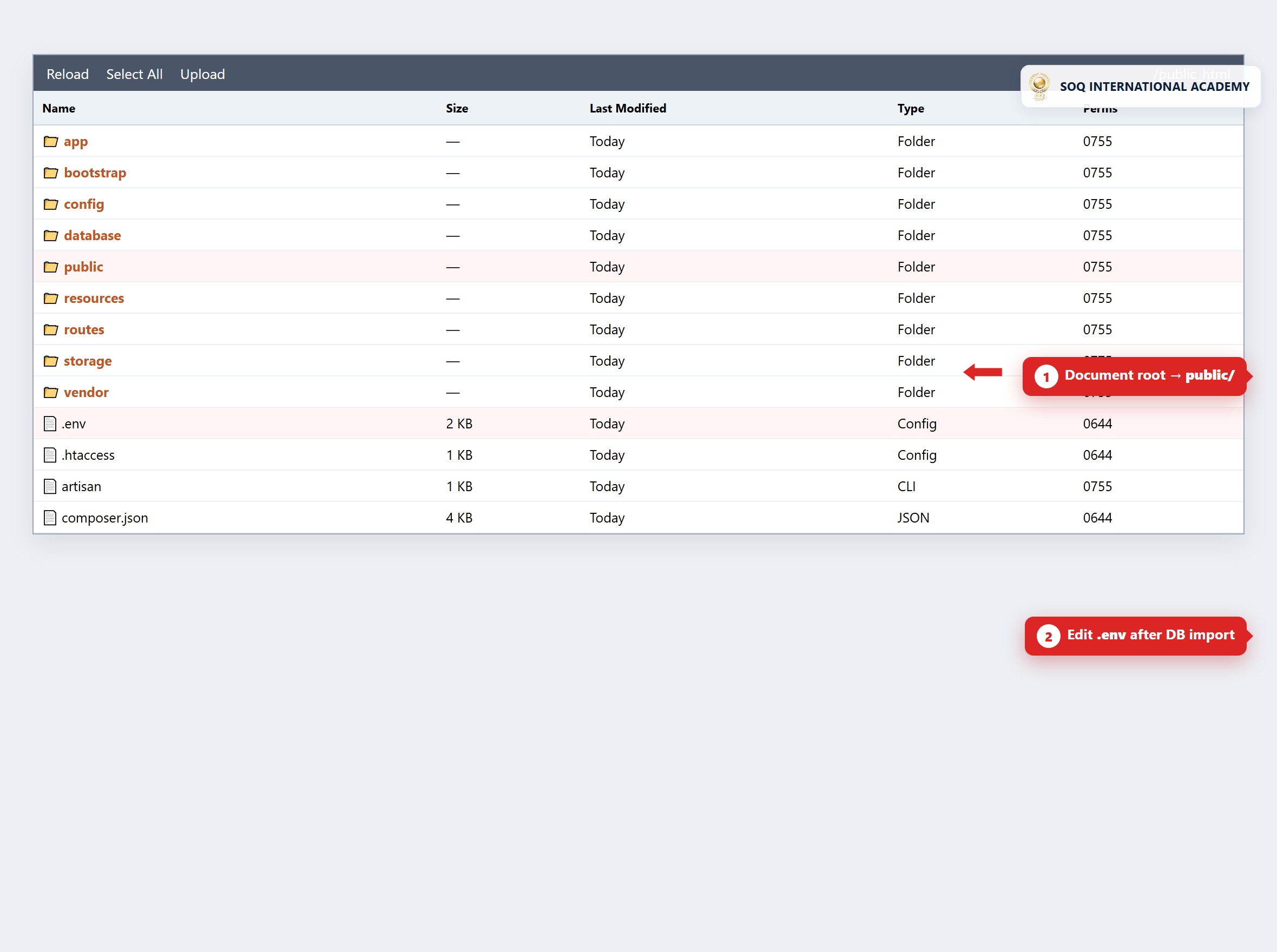
/var/www/aiacademy.aiee.dev. Point Nginx/Apache document root at…/public. - Local (XAMPP): Copy the app to
C:\xampp\htdocs\aiacademy.aiee.dev(or your chosen alias) with the samepublic/document root rule. - Ensure
storage/andbootstrap/cache/are writable by the web / PHP-FPM user.
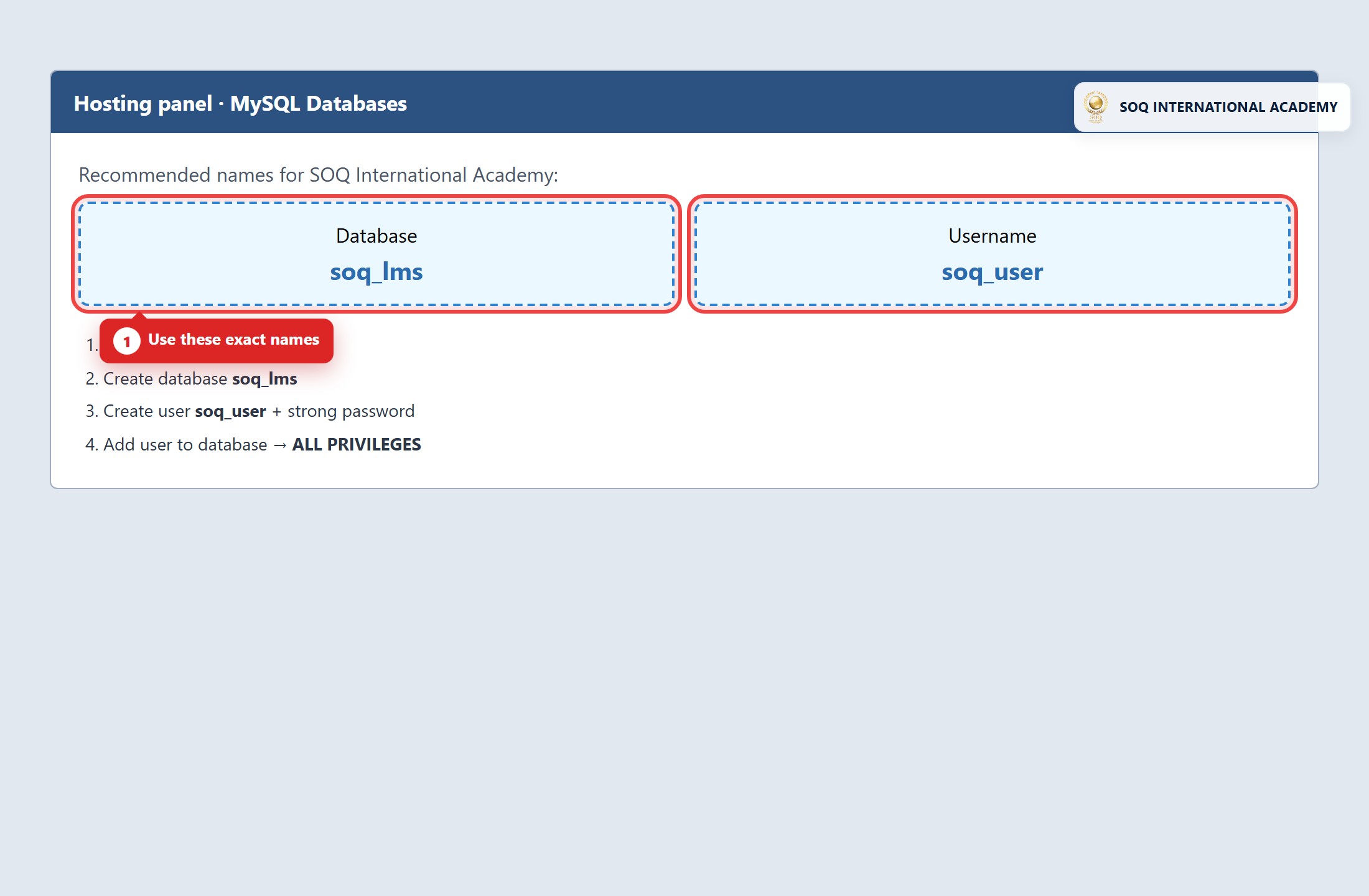
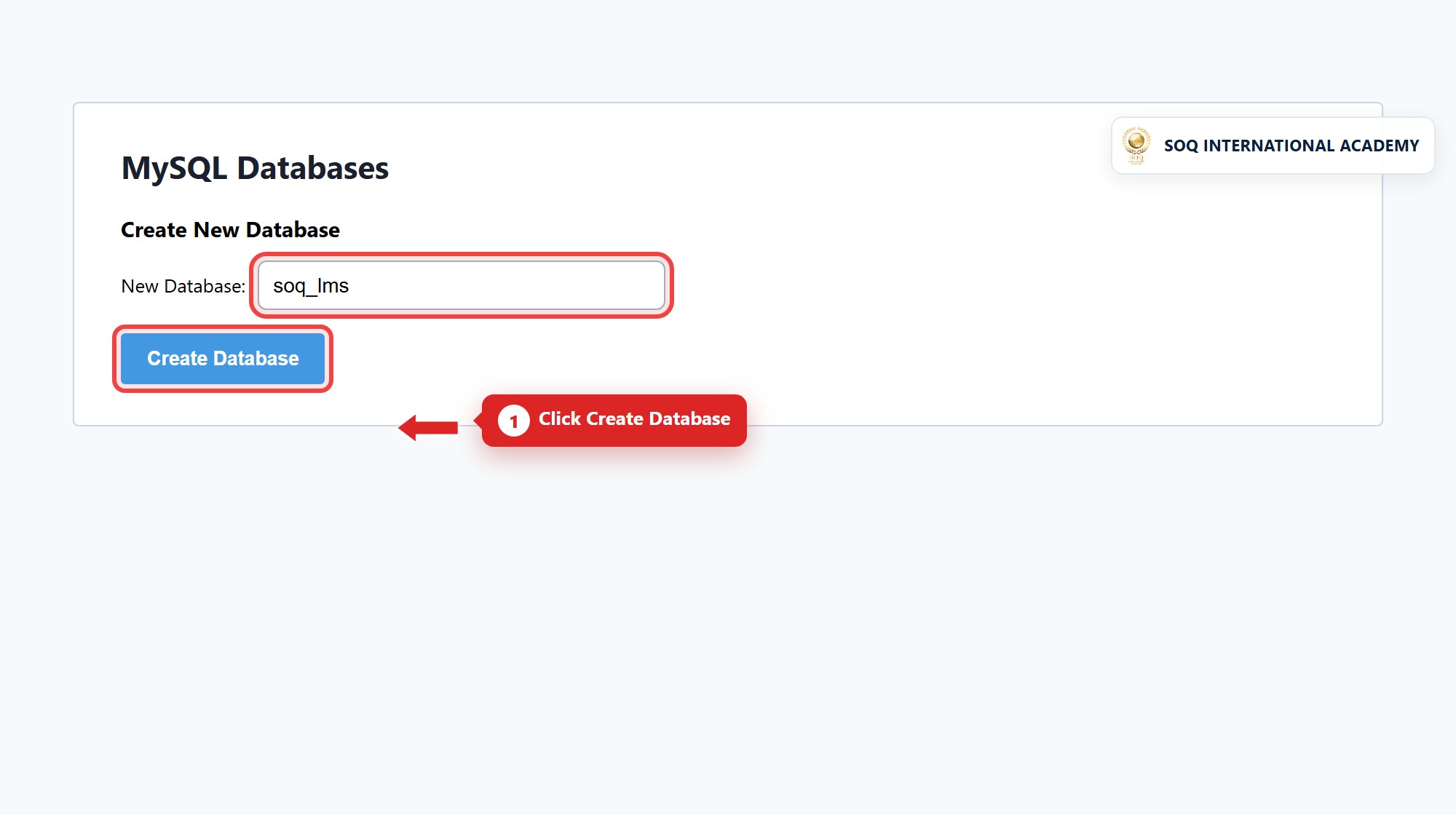
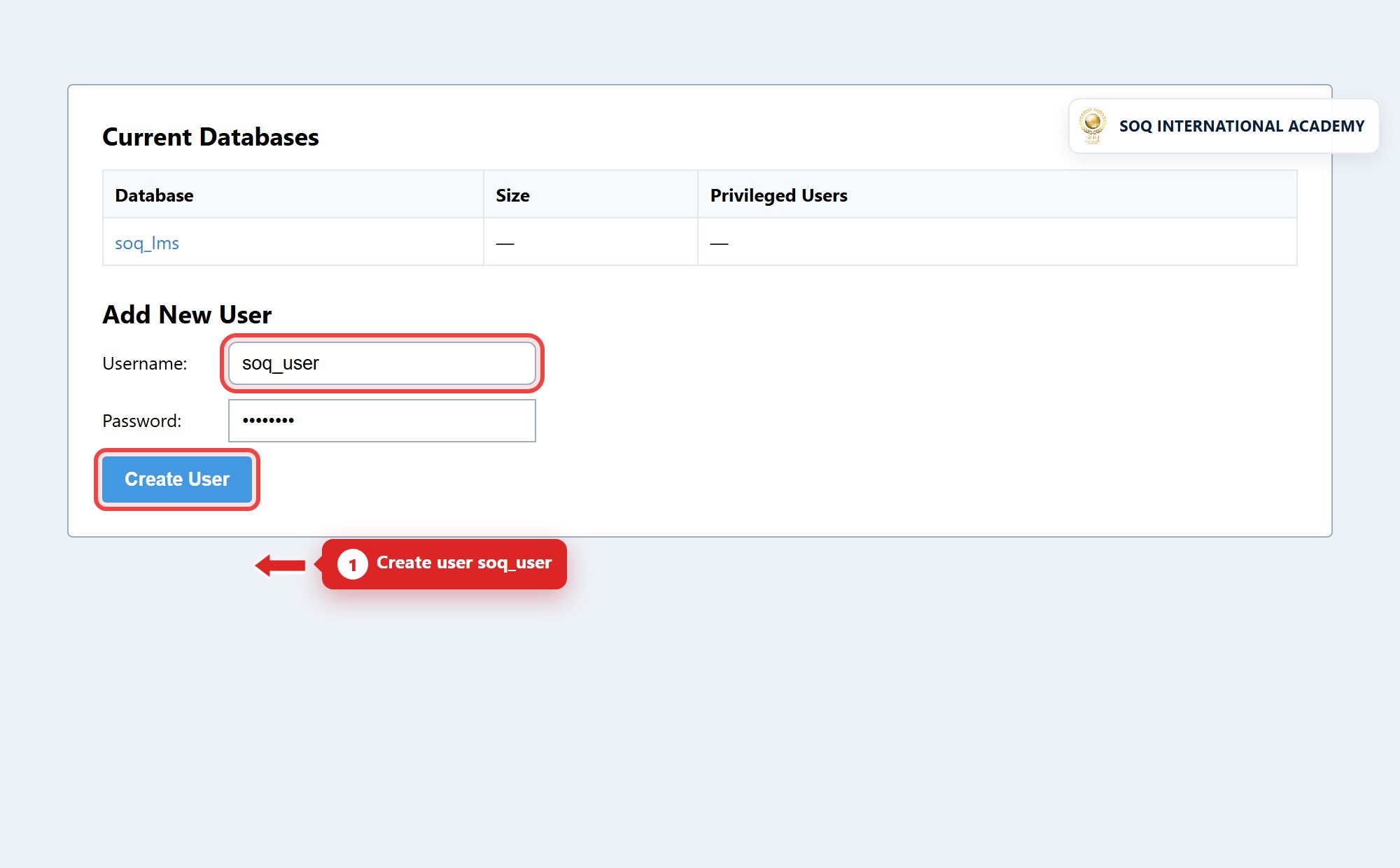
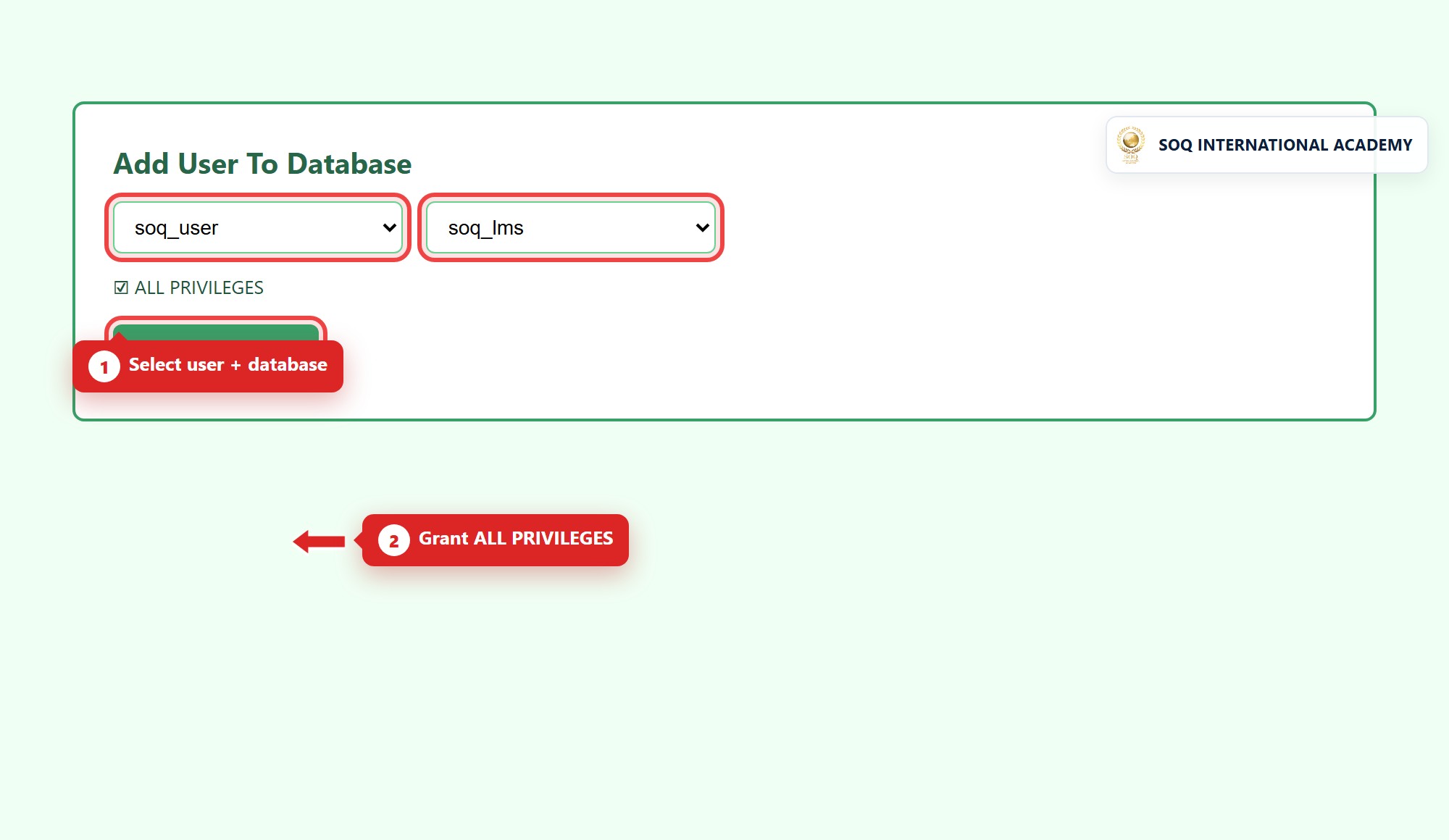
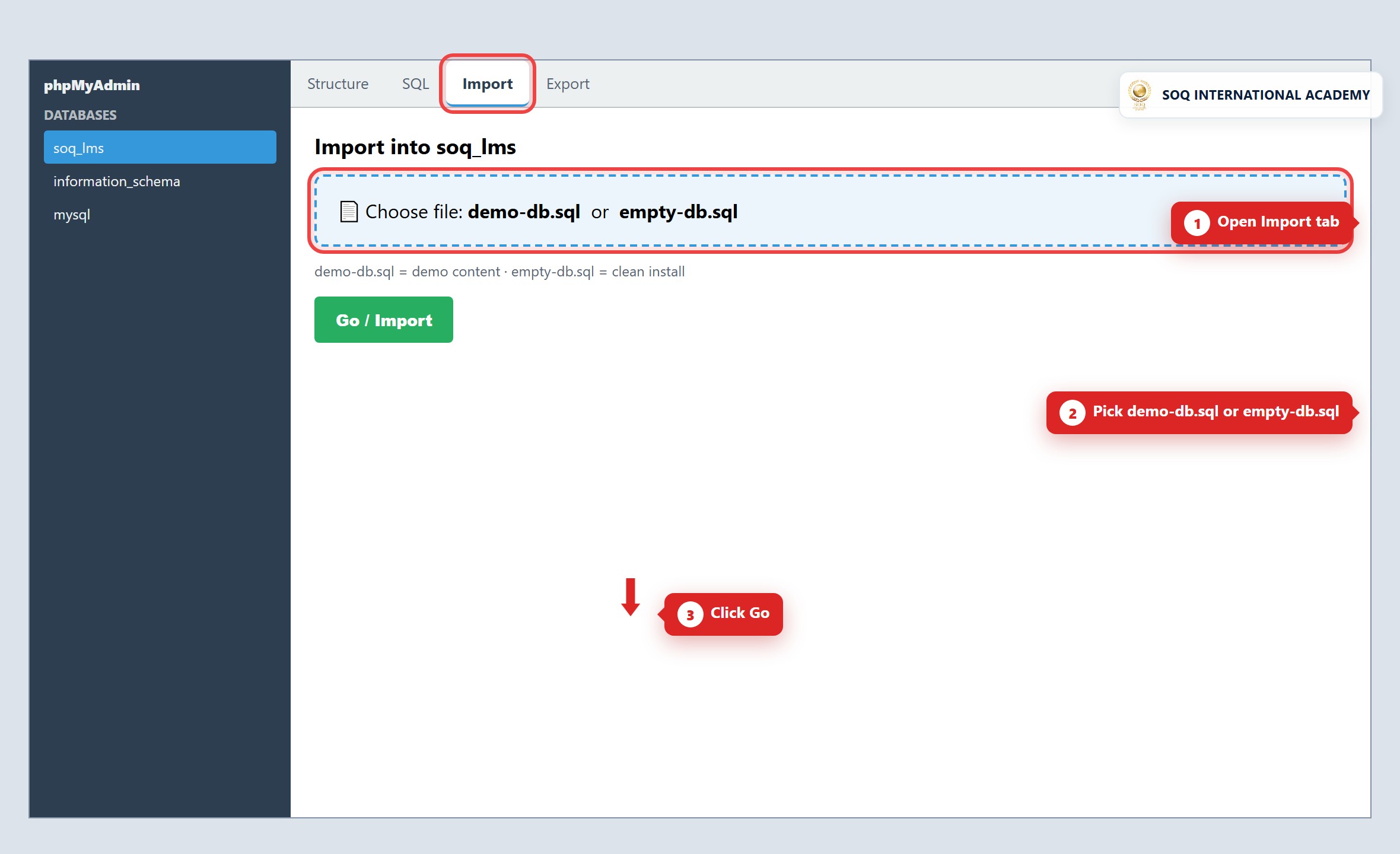
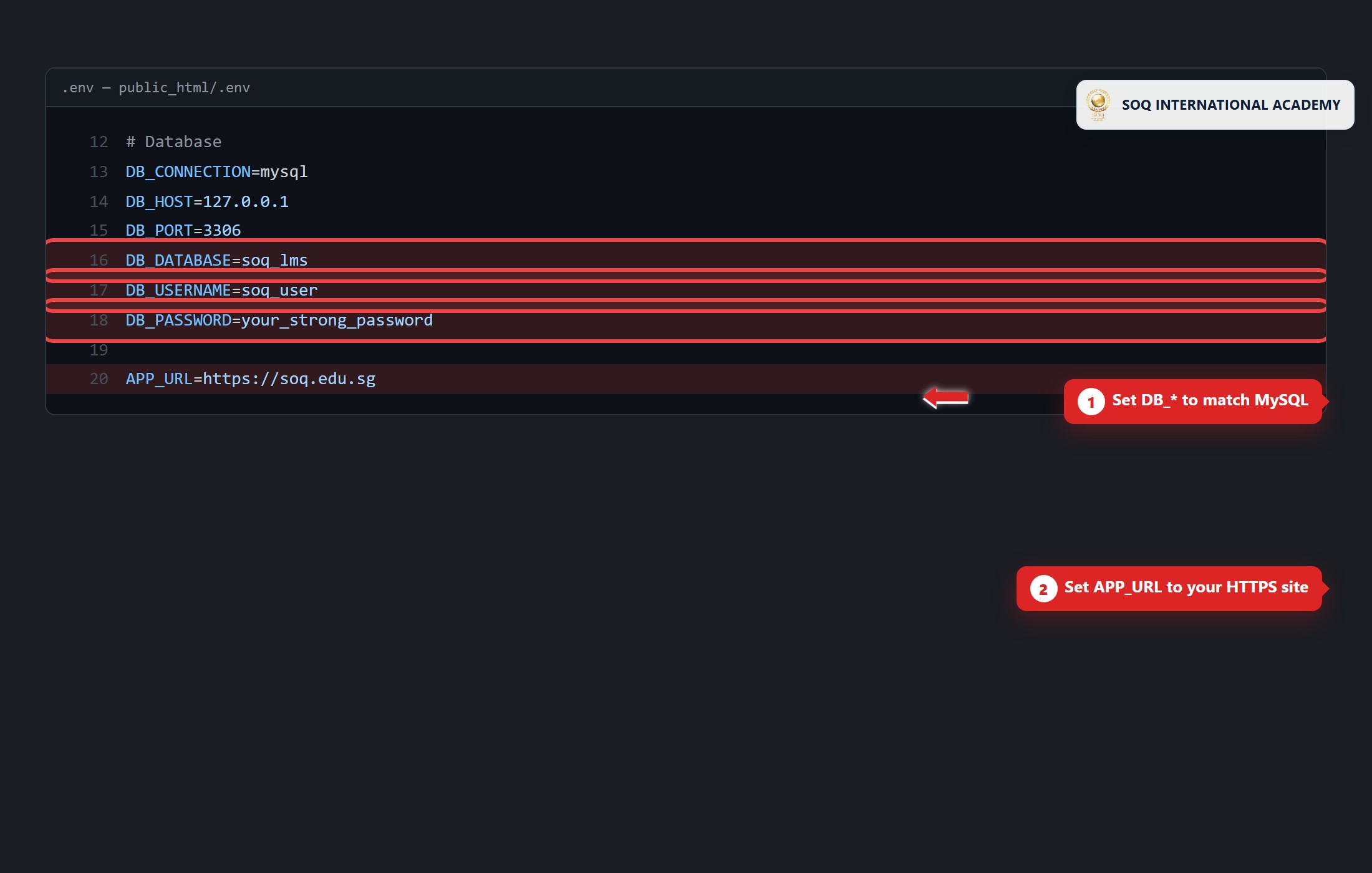
Legacy cPanel public_html screenshots (install_*.jpg) below are historical only — do not follow them for SQL import or soq_lms naming.
2. Create the database
- Create an empty MySQL database and user (example production DB name:
aiacademy— use your client naming; avoid legacysoq_lms). - Grant the user full rights on that database only.
- Copy
.env.exampleto.env(if needed) and set at least:APP_URL=https://your-domain.example DB_DATABASE=aiacademy DB_USERNAME=… DB_PASSWORD=… - Run
php artisan key:generateifAPP_KEYis empty.
3. Install dependencies and schema
From the Laravel app root (the folder that contains artisan):
composer install
php artisan migrate
php artisan db:seed
composer install+ migrate/seed is the baseline. Demo packs are not part of Composer install.- Optional beauty pitch data (handover / staging):
php artisan demo:seed beauty
php artisan demo:status
Beauty only — do not seed a Property (or other vertical) pack into this install. Details: Beauty Demo Pack, Desktop docs/engineering/product/demo-seed.md, app demo/README.md.
4. Post-install checks
- Open the site URL and Admin at
/admin(or your configured admin path). Demo admin after beauty seed:admin@soq.edu.sg/Demo@1234— see Demo Accounts. - Configure SMTP (SMTP) before relying on password reset or purchase mail.
- Wire Contabo Object Storage (
MINIO_*or Admin Features) for production media. - Keep
DEMO_ONE_CLICK_LOGIN=false(or unset) on customer production.
Help
Installation support: soq.edu.sg. For operator updates after go-live, see How to Update (deploy + migrate flow).
Historical shared-hosting screenshots (do not use for this build)