
SMTP Configuration
Technical operators configure outbound mail so registration, receipts, and notifications deliver. Readable Source does not provide an Admin SMTP form; use environment mail settings (MAIL_*).
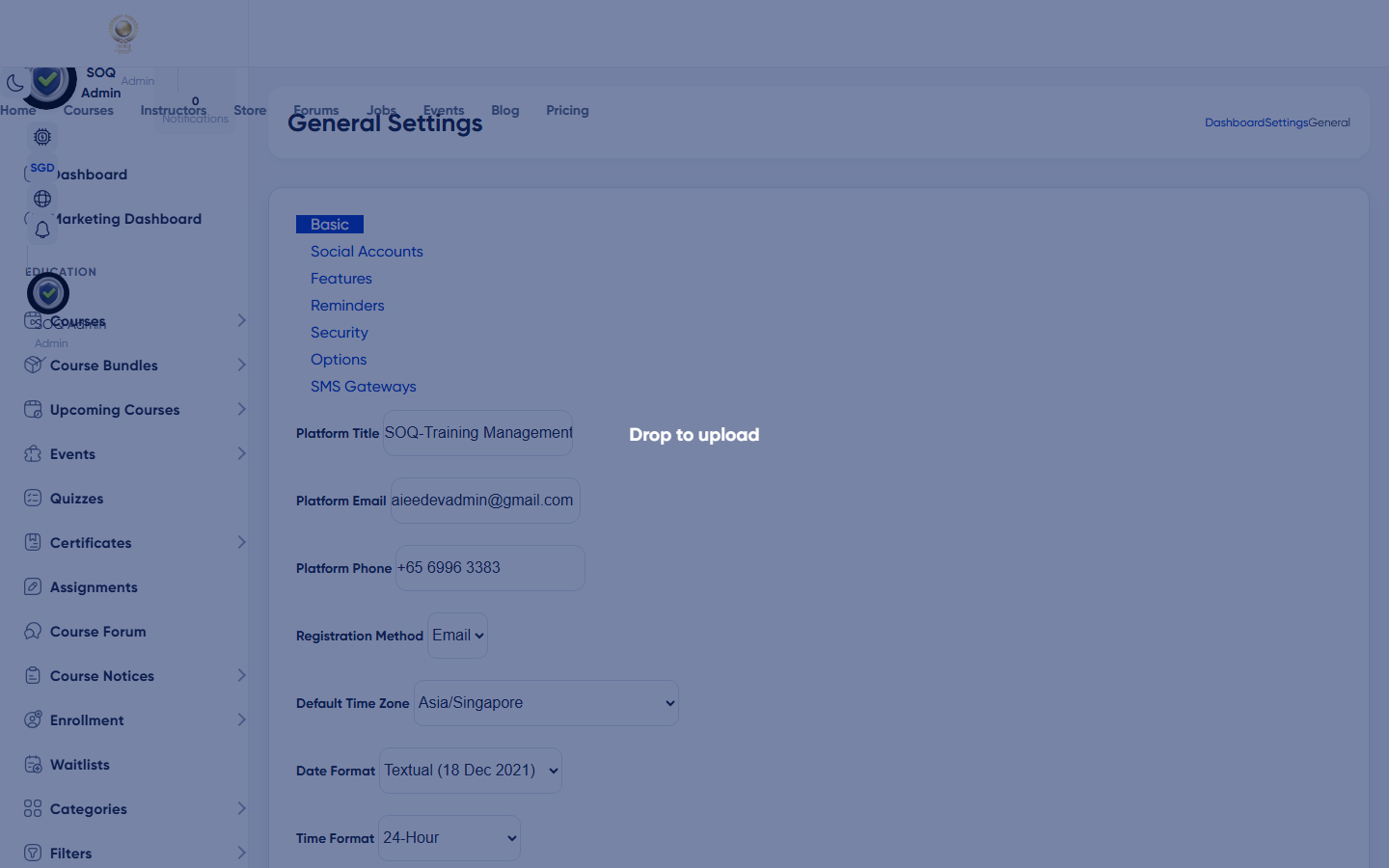
Live screenshot from the SOQ beauty demo (aiacademy.aiee.dev). Controls in the image are not clickable.
Surfaces, roles and current terminology
| Surface | Current navigation terminology | Status |
|---|---|---|
| Mail environment | .env MAIL_MAILER, HOST, PORT, USERNAME, PASSWORD, ENCRYPTION, FROM | Env — no Admin form in readable code |
| Mail config | config/mail.php | Core |
| Notification templates | Admin notification / newsletter flows that send mail | Core; delivery depends on SMTP |
| Support escalations | soq.edu.sg when provider blocks outbound mail | Operational |
Permissions, settings and activation
- Hosting firewall must allow the chosen SMTP port.
- From-address domain should pass SPF/DKIM at the DNS provider.
- Admin notification UI success does not prove external SMTP delivery.
Core workflows
Configure SMTP
- Set MAIL_* values for your provider in the application environment.
- Clear config cache / restart workers so Laravel picks up mail settings.
- Trigger a safe test (password reset or notification) to a mailbox you control.
- Confirm the message arrives and From/Reply-To look correct.
Diagnose non-delivery
- Check failed jobs and mail logs on the host.
- Verify credentials and TLS mode with the provider.
- Send a provider-side test outside the app to isolate DNS/reputation issues.
Harden production mail
- Use an authenticated transactional provider rather than open PHP mail where possible.
- Store secrets only in environment, not in documentation pages.
- Rotate SMTP passwords after staff changes.
Result states
- Success: Transactional messages leave the queue and arrive in the recipient inbox/spam folder predictably.
- Pending: Provider account unverified or DNS authentication still propagating.
- Denied: Operator lacks server access; Status remains env-only.
- Error: Auth failures, TLS errors, or silent queue failures; fix MAIL_* and requeue after correction.
Operational notes
- Status: older docs that show Admin ? Configuration ? SMTP do not match readable Blade settings; configure mail via environment.