
Debugger
Technical operators enable temporary diagnostics for SOQ International Academy. Readable Source does not expose a dedicated Admin Debugger settings page; runtime debug follows environment configuration (for example APP_DEBUG).
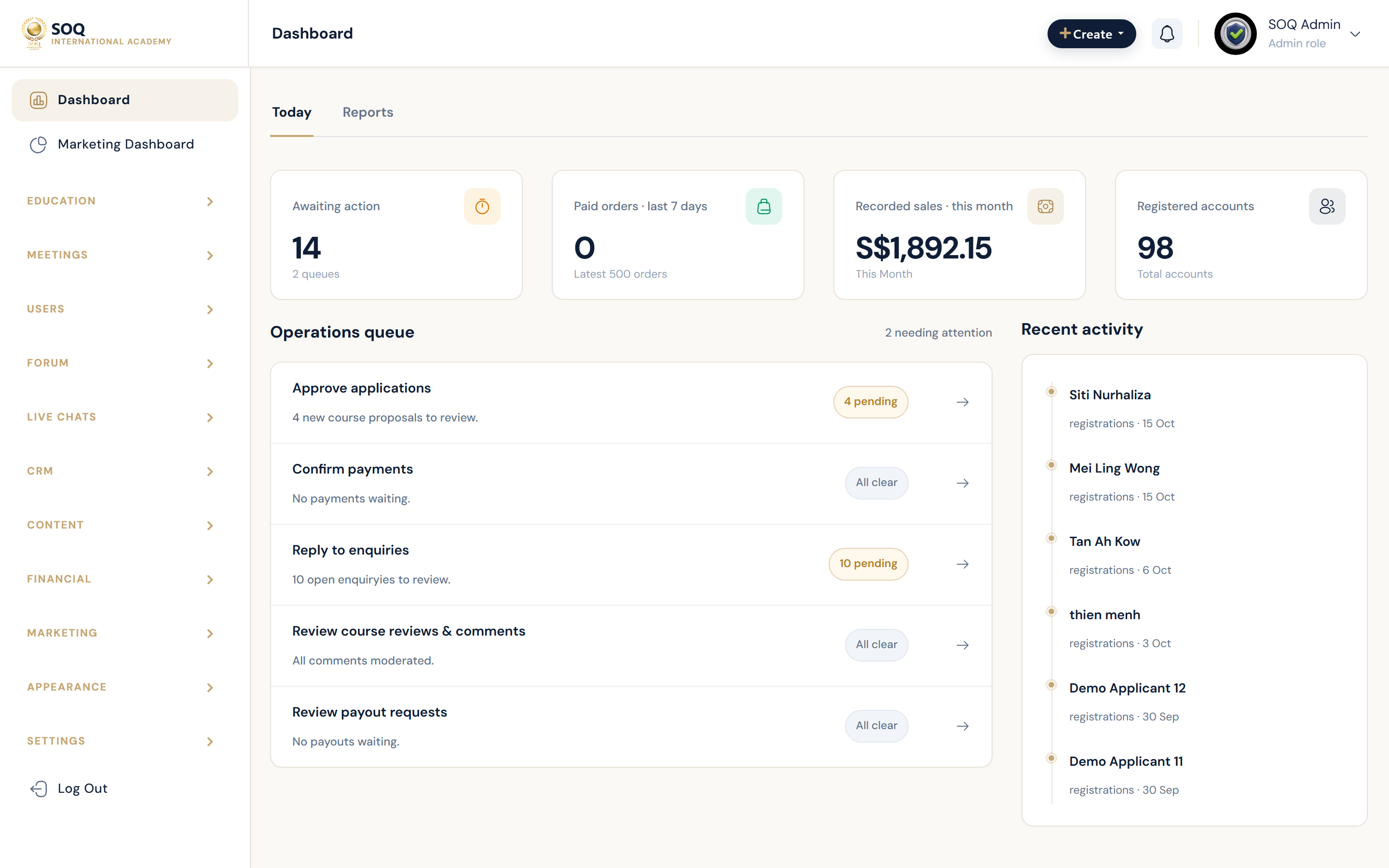
Live screenshot from the SOQ beauty demo (aiacademy.aiee.dev).
Surfaces, roles and current terminology
| Surface | Current navigation terminology | Status |
|---|---|---|
| Environment debug flag | .env ? APP_DEBUG (and related app env) | Server / env — no Admin form in readable code |
| Exception handling | Application exception handler respects env debug | Core |
| Admin troubleshooting | Configured Admin URL + server logs | Operational |
| Docs reference | This Debugger guide | Docs; do not invent a missing Admin menu |
Permissions, settings and activation
- Only infrastructure or lead admins should enable verbose debug on non-production first.
- Never leave APP_DEBUG enabled on a public production site.
- Feature stubs (Feature not activated) are not fixed by enabling debug.
Core workflows
Enable diagnostics safely
- Reproduce the failure and note the exact URL and timestamp.
- On a staging copy, set APP_DEBUG appropriately in the environment and reload the failing request.
- Capture the exception message and stack without publishing it to end users.
- Turn debug off again before returning the environment to general use.
Investigate without public debug
- Keep APP_DEBUG false on production.
- Read PHP/web server and Laravel log files from the host.
- Correlate with Maintenance status, recent Update, and activation status rows.
- Escalate to soq.edu.sg with sanitized log excerpts if the fault is product-side.
Close out after a fix
- Confirm APP_DEBUG is false in production.
- Clear caches if configuration was changed.
- Retest the original Admin or public flow as a normal user role.
Result states
- Success: Root cause identified, debug disabled on production, and the user-facing flow works.
- Pending: Issue reproduced only intermittently or waiting on hosting log access.
- Denied: Operator lacks server/.env access; Admin UI alone cannot toggle this in current Source.
- Error: Debug left enabled in production or logs reveal secrets; rotate credentials and disable debug immediately.
Operational notes
- Status: no dedicated Admin ? Configuration ? Debugger screen was found in readable Blade/PHP; treat older screenshots as outdated.