
Maintenance Mode
Administrators take the public site offline from Settings while applying updates. Toggle lives under General ? Features; visitor-facing copy lives under Personalization ? maintenance settings.
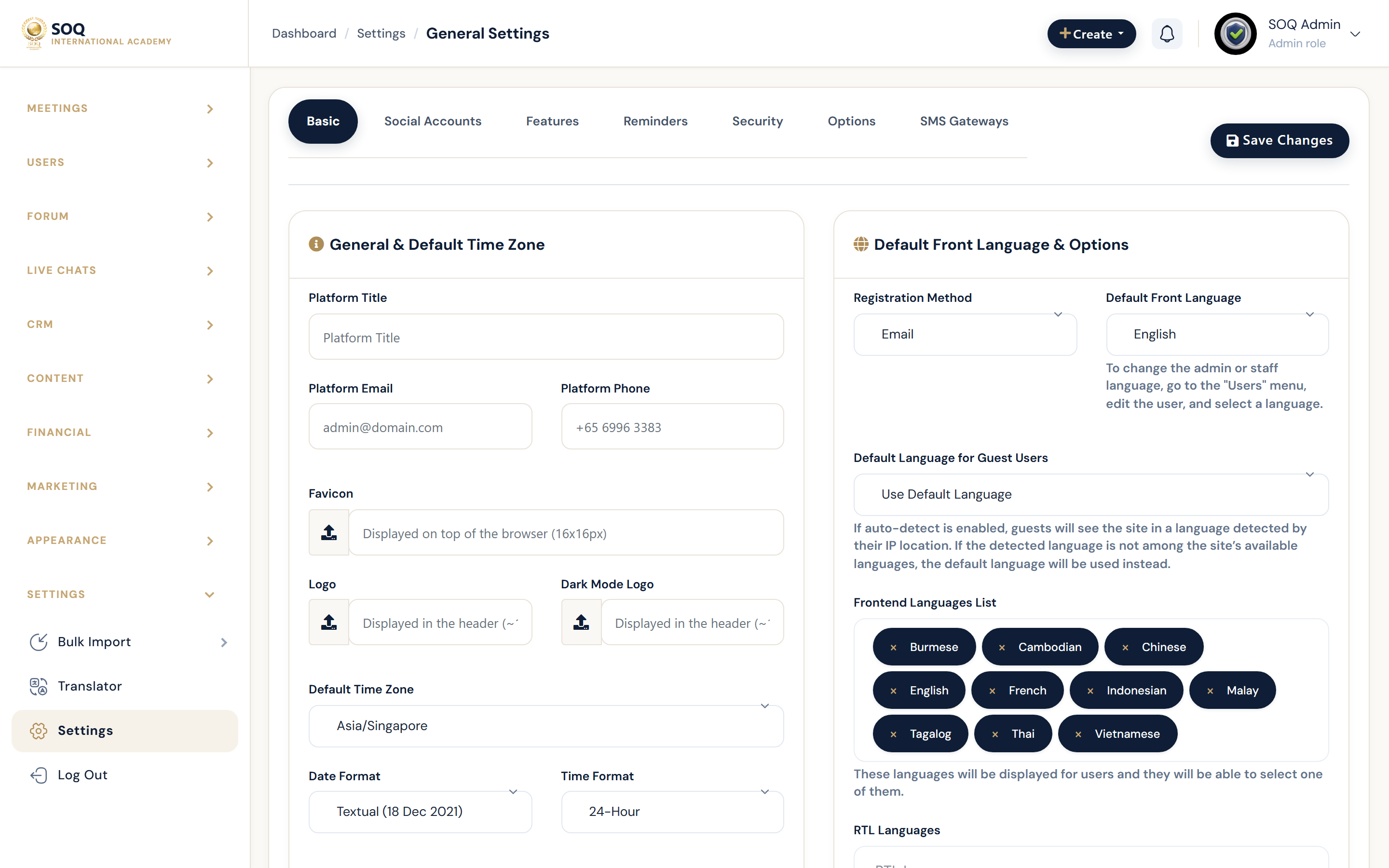
Live screenshot from the SOQ beauty demo (aiacademy.aiee.dev). Controls in the image are not clickable.
Surfaces, roles and current terminology
| Surface | Current navigation terminology | Status |
|---|---|---|
| Maintenance toggle | Settings ? General ? Features ? maintenance status | Core |
| Access key | Features ? maintenance access key | Core |
| Public maintenance page | Personalization ? maintenance_settings | Core |
| Public route | /maintenance (CheckMaintenance middleware) | Core |
| Bypass | Access key query parameter when configured | Core |
Permissions, settings and activation
- Requires General Features and/or Personalization settings permissions.
- Admins should retain the access key before enabling maintenance on production.
- Payment and cron jobs may still need separate coordination during long windows.
Core workflows
Enable maintenance for an update
- Open Settings ? Personalization ? maintenance settings and set title, description, imagery, and optional end date.
- Open Settings ? General ? Features, set an access key, then enable maintenance status.
- Verify anonymous visitors reach /maintenance while staff can bypass with the key when required.
- Perform the Update or migration work.
Exit maintenance
- Disable maintenance status under Features.
- Load the public homepage without the access key and confirm normal navigation.
- Smoke-test login, catalog, and checkout if financial settings changed.
Recover if locked out
- Use the maintenance access key URL pattern documented in Features hints, or disable the flag via database/settings with hosting access.
- Confirm CheckMaintenance no longer redirects the homepage.
- Rotate the access key after recovery.
Result states
- Success: Public visitors see the maintenance page while authorized operators can still complete the change window, then the site returns normally.
- Pending: Maintenance enabled but update tasks still running.
- Denied: Staff lack Features/Personalization permission, or bypass key is wrong.
- Error: Toggle saved but CDN/cache still serves the live site, or bypass fails; purge cache and recheck middleware.