
Personalization
Administrators customize Panel sidebar, cookies, mobile app prompts, maintenance page content, restrictions, guarantee text, dashboard data, review information, and other personalization tabs under Settings ? Personalization.
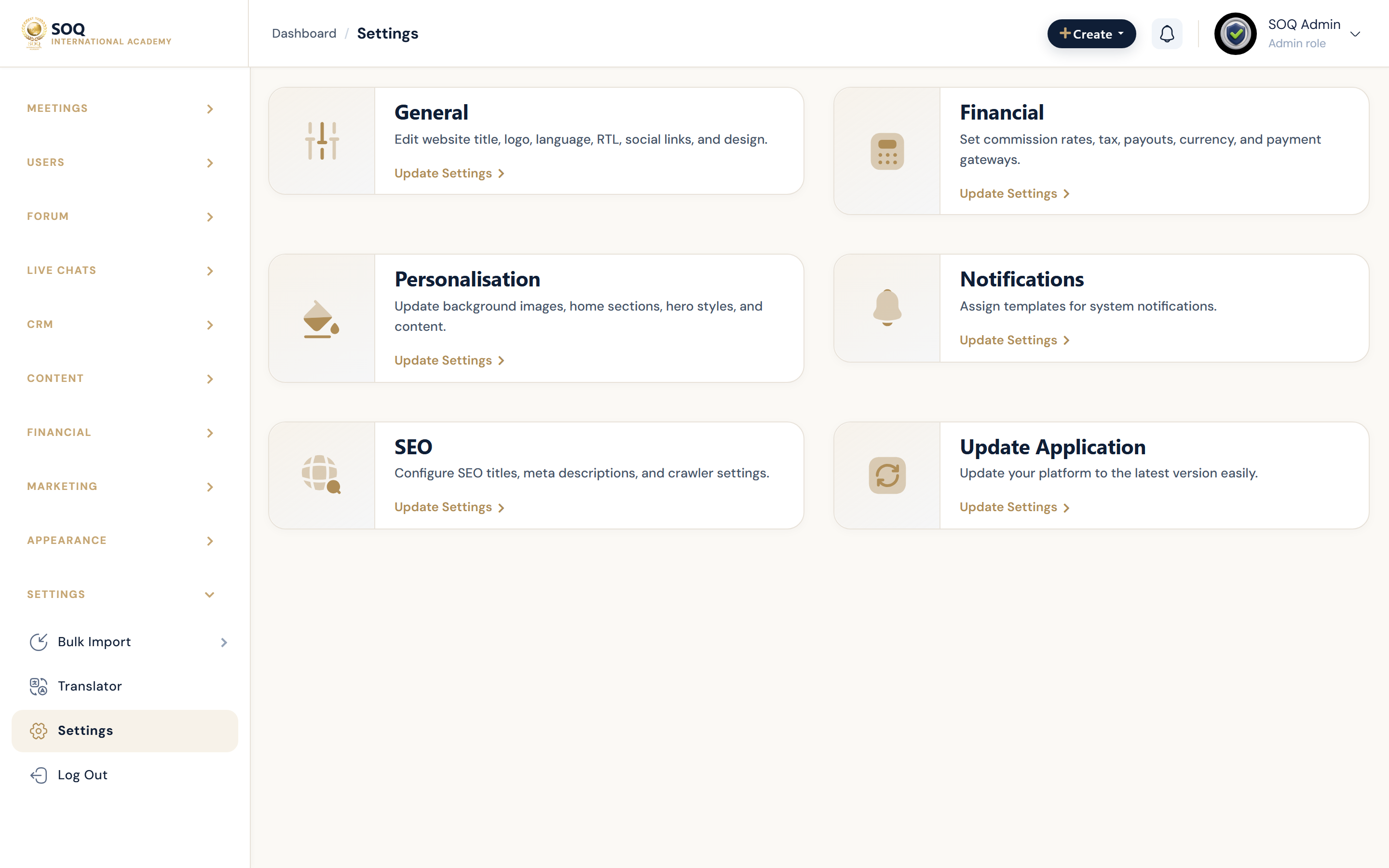
Live screenshot from the SOQ beauty demo (aiacademy.aiee.dev).
Surfaces, roles and current terminology
| Surface | Current navigation terminology | Status |
|---|---|---|
| Personalization hub entry | Settings hub ? Personalization card | Core |
| Panel sidebar | settings/personalization/panel_sidebar | Core |
| Cookie / mobile / maintenance | cookie_settings, mobile_app, maintenance_settings tabs | Core |
| Restrictions and guarantee | restriction_settings, guaranty_text | Core |
| Dashboard and review copy | user_dashboard_data, content_review_information, others_personalization | Core |
Permissions, settings and activation
- Requires admin_settings_personalization (or equivalent) permission.
- Maintenance page content here is separate from the Features maintenance toggle.
- Mobile app personalization does not replace Mobile App feature activation.
Core workflows
Update Panel sidebar personalization
- Open Settings ? Personalization ? panel_sidebar from the Settings hub.
- Adjust sidebar-related options exposed on that tab.
- Save and review Panel as a student and instructor role.
Prepare maintenance page content
- Open maintenance_settings and set title, image, description, button, and end date fields.
- Save, then enable maintenance from General ? Features when ready.
- Verify /maintenance rendering for anonymous users.
Tune trust and cookie messaging
- Review guaranty_text, cookie_settings, and others_personalization tabs.
- Align copy with SOQ International Academy branding and local policy needs.
- Publish and confirm public pages show the updated badges/messages.
Result states
- Success: Personalization tab values save and appear on the intended Panel or public surfaces.
- Pending: Content drafted but maintenance or mobile activation still inactive.
- Denied: Missing Personalization settings permission.
- Error: Upload/image validation or save failure; keep prior content and fix the field errors.