
Tech Stack
Software, runtime, and dependency map for SOQ International Academy
(Source/). Use this page for environment setup; use
IT Architecture for the end-to-end diagram,
Requirements for the short pre-install checklist, and
Hosting for production capacity sizing.
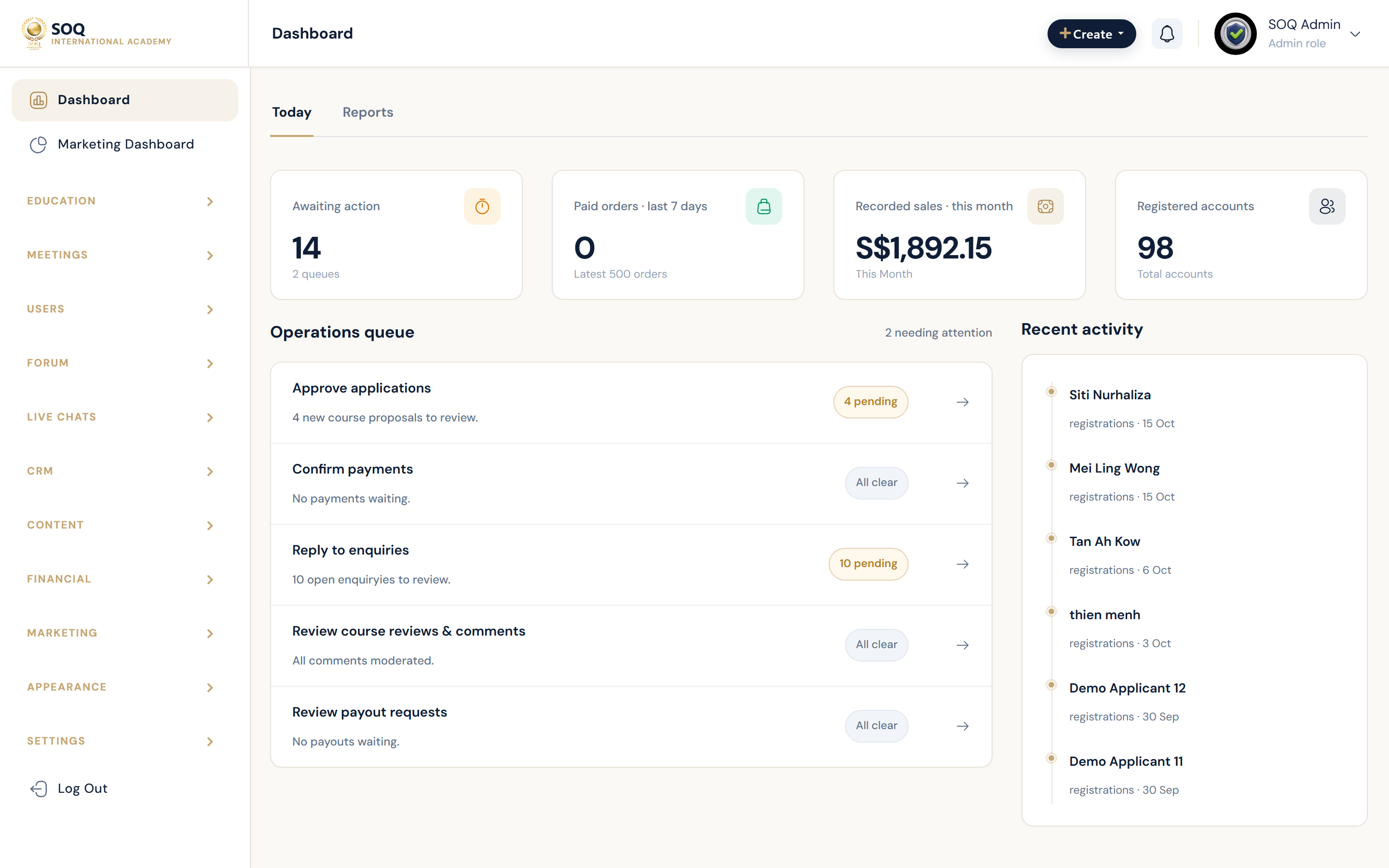
Live screenshot from the SOQ beauty demo (aiacademy.aiee.dev).
Application stack
| Layer | Technology | Notes |
|---|---|---|
| Application | Laravel 9 — PHP ^8.1 (PHP 8.2 recommended) |
Feature-sliced monolith under Source/ |
| Surfaces | Public web — Panel /panel “ Admin (configurable prefix) ” API /api |
Optional features are managed via Admin Features / Settings |
| UI | Blade templates “ design theme assets ” Admin UI | Optional theme / landing builder modules via Admin Features / Settings |
| Front-end build | Node.js + npm — Laravel Mix | Needed only when rebuilding JS/CSS assets (npm run dev / prod) |
| Auth / API | Session auth “ Sanctum ” JWT (mobile/API) | Set APP_KEY and JWT_SECRET in .env |
| Commerce | Payment channel drivers “ accounting ” payouts | Gateway credentials are Admin / .env integrations |
| Live learning | Zoom “ BigBlueButton ” Agora — Jitsi | Provider accounts required; video runs on the provider cloud |
| Content / files | Local storage — optional S3-compatible / MinIO | Prefer object storage or CDN for large video libraries |
Required runtime software
PHP
- Minimum: PHP 8.1 (Composer constraint
^8.1). - Recommended production: PHP 8.2.
- Alignment: Web PHP-FPM/Apache module and CLI PHP (Composer, Artisan, cron, queues) must be the same major.minor line.
PHP extensions (preflight)
- OpenSSL, PDO +
pdo_mysql, Mbstring, Tokenizer, XML, Ctype, JSON, BCmath, Zip, EXIF, Fileinfo, GD - ionCube Loader — not used on this build (plain PHP only)
- Enable the same extensions for both web and CLI PHP
Database
- Minimum: MySQL 5.7+ or MariaDB 10.2+
- Recommended: MySQL 8.0 or MariaDB 10.6+
- Dedicated database + user with rights to create/alter tables during install and updates
Web server
- Apache with
mod_rewrite, or Nginx with front-controller rewrite rules - Document root must point to
Source/public(never the project root) - Production: HTTPS / valid TLS certificate
Related: Short checklist ? Requirements. Capacity sizing ? Hosting.
Developer / ops tooling
| Tool | Required? | Purpose |
|---|---|---|
| Composer | Yes (deploy / local rebuild) | Install PHP packages from composer.json |
| Git | Recommended | Source control for the academy repo |
| Node.js + npm | Only for asset rebuilds | Laravel Mix scripts in Source/package.json |
| Cron / scheduler | Yes in production | Reminders, scheduled jobs — see CronJobs |
| Queue worker | Yes in production | Emails, notifications, background jobs (do not leave production on sync) |
| Redis | Optional (recommended at scale) | Cache / sessions under high concurrency |
| FFmpeg | Optional | Only if local video processing tooling is used on the host |
Laravel runtime defaults
When these keys are omitted from .env, Laravel uses safe local defaults:
CACHE_DRIVER?fileQUEUE_CONNECTION?sync(jobs run inline; fine for local, not ideal for production)SESSION_DRIVER?fileMAIL_MAILER/MAIL_DRIVER? oftenlogin local (no real SMTP until configured)
Production: configure real SMTP, a durable queue driver + worker, HTTPS APP_URL, and consider Redis for cache/sessions.
Local development (typical Windows / XAMPP)
| Component | Expected | Status guidance |
|---|---|---|
| PHP 8.2 + extensions (no ionCube) | Required | Verify with php -v and php -m |
| Composer | Required | composer -V; Source/vendor present after install |
| MariaDB / MySQL | Required | Service listening on DB_HOST:DB_PORT; database name matches DB_DATABASE |
Source/.env |
Required | APP_KEY, DB_*, APP_URL set for local URL |
| Node / npm | Optional | Only if you change Mix/Sass/JS sources |
| Redis / FFmpeg / real SMTP | Optional locally | Not required to browse Admin/Panel with file cache and log mail |
- Start Apache + MySQL (or equivalent) and confirm the academy database exists.
- From
Source/, confirmphp artisan --versionworks. - Serve via the web root at
public/orphp artisan servefor quick local checks. - Keep
DEMO_ONE_CLICK_LOGINand seeded demo accounts out of customer production.
Production software checklist
- Ubuntu Server LTS (recommended) with PHP 8.2 and required extensions (no ionCube).
- MySQL 8.0 / MariaDB 10.6+ with dedicated credentials.
- Nginx or Apache ?
public/, HTTPS, writablestorage/andbootstrap/cache/. - Composer install (production flags as appropriate), then Artisan migrate/seed as your runbook requires.
- Cron for the scheduler / cron HTTP endpoints; long-running queue worker under process supervision.
- SMTP, payment, live-class, and storage credentials — see Access (Account, Login, Gmail).
- Optional: Redis, object storage/CDN, monitoring — see Hosting.
Baseline capacity (one node): about 6 CPU cores, 32 GB RAM, 240 GB NVMe, =250 Mbit/s — details on the Hosting page. Shared hosting is not recommended for that profile.
Still optional after core install
- Real SMTP (replace
logmailer) for signup, reset, and notifications - Payment gateway keys for paid checkout
- Zoom / other live-class API credentials
- S3 / MinIO / CDN for media
- Redis when concurrency grows
- Optional modules that show Feature not activated until enabled in Admin Features / Settings