
IT Architecture
https://aiacademy.aiee.dev. Wire Object Storage via Admin Features or MINIO_*. See Hosting, Object Storage, Beauty Demo Pack.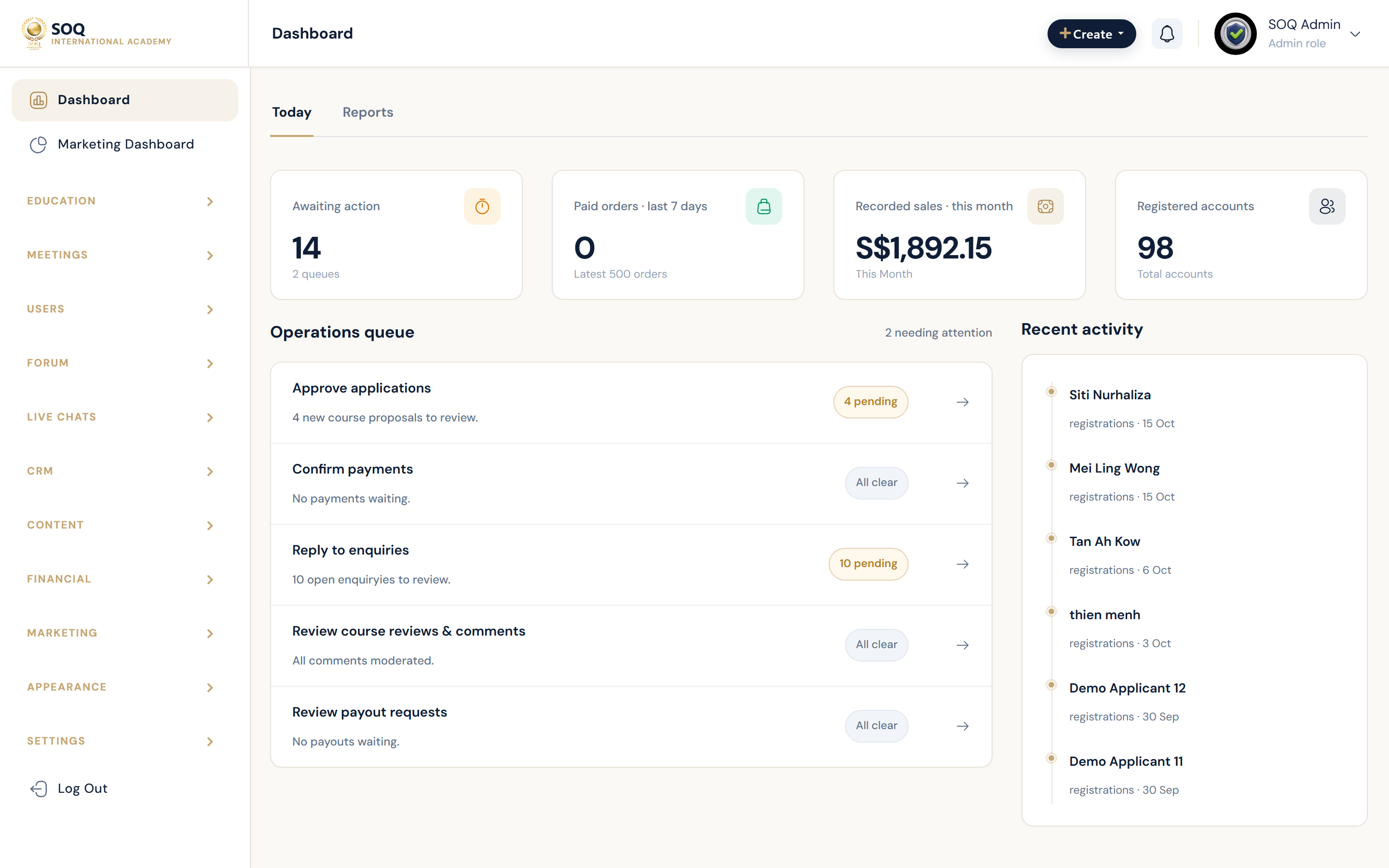
Live screenshot from the SOQ beauty demo (aiacademy.aiee.dev).
A plain-language map of how SOQ International Academy (soq.edu.sg) fits together — for operators, partners, and business readers. No deep server setup here; that lives under Tech Stack and Hosting.
The four architectures (how the business runs)
Everything on the platform is one of these four. Read left to right: Core is always there; Modules add power; Organizations join SOQ; Resale is when a customer runs their own academy site.
In one sentence each
| Architecture | Business meaning | Who cares |
|---|---|---|
| Core | The academy that always works: find courses, learn, pay, teach, administer. | Everyone |
| Modules | Extra capabilities (quizzes pack, store, mobile, AI, Singapore tools — ) turned on with a SOQ activation. | Admins “ product ” partners |
| Organizations | Companies or training partners run on SOQ's website with their own people and package — they do not install a separate system. | Org owners — SOQ ops |
| Resale | A customer buys their own academy on their domain; SOQ provisions Core + chosen modules based on rollout scope. | SOQ sales — Mode B customers |
Who uses what (same platform)
Four main audiences. Each opens a different door into the same SOQ system.
Simple system picture (what the IT looks like)
High level only — enough for a business walkthrough. Engineers use Tech Stack and Hosting for versions and sizing.
Modules in business language
| Pack | What it gives you | Guide |
|---|---|---|
| Modules Bundle | 59 extras (quizzes, store, forums, meetings, org tools, and more) | Module Bundle |
| Theme Builder | Landing pages and themes | Themes & Landing |
| Mobile App | Mobile app / API access | Mobile API |
| AI Contents | AI-assisted content drafting | AI Content |
| Singapore & regulatory | 9 deferred PEI / grants / identity / finance Core features | Singapore & Regulatory |
Full inventory by audience: Core vs Modules. Activation guide: Feature Activation.
Do we still need anything else on this page?
For an end-user / business guide — this page is complete when it covers the four architectures, who uses the system, a simple system picture, and where modules fit. That is what you have above.
| Topic | On this page? | Where it lives instead |
|---|---|---|
| Core “ Modules ” Organizations — Resale | Yes — lead diagram | — |
| Who uses Public / Panel / Admin | Yes | Also sidebar audiences |
| Module packs (59 + Theme/Mobile/AI + SG) | Yes — summary | Detail: Core vs Modules / Module Bundle / SG hub |
| Simple website ? platform ? data ? partners | Yes | — |
| PHP, Redis, cron, CPU sizing | No (by design) | Tech Stack — Hosting |
| How to enter SMTP / Zoom / payment keys | No (by design) | Access guide |
| Super Admin entitlement app (Mode B keys) | Mentioned as Resale flow only | Internal entitlement docs — not needed for most operators |
| Step-by-step install / update | No | Installation — How to Update |
Verdict: Nothing else is required on this page for a non-technical architecture overview. Add a new page only if you want a dedicated “Mode A vs Mode B sales” pitch or a deep Super Admin runbook — those are not end-user guide material.