
Requirements
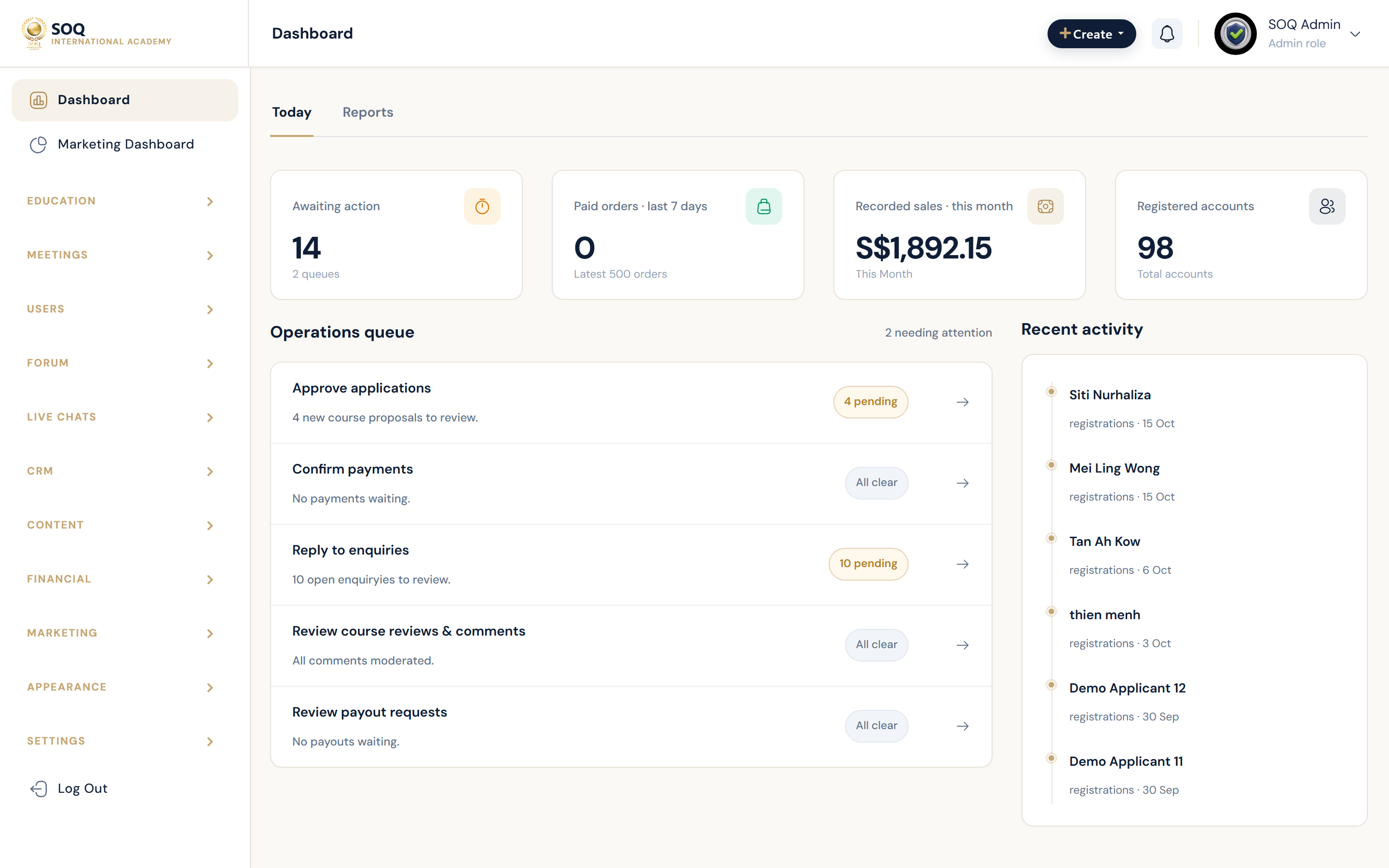
Live screenshot from the SOQ beauty demo (aiacademy.aiee.dev).
Use this checklist before installing SOQ International Academy. The application dependency definition accepts PHP ^8.1, so PHP 8.1 is the supported minimum; PHP 8.2 is the recommended production version for this release. For the full application and dependency map (Laravel, Composer, Node, queues, Redis, local vs production), see Tech Stack.
Runtime and server requirements
PHP compatibility
- Minimum: PHP 8.1. The Composer constraint
^8.1means PHP 8.1 or a later compatible PHP 8.x release; it does not mean that PHP 8.2 is mandatory. - Recommended: PHP 8.2 for production. This is the preferred deployment target, while PHP 8.1 remains valid when all installed dependencies and required loaders are available.
- Keep runtimes aligned: The web server and command-line PHP used for Composer, Artisan, queues, and cron jobs should use the same supported version and configuration.
- Verify before update: Confirm that all required PHP extensions are installed for the exact PHP version selected (web and CLI).
PHP extensions and web server
- Application preflight checks: OpenSSL, PDO, Mbstring, Tokenizer, XML, Ctype, JSON, BCmath, Zip, EXIF, Fileinfo, and GD are checked by the bundled server checker. Enable the corresponding packages for both web and CLI PHP. The current checker labels PHP 8.2 as its target, while Composer's
^8.1constraint is the authoritative minimum compatibility rule. - Database driver: Enable the PDO driver for the selected MySQL or MariaDB server.
- No ionCube / encoded PHP: This SOQ TMS build ships as plain PHP. Do not install ionCube Loader.
- URL rewriting: Apache deployments require
mod_rewriteand permission for the application's rewrite rules. Nginx deployments require an equivalent front-controller configuration. - Document root: Point the website to the application's
publicdirectory rather than exposing the project root. - HTTPS: Install a valid TLS certificate and serve the academy domain over HTTPS.
Database and operating system
- Database minimum: MySQL 5.7+ or MariaDB 10.2+.
- Database recommendation: MySQL 8.0 or MariaDB 10.6+ for a new production deployment.
- Operating system: A supported 64-bit Ubuntu Server LTS release is recommended for production because PHP packages, queue workers, cron, TLS, and process supervision can be managed consistently.
- Database access: Prepare a dedicated database and user with the privileges needed to create and update application tables during installation and upgrades.
Production capacity baseline
- Server class: Use a dedicated or VPS-class cloud server rather than entry-level shared hosting for the documented production capacity.
- Baseline resources: 6 dedicated CPU cores, 32 GB RAM, 240 GB NVMe SSD, and at least 250 Mbit/s network connectivity.
- Expected concurrency: One correctly configured server at this baseline typically supports 200“300 concurrent students, 40”60 concurrent instructors, and normal administrator/organization traffic.
- Workload warning: Video delivery, live-class providers, file storage, backups, email, queue workers, reports, and database load affect real capacity. Use external object/video services and monitor production rather than treating the concurrency figures as a fixed guarantee.
Pre-installation verification
- Confirm web and CLI PHP report version 8.1 or later within the PHP 8.x line; choose PHP 8.2 for the recommended production setup.
- Run the bundled server checker and resolve failed extension, loader, and rewrite checks. On PHP 8.1, interpret its PHP 8.2 version result as the recommended-target notice described above, then verify dependencies with Composer.
- Confirm the database server version, credentials, and connectivity from the application host.
- Configure the public document root, HTTPS, writable application storage/cache paths, scheduled tasks, and queue processing required by the deployment.
- Review Hosting Recommendation for the full production topology and scaling guidance before launch.
Version summary: PHP 8.1 is the minimum supported by Composer; PHP 8.2 is recommended. These statements are complementary: the first defines compatibility, while the second identifies the preferred production runtime.