
File Manager
Administrators and permitted staff upload and select media through the embedded Laravel File Manager at /fm-panel. There is no standalone sidebar File Manager page; fields open the picker from Admin forms.
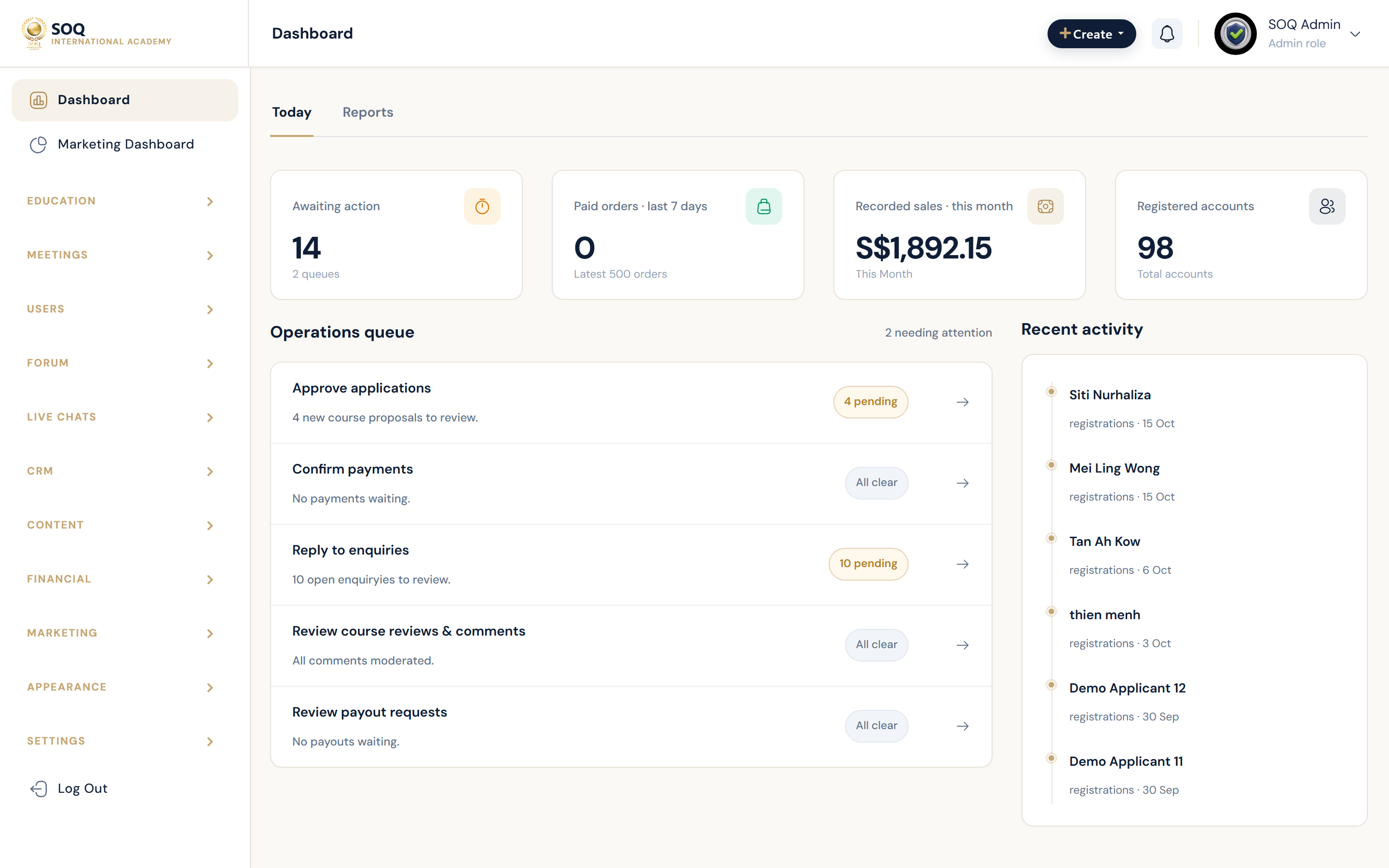
Live screenshot from the SOQ beauty demo (aiacademy.aiee.dev).
Surfaces, roles and current terminology
| Surface | Current navigation terminology | Status |
|---|---|---|
| Embedded picker | Admin forms ? file/image buttons (.admin-file-manager) | Core |
| LFM routes | /fm-panel/* (web.auth middleware) | Core |
| Storage disk | LFM config disk upload / store path | Core |
| S3-aware uploads | Course file flows may use S3 when configured | Env + upload source |
Permissions, settings and activation
- User must be authenticated for /fm-panel.
- Respect upload size and MIME limits from hosting and LFM config.
- Deleting a file that is still referenced by courses can break public media URLs.
Core workflows
Upload media from an Admin form
- Open any Admin screen with an image or file control (for example course thumbnail).
- Use the file manager button to open the /fm-panel picker.
- Upload or select the file, then confirm it attaches to the form field.
- Save the parent record and verify the public or panel preview.
Organize and clean files
- Open the picker and navigate folders under the configured upload root.
- Remove only unused assets after checking course and landing references.
- Prefer replacing in place when a URL must remain stable.
Troubleshoot upload failures
- Confirm authentication and that /fm-panel is reachable on this host.
- Check PHP upload limits and disk permissions on the upload path.
- If files should land on S3, verify Amazon S3 environment configuration separately.
Result states
- Success: File appears in the picker, saves on the parent record, and renders for the intended audience.
- Pending: Large upload still processing or waiting on storage credentials.
- Denied: Unauthenticated session or role cannot open the Admin form that launches the picker.
- Error: LFM or disk permission failure; fix storage path/credentials before retrying.
Operational notes
- Status: embedded utility — not a Settings hub card and not listed as its own sidebar module.