
Balances List
Finance staff review user document balances from Financial ? Balances at the configured Admin URL. Balances reflect sales, commissions, offline decisions, and payout outcomes.
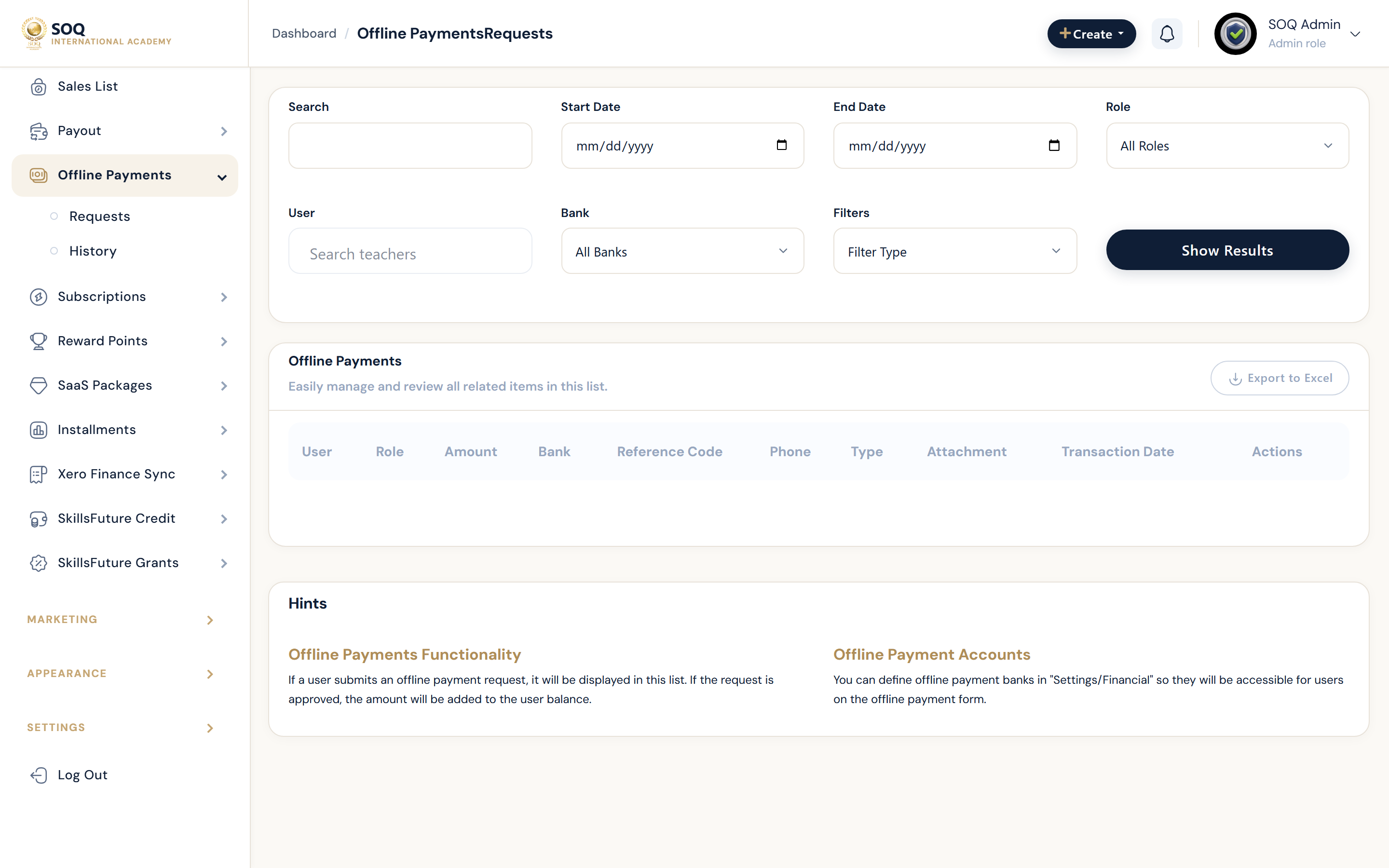
Live screenshot from the SOQ beauty demo (aiacademy.aiee.dev). Controls in the image are not clickable.
Surfaces, roles and current terminology
| Surface | Current navigation terminology | Status |
|---|---|---|
| Balances list | Financial ? Balances / documents list | Core |
| Filters and export | Balances list search, filters, and export actions | Core |
| Related sales | Financial ? Sales List | Core |
| Payout impact | Financial ? Payout and Payout Requests | Core |
Permissions, settings and activation
- Staff need documents / financial list permissions.
- Reconcile balances against Sales List and approved payouts before paying anyone out-of-band.
- Instructor Panel financial views are role-scoped; Admin balances cover the platform set the role can see.
- Do not invent balance adjustments without a documented financial action.
Core workflows
Reconcile a user balance
- Open Financial ? Balances and locate the user or organization.
- Compare recent sales, refunds, commissions, and payout history for that account.
- Explain any gap with source documents before approving a payout.
- Export or record the reconciliation result for audit follow-up.
Investigate an unexpected total
- Filter the balances list to the affected period or user.
- Open linked sales and payout request records.
- Check for pending offline payments or rejected payouts that still affect availability.
- Correct only through supported financial actions; avoid manual database edits.
Result states
- Success: Listed balances match sales and payout history for the sampled accounts.
- Pending: Offline payment approval or payout request still in flight changes the expected available amount.
- Denied: The staff role lacks financial document permissions.
- Error: Filter, export, or document load failures block review; narrow filters and retry after checking logs.