
Course Categories
Education operators maintain the category tree used by public filters and course wizards. Categories are managed from Education ? Categories at the configured Admin URL.
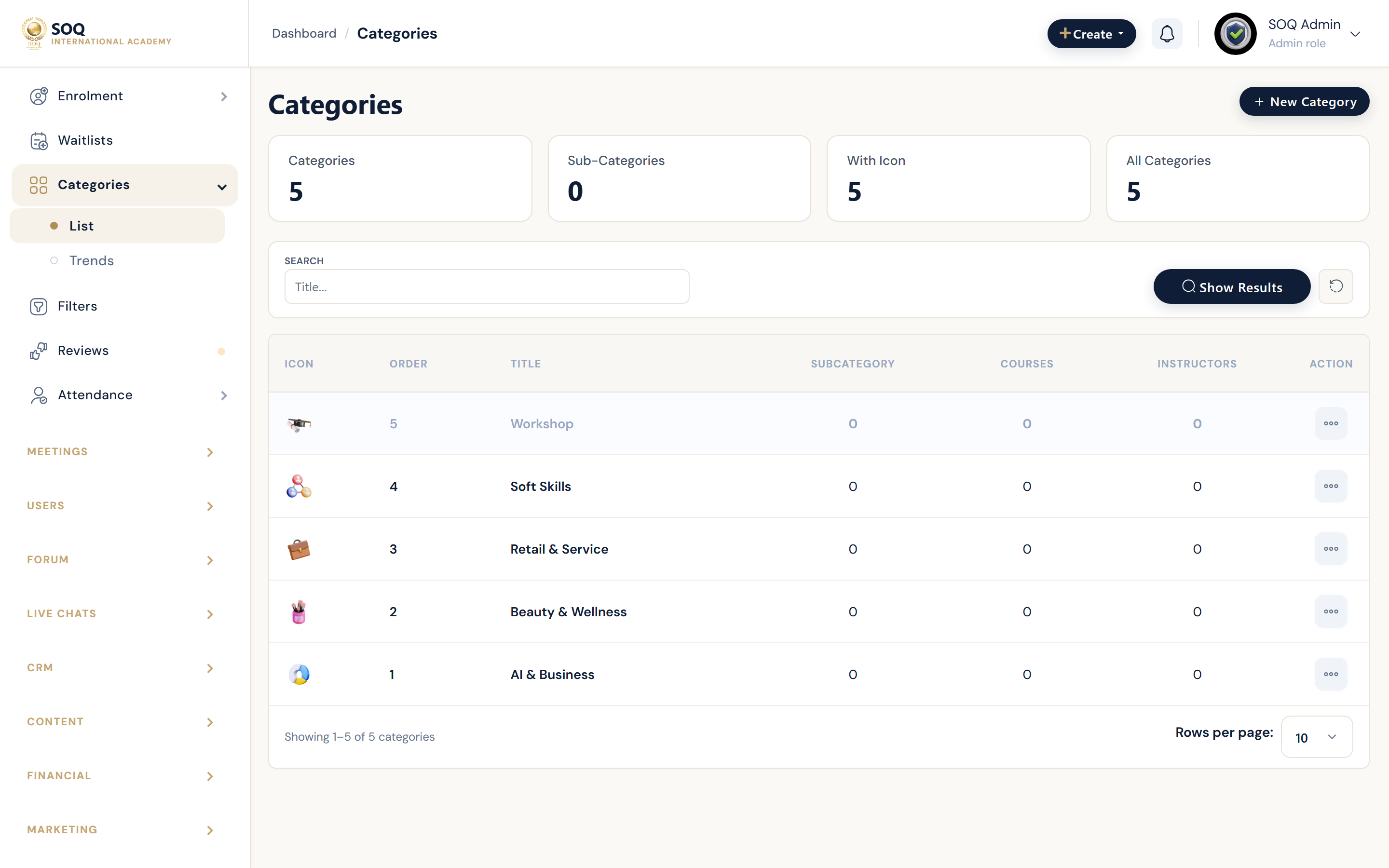
Live screenshot from the SOQ beauty demo (aiacademy.aiee.dev). Controls in the image are not clickable.
Surfaces, roles and current terminology
| Surface | Current navigation terminology | Status |
|---|---|---|
| Category list | Education ? Categories | Core |
| Create or edit | Category editor (parent, title, icon, SEO fields as available) | Core |
| Course assignment | Create/Edit Class ? category field | Core |
| Public filters | Public courses filters by category | Core |
Permissions, settings and activation
- Assign a category in the class wizard or course edit so public filters can find the course.
- Avoid deleting categories still used by published courses without remapping.
- Keep titles learner-facing and consistent with SOQ International Academy catalog language.
- Parent/child structure should match how marketing describes the catalog.
Core workflows
Add a category and use it
- Open Education ? Categories and create the category with a clear title.
- Optionally nest it under a parent for navigation clarity.
- Edit a course and assign the new category.
- Verify the public courses filter returns the course under that category.
Clean up unused or duplicate categories
- List categories and identify duplicates or orphans.
- Remap affected courses to the surviving category.
- Remove or rename obsolete categories only after remapping.
- Recheck public filters and search facets.
Result states
- Success: Courses appear under the intended public category filters.
- Pending: Courses still need category assignment after a taxonomy change.
- Denied: Staff lack education/category permissions.
- Error: Broken parent relationships or missing assignments hide courses from filters; remap and retest.