
Change Colors
Administrators manage theme color presets under Appearance → Themes → Colors. Presets store titled color token sets applied through theme color helpers across public and panel layouts.
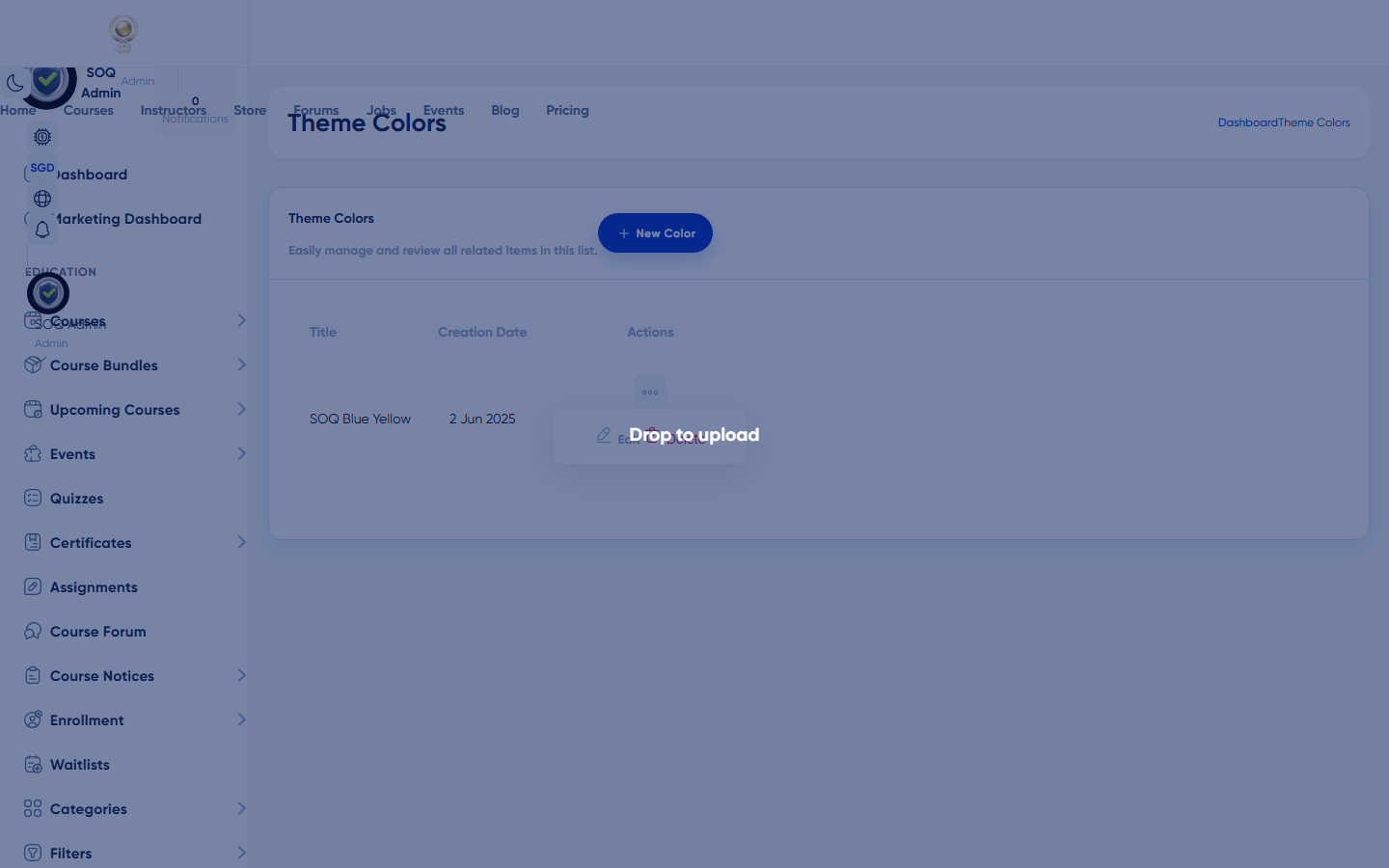
Live screenshot from the SOQ beauty demo (aiacademy.aiee.dev). Controls in the image are not clickable.
SOQ Edu brand (navy + gold): navy primary, warm gold CTA, cream backgrounds, compiled into
soq-edu-home.css from resources/views/design_1/web/home/soq-home-tailwind.input.css. Redesigned screens (public home, auth, new panel dashboards) use these fixed tokens and ignore the presets on this page; presets only affect legacy layouts and the admin layout. Canonical write-up: docs/engineering/product/brand-guide.md and Frontend Master → Design system. The old blue #0033CC + lime #CCFF00 palette (soq-theme.css) is legacy.Surfaces, roles and current terminology
| Surface | Current navigation terminology | Status |
|---|---|---|
| Colors list | Appearance → Themes → Colors lists | Core |
| Create / edit preset | themes/colors create and edit | Core |
| Color tokens | Preset contents JSON (theme color variables) | Core |
| Runtime apply | getThemeColorsSettings in layouts | Core |
Permissions, settings and activation
- Requires Appearance / theme permissions for colors management.
- Changing colors does not replace Custom CSS; both can apply.
- Keep contrast readable for accessibility on buttons and text.
Core workflows
Create a color preset
- Open Appearance → Themes → Colors lists at the configured Admin URL.
- Create a preset, set a clear title, and define the color tokens.
- Save and preview key public pages (home, course, auth).
- Adjust tokens that fail contrast on real content imagery.
Update the live look
- Edit the active or intended preset rather than creating duplicates without need.
- Save and hard-refresh a public page to bypass browser cache.
- Verify Panel and Admin chrome still meet staff readability needs.
Roll back
- Re-edit the previous token values or switch to an earlier preset if multiple exist.
- Clear application caches if theme helpers still emit old values.
- Confirm Custom CSS is not overriding the tokens unexpectedly.
Result states
- Success: Public and panel surfaces show the new palette from the saved preset.
- Pending: Preset saved but CDN/browser cache still shows previous colors.
- Denied: Staff lack Themes/Colors permission.
- Error: Invalid color values or theme helper cache; correct the preset and clear caches.