
Custom CSS and JS
Administrators inject site-wide CSS/JS from the theme editor tabs (contents[custom_css] / contents[custom_js]). Values are applied through theme helpers on Admin, Panel, and public layouts.
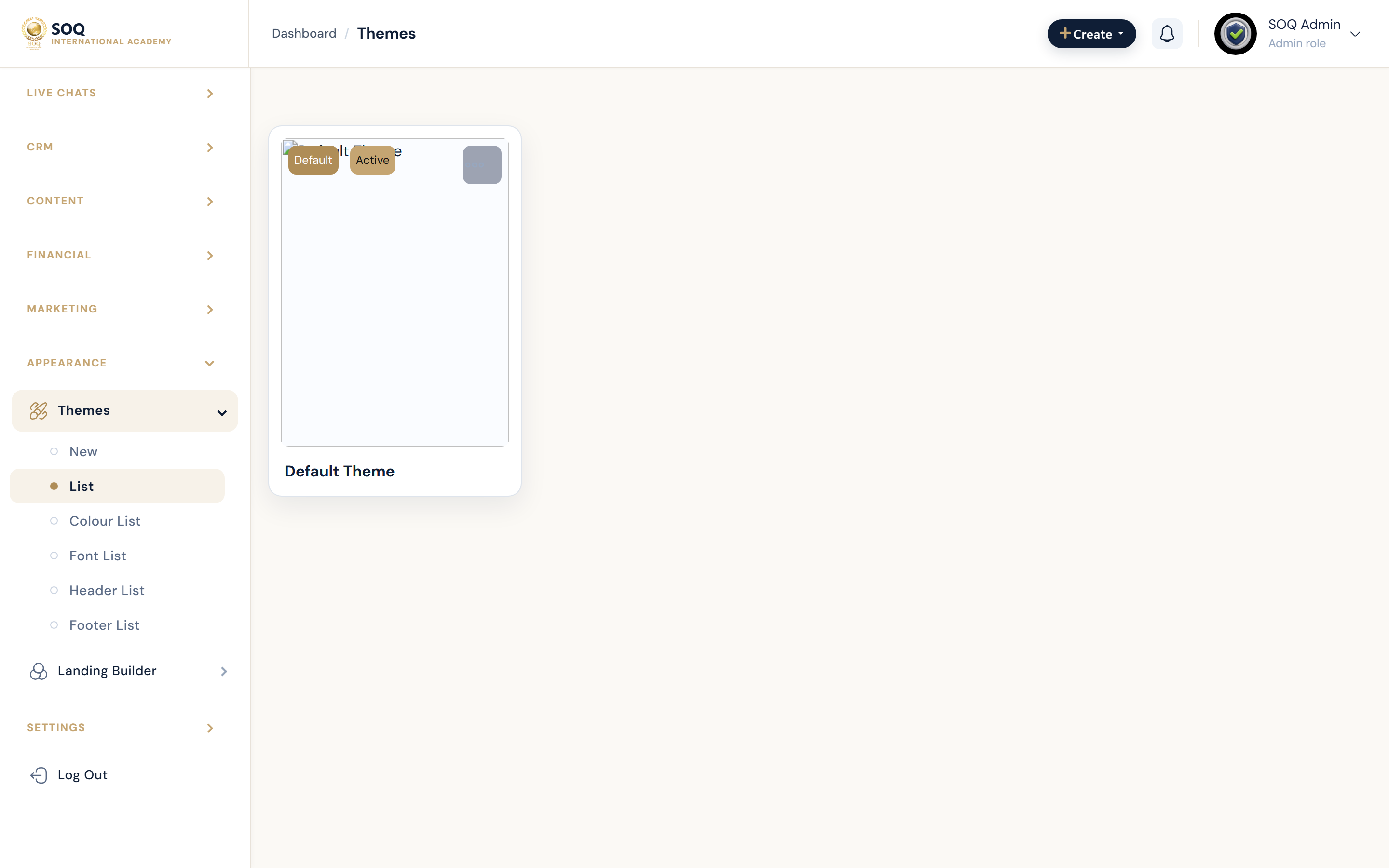
Live screenshot from the SOQ beauty demo (aiacademy.aiee.dev).
Surfaces, roles and current terminology
| Surface | Current navigation terminology | Status |
|---|---|---|
| Theme editor | Appearance ? Themes ? create/edit theme | Core |
| Custom CSS tab | custom_css_js tab ? contents[custom_css] | Core |
| Custom JS tab | contents[custom_js] | Core |
| Runtime helpers | getThemeCustomCssAndJs injection in layouts | Core |
Permissions, settings and activation
- Requires Themes edit permission.
- Treat custom JS as a security-sensitive surface; limit who can publish scripts.
- Custom code survives theme color/font edits and can override them.
Core workflows
Add a CSS branding tweak
- Open Appearance ? Themes and edit the active theme.
- Enter CSS in the Custom CSS field and save.
- Hard-refresh a public page and confirm only intended selectors change.
- Remove experimental rules before handoff to content staff.
Add carefully scoped JS
- Confirm the change cannot be done with settings or CSS alone.
- Paste minimal JavaScript into Custom JS and save.
- Test auth, checkout, and learning pages for regressions.
- Monitor browser console errors after deploy.
Disable broken custom code
- Edit the theme and clear or comment out the failing CSS/JS.
- Save and purge caches.
- Retest critical paths (login, cart, learning page).
Result states
- Success: Custom CSS/JS loads on target layouts and the visual or behavioral tweak works without breaking core flows.
- Pending: Saved but cache/CDN still serving previous assets.
- Denied: Staff lack Themes edit permission.
- Error: JS exceptions or CSS breaking checkout/learning; remove the custom code immediately.