
Google Sign-in
Administrators enable Google social login from Settings ? General ? Features (Social login settings). Public auth then uses the Socialite Google flow with the stored client ID and secret.
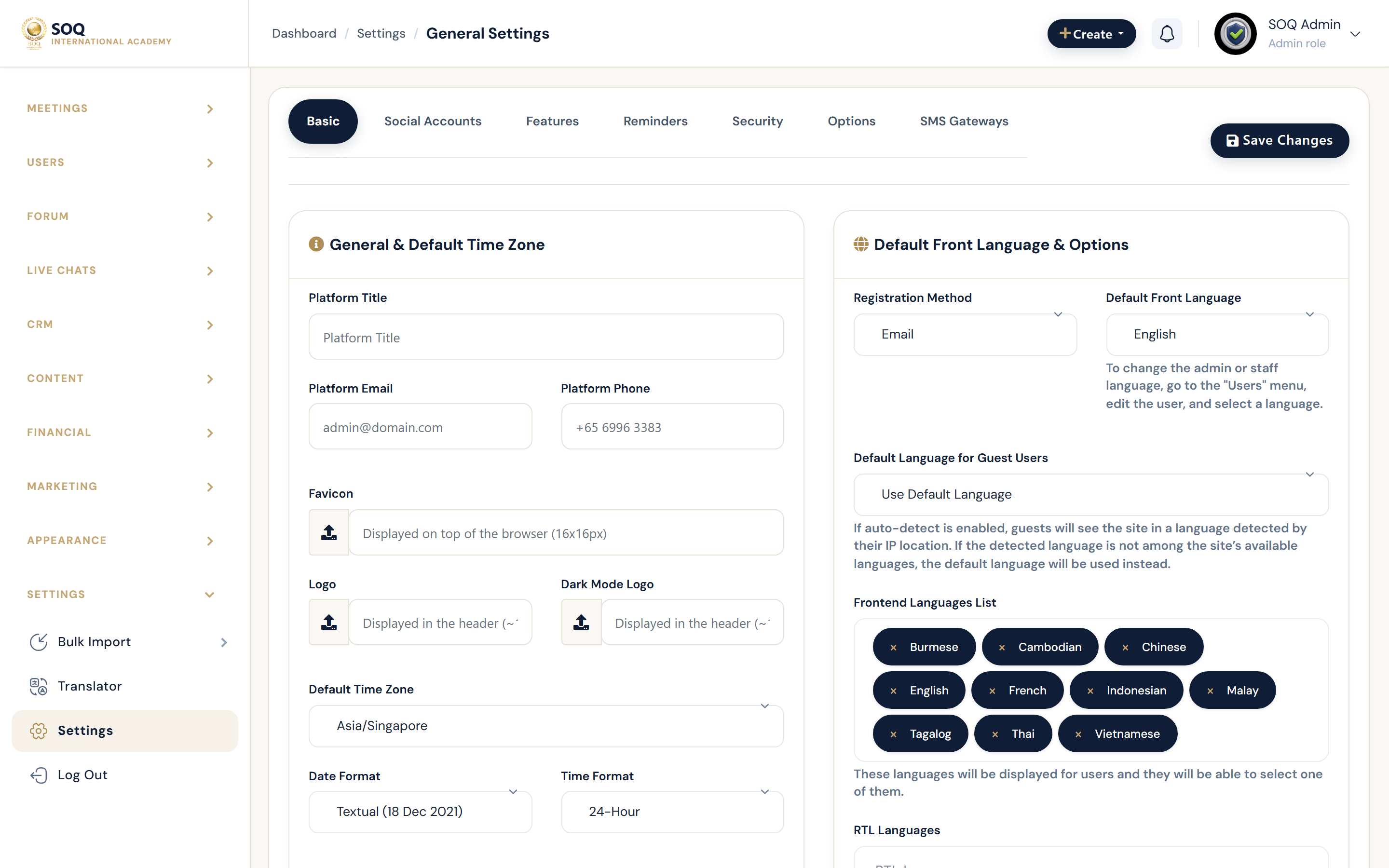
Live screenshot from the SOQ beauty demo (aiacademy.aiee.dev).
Surfaces, roles and current terminology
| Surface | Current navigation terminology | Status |
|---|---|---|
| Feature toggles | Settings ? General ? Features ? show Google login button | Core |
| OAuth credentials | google_client_id / google_client_secret fields | Core |
| Public login/register | Public auth screens with Google button when enabled | Core |
| Facebook equivalents | Same Features social login section | Core optional |
Permissions, settings and activation
- Requires admin_settings_general (or equivalent Features save permission).
- Google Cloud OAuth client must allow this site's redirect URIs.
- Disabling the button hides Google entry without deleting stored secrets.
Core workflows
Enable Google Sign-in
- Create an OAuth client in Google Cloud for the production domain.
- Open Settings ? General ? Features and enter google_client_id and google_client_secret.
- Enable show_google_login_button and save Features.
- On a private window, open public login/register and complete a Google sign-in test.
Map accounts safely
- Sign in with a Google account that matches an existing email only when account linking rules allow it.
- Confirm the resulting user role and organization ownership are correct.
- Document whether new Google users become students by default on this install.
Disable or rotate credentials
- Turn off show_google_login_button before rotating secrets if you need an immediate stop.
- Replace client secret in Features and in Google Cloud together.
- Retest login and revoke old OAuth clients in Google Cloud.
Result states
- Success: Google button appears on public auth, OAuth completes, and the user lands in Panel with the expected role.
- Pending: Credentials saved but Google console redirect URI still propagating.
- Denied: Features permission missing, or Google rejects the client/redirect configuration.
- Error: Socialite callback failure or mismatched secret; keep email/password login available while fixing.