
Languages
Administrators set site language, visitor default, available user languages, RTL languages, and content translation flags under Settings ? General ? Basic. Translation editing may also use Translator when that module is available.
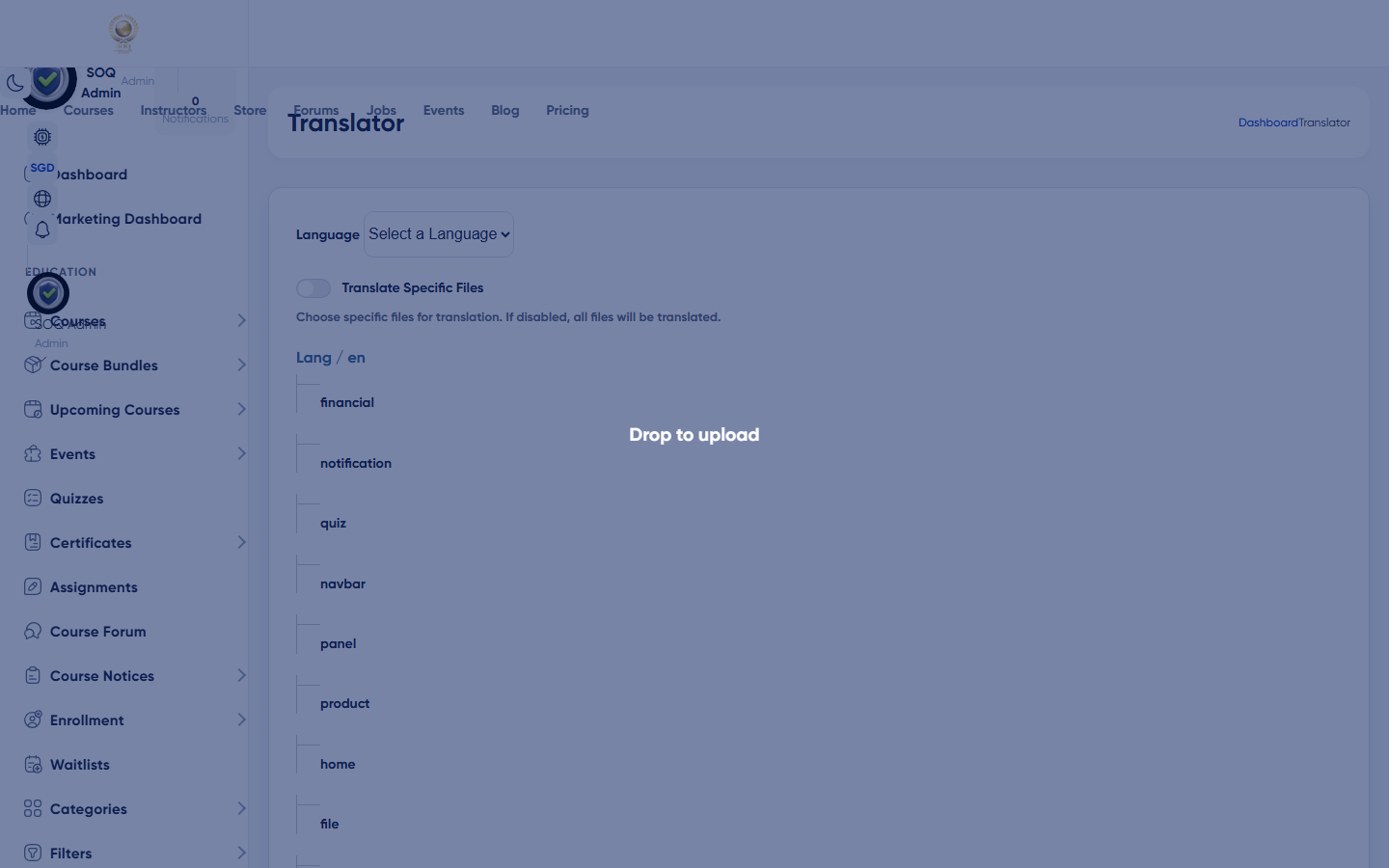
Live screenshot from the SOQ beauty demo (aiacademy.aiee.dev).
Surfaces, roles and current terminology
| Surface | Current navigation terminology | Status |
|---|---|---|
| Site language | Settings ? General ? Basic ? site_language | Core |
| Visitor default | visitors_default_language | Core |
| User languages | user_languages[] multi-select | Core |
| RTL languages | rtl_languages[] | Core |
| Content translate | content_translate toggle | Core |
| Translator tool | Settings ? Translator | May show Feature not activated until enabled |
Permissions, settings and activation
- Requires General settings permission.
- Enabling languages does not automatically translate all content; plan Translator or manual copy work.
- If Translator shows Feature not activated, activate the required activation before promising translation workflows.
Core workflows
Set platform languages
- Open Settings ? General ? Basic at the configured Admin URL.
- Choose site_language and visitors_default_language.
- Select user_languages and rtl_languages as needed, then save.
- To clear a language list, remove every selection and save; the empty list is persisted.
- Verify the public locale switcher and an RTL language layout if enabled.
Enable content translation workflow
- Turn on content_translate when your process stores per-locale content.
- Open Translator if enabled; otherwise keep Feature not activated expectations clear to editors.
- Translate a sample course title/description and confirm the public locale shows it.
Roll back a bad default language
- Return to Basic settings and restore the previous site_language / visitor default.
- Clear caches if the locale appears stuck.
- Confirm Admin and Panel menus remain readable for staff.
Result states
- Success: Selected locales appear for users and sample translated content renders in the chosen language.
- Pending: Languages enabled but translation content not yet entered.
- Denied: Missing General settings permission, or Translator still Feature not activated when that tool is required.
- Error: Invalid locale codes or cache serving the old language; resave Basic settings and clear caches.