
Timezone
Administrators set the platform default timezone under Settings ? General ? Basic (default_time_zone). Related Features toggles control timezone prompts during registration and webinar creation.
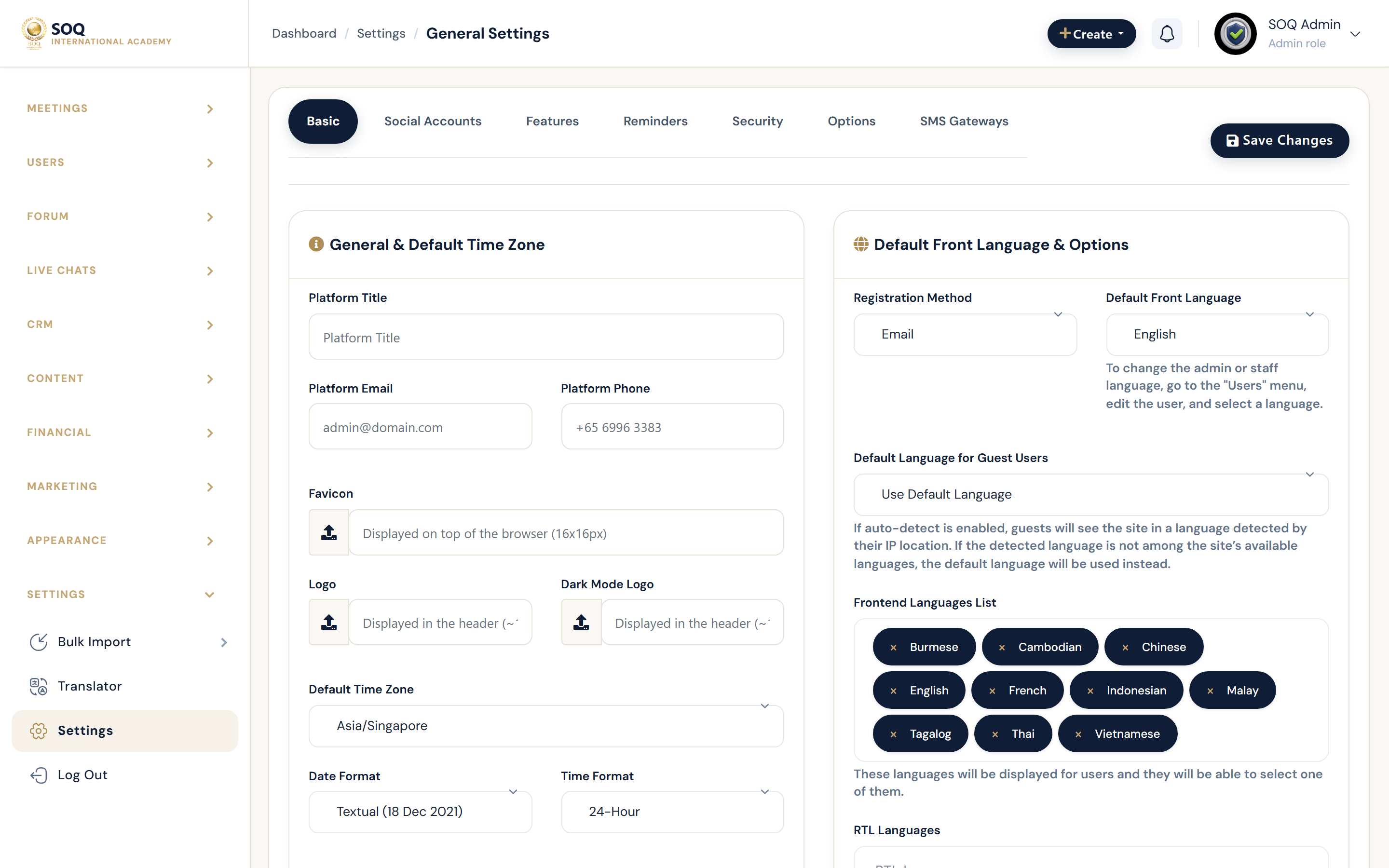
Live screenshot from the SOQ beauty demo (aiacademy.aiee.dev).
Surfaces, roles and current terminology
| Surface | Current navigation terminology | Status |
|---|---|---|
| Default timezone | Settings ? General ? Basic ? default_time_zone | Core |
| Register prompt | Settings ? General ? Features ? timezone_in_register | Core |
| Webinar create prompt | Features ? timezone_in_create_webinar | Core |
| Downstream schedules | Meetings, live classes, reports, cron interpretations | Depends on default + user TZ |
Permissions, settings and activation
- Change default timezone only with awareness of existing scheduled class times.
- Requires General Basic/Features save permissions.
- Server OS timezone and PHP timezone should not silently disagree with the saved setting.
Core workflows
Set the platform default
- Open Settings ? General ? Basic.
- Select default_time_zone for the academy's primary operating region.
- Save and open a scheduled course or meeting to confirm displayed local times.
- Align cron/host schedules if reports previously assumed another zone.
Enable user-facing timezone fields
- Open Settings ? General ? Features.
- Enable timezone_in_register and/or timezone_in_create_webinar as needed.
- Register a test user or create a webinar and confirm the timezone control appears.
Validate after change
- Compare Admin list times, Panel calendar, and a live session join window.
- Correct any classes that were authored with the wrong assumed zone.
- Communicate the change to instructors if class walls shifted.
Result states
- Success: New schedules and reports reflect the intended zone; optional Features prompts appear when enabled.
- Pending: Default saved but historical events not yet reviewed.
- Denied: Staff lack General settings permission.
- Error: Mismatch between server time and setting causes join-window confusion; align host NTP and resave default_time_zone.