
Reports
Administrators run operational reports for sales, users, classes, and related CRM metrics from Reports tools at the configured Admin URL.
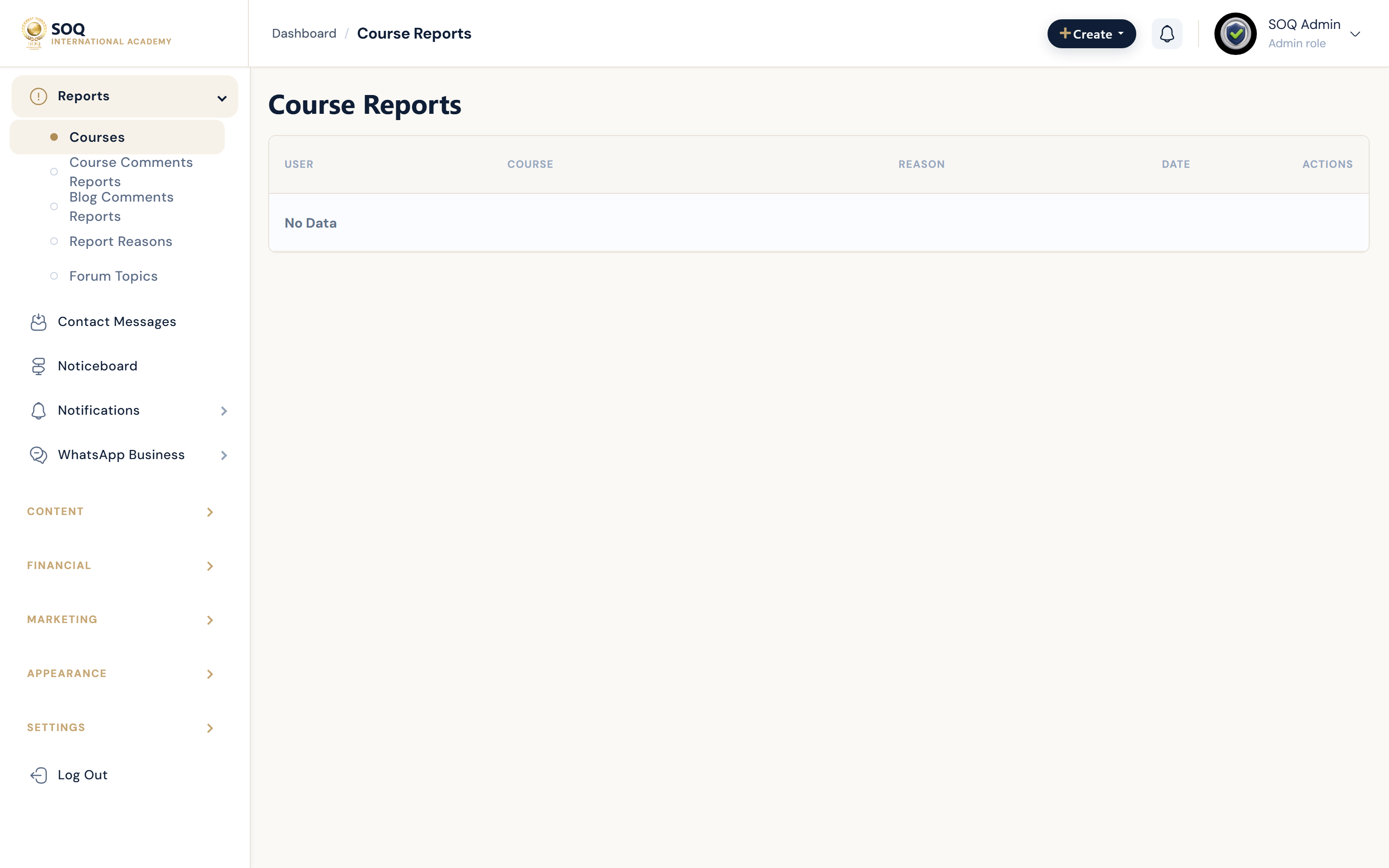
Live screenshot from the SOQ beauty demo (aiacademy.aiee.dev). Controls in the image are not clickable.
Surfaces, roles and current terminology
| Surface | Current navigation terminology | Status |
|---|---|---|
| Reports hub | CRM / Reports menu family | Core |
| Sales and finance reports | Reports filtered to sales or financial ranges | Core |
| Users and classes | User and class activity reports | Core |
| Export | Download or export actions where offered | Core; large ranges may be slow |
Permissions, settings and activation
- Narrow date ranges on shared hosting to avoid timeouts.
- Interpret results together with Sales List and Balances List for financial questions.
- Restrict report access to staff roles that need analytics.
- Do not treat a slow export as missing data until the job finishes or errors.
Core workflows
Run a focused sales report
- Open Reports and choose the sales-oriented report.
- Set a narrow date range and relevant filters.
- Generate the report and spot-check totals against Sales List samples.
- Export only after on-screen totals look plausible.
Investigate a catalog or user metric
- Choose the users or classes report that matches the question.
- Filter to the affected segment.
- Compare with live lists (users, courses, reviews) for anomalies.
- Document findings before changing production data.
Result states
- Success: The report returns consistent totals for the selected filters within an acceptable time.
- Pending: A large export is still processing.
- Denied: The staff role lacks Reports permissions.
- Error: Timeouts or empty results from oversized ranges; narrow filters and retry.