
Course Reviews
Students submit course reviews after eligible purchases. Staff moderate visibility from Education ? Reviews so public course pages show only appropriate feedback.
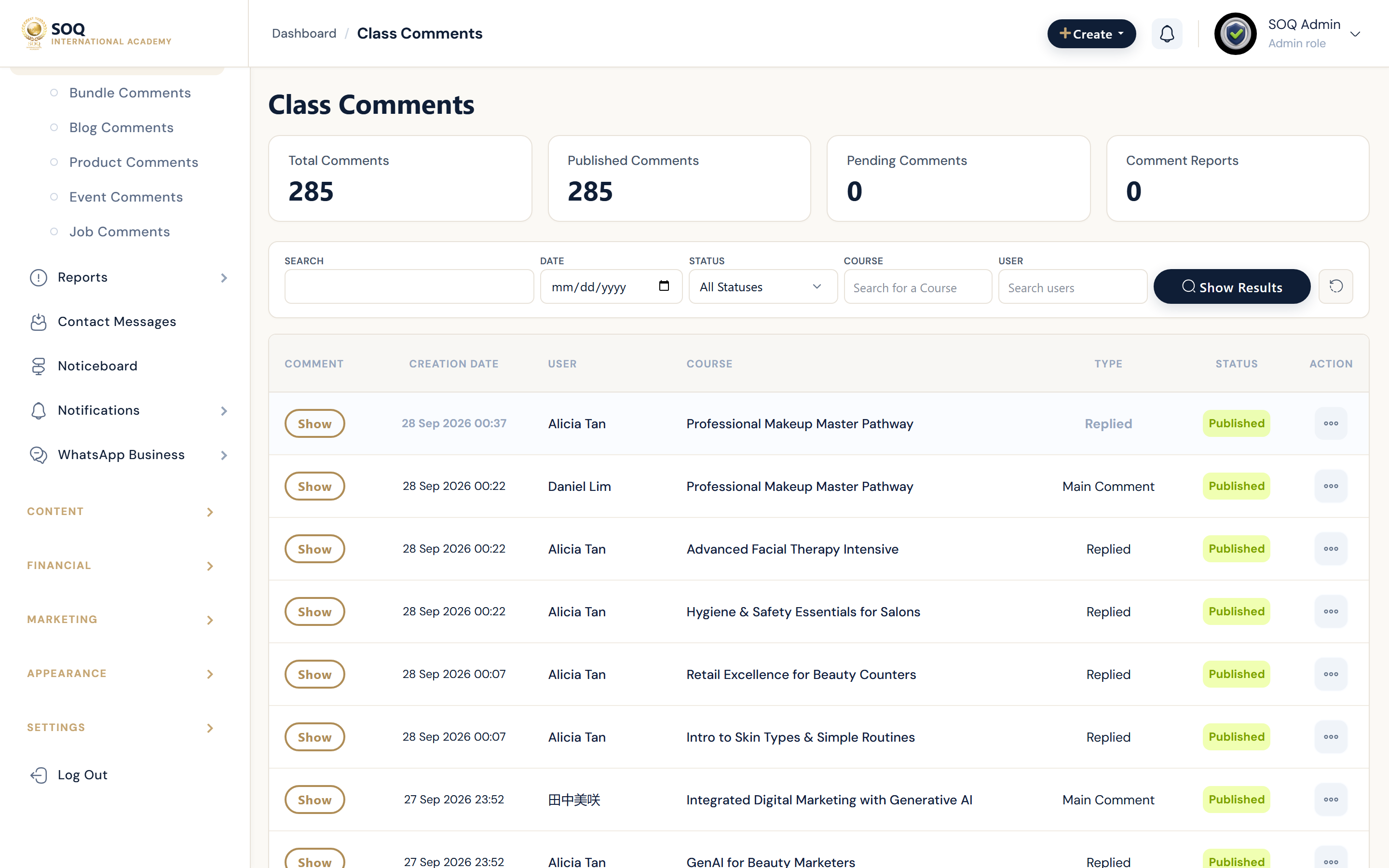
Live screenshot from the SOQ beauty demo (aiacademy.aiee.dev). Controls in the image are not clickable.
Surfaces, roles and current terminology
| Surface | Current navigation terminology | Status |
|---|---|---|
| Reviews list | Education ? Reviews | Core |
| Moderation actions | Show / hide / remove review actions | Core |
| Public display | Course page reviews section | Visible reviews only |
| Learner submission | Course page or learning flow review form | Requires eligible purchase/completion rules |
Permissions, settings and activation
- Hidden reviews must disappear from the public course page.
- Do not leave abusive content visible while investigating.
- Understand whether replies are enabled before promising instructor responses.
- Coordinate with Review Courses (pending catalog approval) — that queue is about publishing classes, not star ratings.
Core workflows
Moderate a review
- Open Education ? Reviews and locate the course feedback item.
- Read the content for policy violations or spam.
- Hide or remove violating reviews; keep legitimate critical feedback when policy allows.
- Refresh the public course page to confirm visibility matches the moderation state.
Respond to a ratings dispute
- Confirm the learner's purchase and review eligibility.
- Check whether the review is hidden, pending, or public.
- Apply the moderation action that matches policy.
- Document the decision if the instructor escalates.
Result states
- Success: Public course pages show only reviews intended to be visible.
- Pending: A review awaits moderation where the site queues feedback.
- Denied: Staff lack review permissions, or the learner is ineligible to submit.
- Error: Visibility state and public page disagree; clear caches and re-save moderation.