
Instructor Requests
Applicants submit Instructor Requests (or organization) requests from the public form. Staff review those requests under Users ? Instructor Requests at the configured Admin URL.
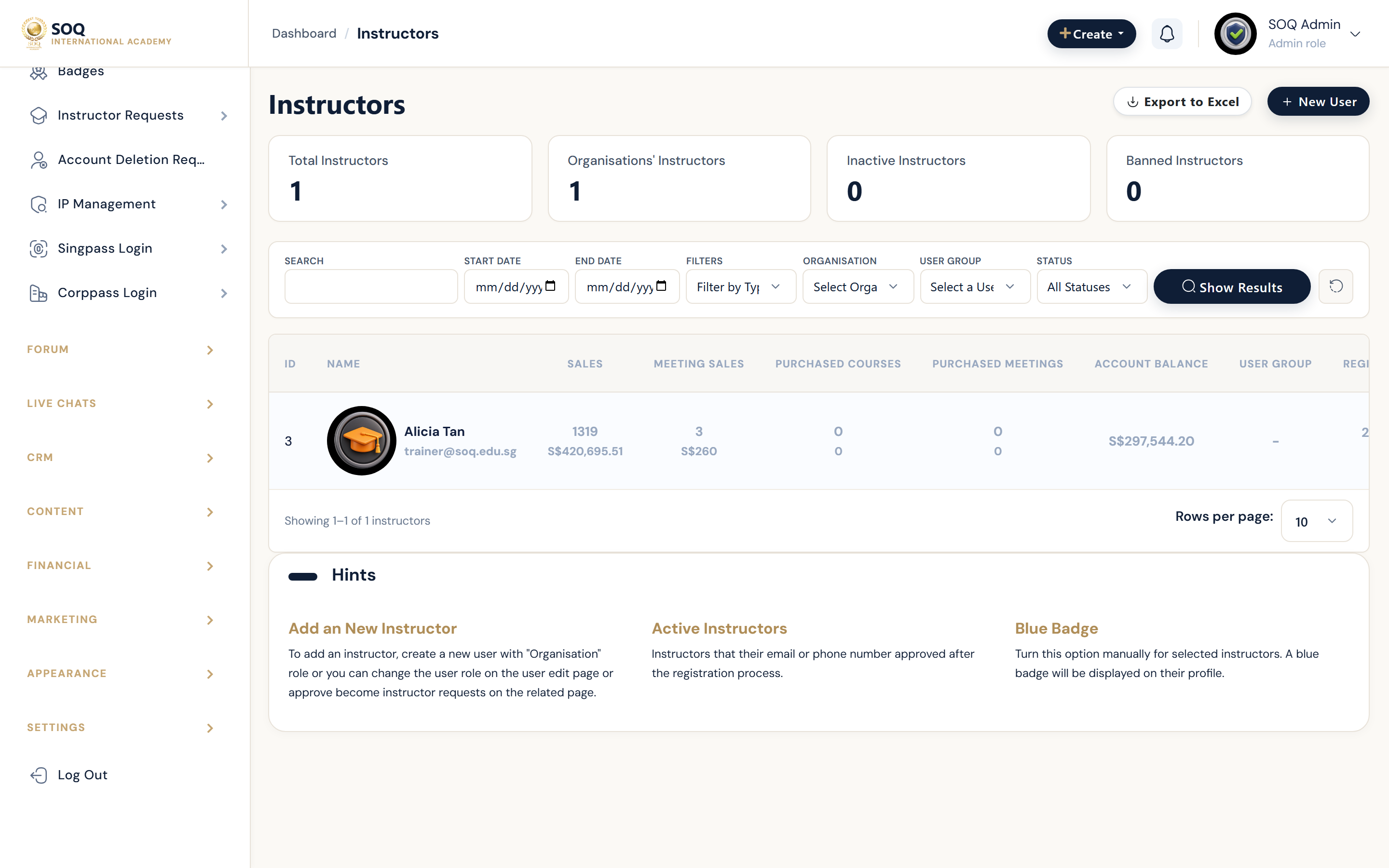
Live screenshot from the SOQ beauty demo (aiacademy.aiee.dev). Controls in the image are not clickable.
Surfaces, roles and current terminology
| Surface | Current navigation terminology | Status |
|---|---|---|
| Public application | Public ? Instructor Requests | Core |
| Instructor requests | Users ? Instructor Requests ? Instructors | Core |
| Organization requests | Users ? Instructor Requests ? Organizations | Core where enabled |
| Settings | Users ? Instructor Requests ? Settings | Core |
Permissions, settings and activation
- Approval should assign the intended instructor or organization role and permissions.
- Reject unclear applications with a reason rather than leaving them pending indefinitely.
- Settings control required fields and whether registration paths advertise instructor signup.
- After approval, verify the user can open instructor Panel menus.
Core workflows
Review and approve
- Open Users ? Instructor Requests and select a pending request.
- Verify identity, documents, and intended teaching scope.
- Approve into the correct role and confirm permission expectations.
- Ask the user to sign in and create or claim a test course draft.
Reject or request changes
- Document missing evidence or policy conflicts.
- Reject with actionable guidance, or ask the applicant to resubmit if your process allows.
- Ensure the account does not receive instructor menus while rejected.
- Record the decision for later audit.
Result states
- Success: Approved applicants gain instructor access; rejected applicants remain without teaching privileges.
- Pending: The request awaits staff review or additional applicant documents.
- Denied: Staff lack Users permissions, or the application fails policy checks.
- Error: Role assignment fails after approval; fix roles and re-test before telling the applicant to proceed.