
Instructors and Organizations
Public instructor and organization directories help visitors evaluate teachers and training partners before enrollment.
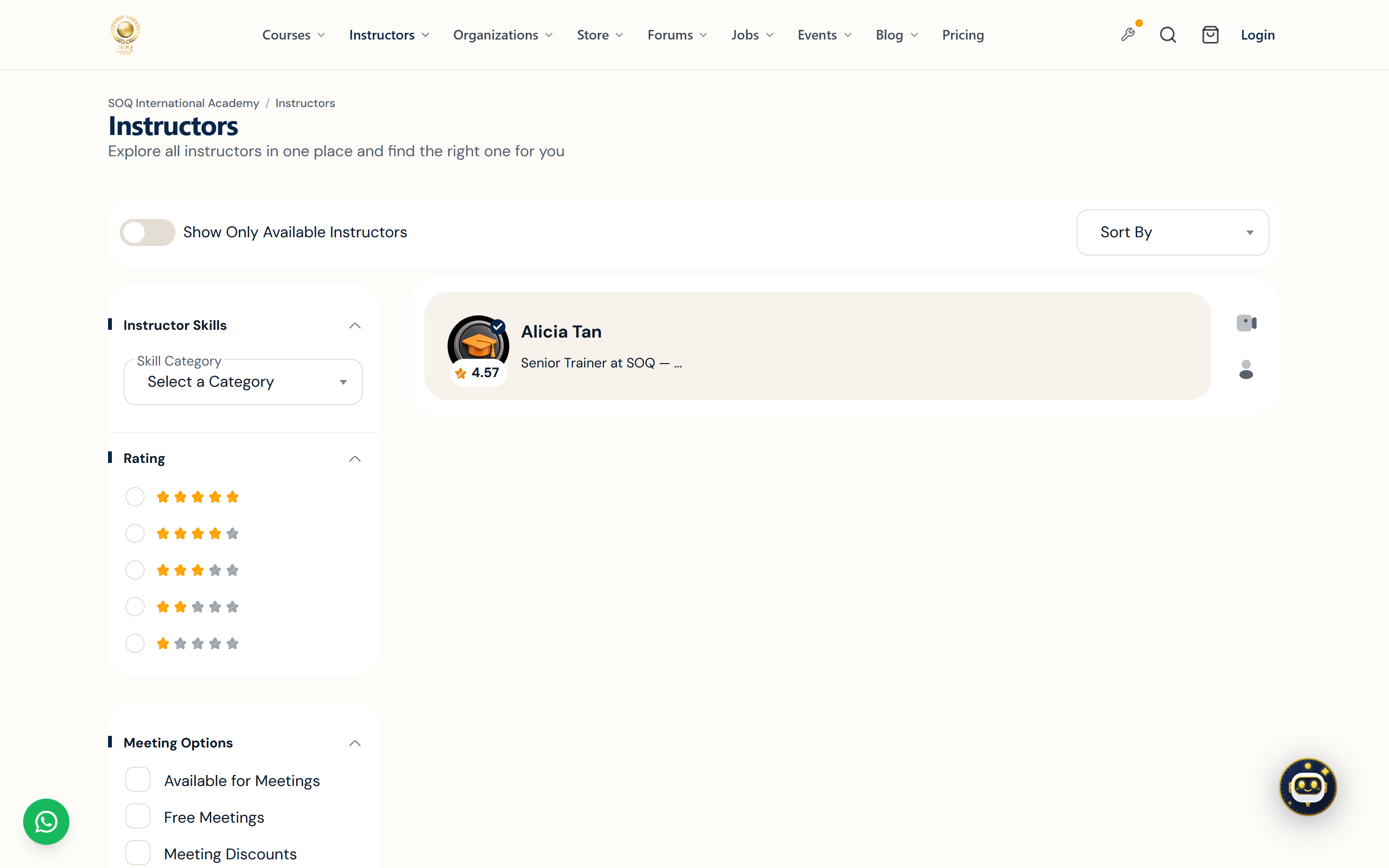
Live screenshot from the SOQ beauty demo (aiacademy.aiee.dev). Controls in the image are not clickable.
Beauty demo: Instructor profiles (including Singapore map pins) are seeded by
soq:seed-instructor-profiles inside demo:seed beauty. Profile mobiles in demo may be placeholders — use academy WhatsApp on the contact page for real visitor support.Surfaces, roles and current terminology
| Surface | Current navigation terminology | Status |
|---|---|---|
| Instructor directory | Public ? Instructors | Core listing when instructors are public |
| Organization directory | Public organization listing pages | Feature-gated where organizations are enabled |
| Public profiles | Instructor / organization profile pages | Depends on completed Panel profiles |
| Become instructor entry | Public become-instructor application | Core application flow; Admin approval required |
Permissions, settings and activation
- Profiles stay thin until instructors complete Panel profile fields and publish required media.
- Organization visibility follows organization features and package settings.
- Public contact and booking options only appear when enabled for that account.
- Approving instructor requests is an Admin Users workflow, not a public self-serve switch.
Core workflows
Prepare a public instructor profile
- Have the instructor complete bio, avatar, and expertise fields in Panel settings.
- Publish at least one active course attributed to that instructor.
- Open the public instructors directory and the profile URL in a private window.
- Correct missing fields that leave the card or profile looking empty.
Help a visitor choose a teacher
- Browse the instructors or organizations directory and open a profile.
- Review courses, ratings, and organization affiliation shown on the profile.
- Continue to a course page or meeting booking only from verified public links.
- Use Become Instructor only for applicants, not for ordinary enrollments.
Result states
- Success: Directories list intended public profiles and course links resolve to active offerings.
- Pending: An instructor application or profile update awaits approval or content completion.
- Denied: The profile is private, the organization feature is inactive, or the visitor lacks access to a private page.
- Error: Broken profile routes or missing assets produce empty pages; restore profile data before promoting the URL.