
Discount Codes
Marketing and finance staff create cart discount codes from Marketing or Financial discount tools at the configured Admin URL. Codes change checkout totals according to eligibility and stacking rules.
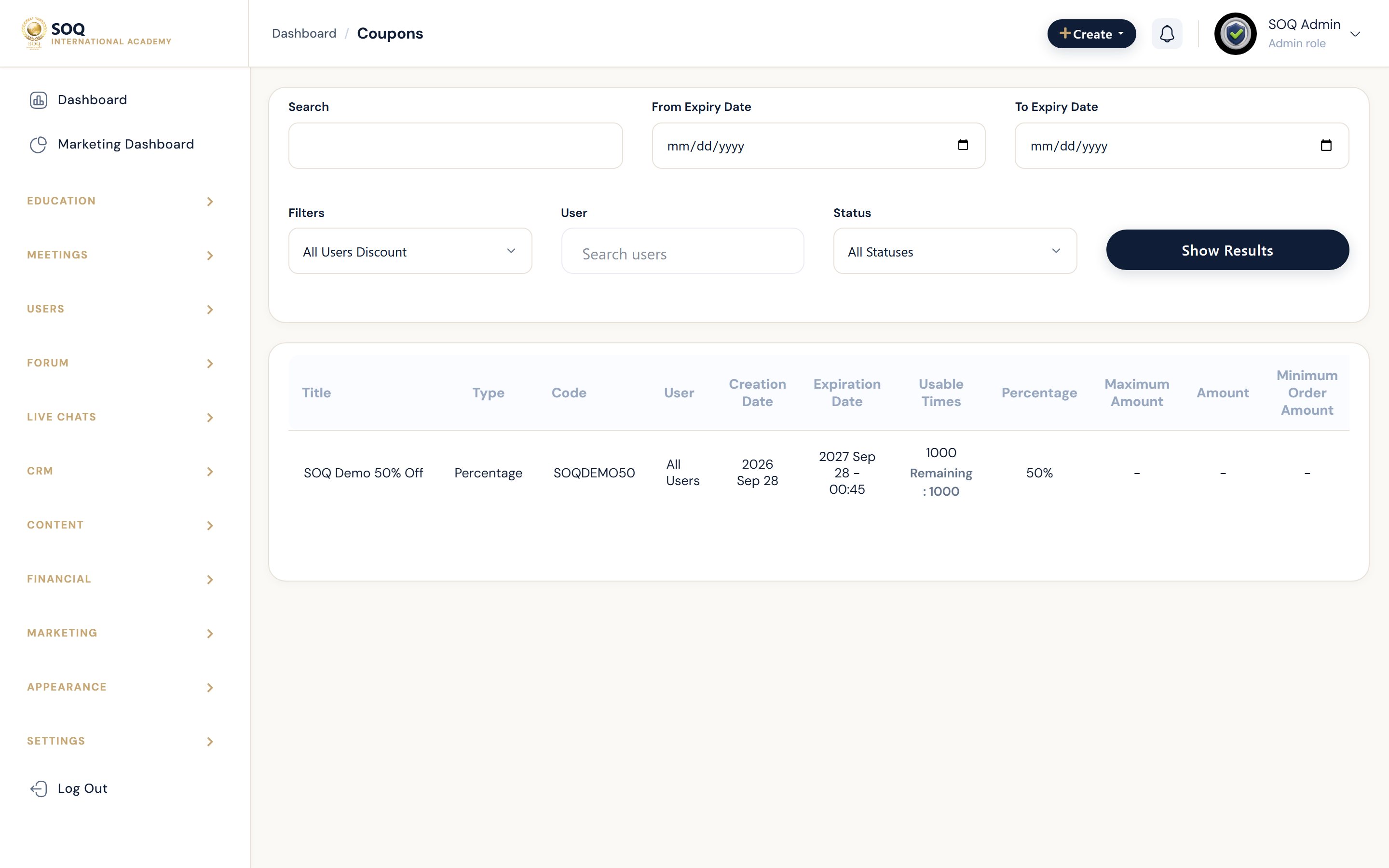
Live screenshot from the SOQ beauty demo (aiacademy.aiee.dev). Controls in the image are not clickable.
Surfaces, roles and current terminology
| Surface | Current navigation terminology | Status |
|---|---|---|
| Discount list | Marketing / Financial ? Discount Codes | Core |
| Create or edit code | Discount code editor (value, dates, limits, targets) | Core |
| Cart application | Public cart / checkout discount field | Core when code is active |
| Related offers | Special Offers and other promotions | Coordinate to avoid conflicting math |
Permissions, settings and activation
- Grant only list/create/edit permissions needed for marketing staff.
- Verify percentage versus fixed amounts, minimum carts, course targets, and expiry.
- Test the final cart total before announcing a code.
- Disable or expire codes promptly when a campaign ends.
Core workflows
Publish a discount code
- Open Discount Codes and create a code with unique string, value, and schedule.
- Set eligibility for users, courses, or products as required.
- Save and apply the code on a test cart that should qualify.
- Confirm the discounted total and that non-eligible carts reject the code.
Retire or fix a bad code
- Identify codes that over-discount or conflict with special offers.
- Deactivate or shorten the end date.
- Recalculate an affected test cart.
- Communicate the replacement offer if the campaign continues.
Result states
- Success: Eligible carts accept the code once and show the expected total.
- Pending: The code is scheduled for a future window or saved inactive.
- Denied: The code is expired, exhausted, ineligible, or the staff role cannot manage discounts.
- Error: Stacking conflicts or validation errors produce wrong totals; disable the code until corrected.