
User Groups
Administrators segment learners and instructors into User Groups for pricing, registration packages, and targeted rules. Prefer groups for audience packaging; use Roles for staff authorization.
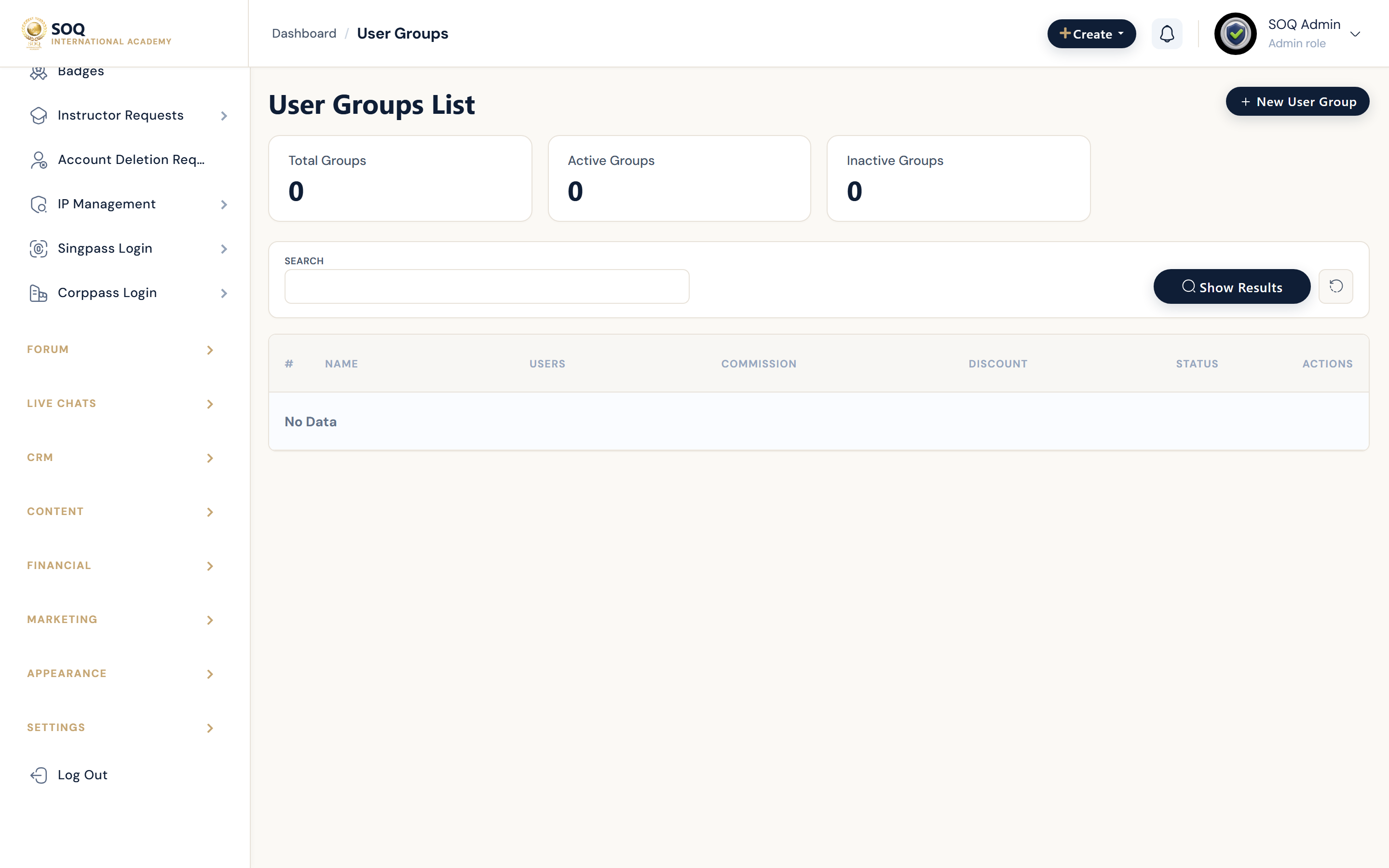
Live screenshot from the SOQ beauty demo (aiacademy.aiee.dev). Controls in the image are not clickable.
Surfaces, roles and current terminology
| Surface | Current navigation terminology | Status |
|---|---|---|
| Group list | Users ? User Groups | Core |
| Create or edit group | User group editor and membership assignment | Core |
| Package linkage | Registration or SaaS packages that reference groups | Feature-gated packages where used |
| Contrast with roles | Users ? Roles permission matrix | Core staff authorization |
Permissions, settings and activation
- Creating a group does not grant Admin permissions — assign Roles for staff access.
- Keep membership accurate before attaching discounts or packages to a group.
- Removing a user from a group can remove intended pricing or access rules.
- Name groups for business meaning, not temporary campaign slang that becomes opaque.
Core workflows
Create a group and assign users
- Open Users ? User Groups and create a clearly named group.
- Add the intended students or instructors.
- Attach the group to the relevant package, discount, or rule.
- Sign in as a member and a non-member to verify different outcomes.
Keep groups distinct from roles
- Use Roles when restricting Admin menus and actions.
- Use Groups when targeting commercial or learning cohorts.
- Audit both when a user has unexpected access or pricing.
- Document which automations depend on each group.
Result states
- Success: Group members receive the intended package or price treatment and non-members do not.
- Pending: Membership imports or package attachment still in progress.
- Denied: Staff lack Users permissions to manage groups.
- Error: Conflicting group rules or stale membership produce wrong access; simplify rules and retest.