
Admin Content Operations
Administrators and content staff use the configured Admin URL. The default path may be /admin, but every content surface is protected by its own permission and some visible menu entries lead only to an inactive feature status.
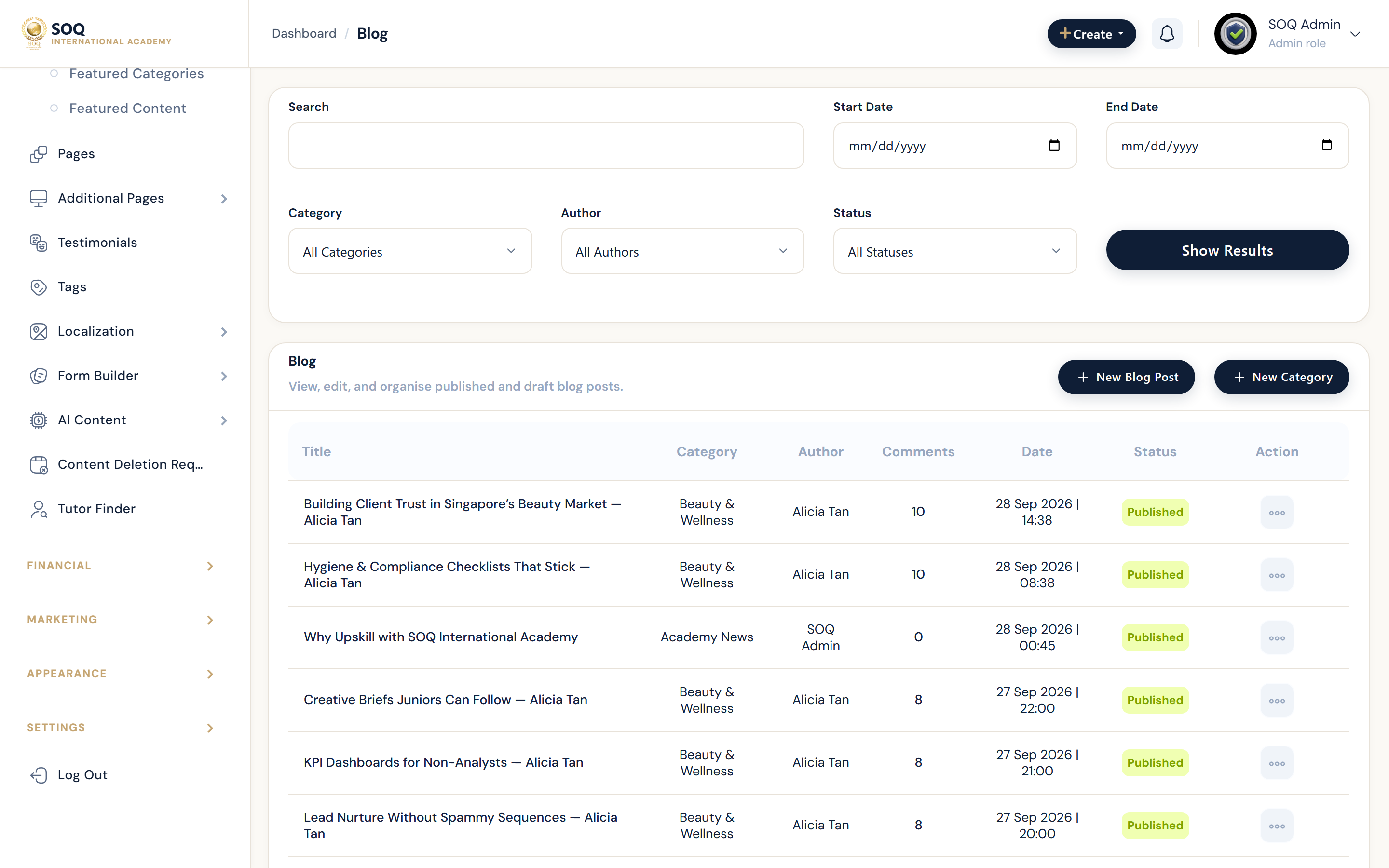
Live screenshot from the SOQ beauty demo (aiacademy.aiee.dev).
Surfaces, roles and current terminology
| Surface | Current navigation terminology | Status |
|---|---|---|
| Unified comment moderation | CRM ? Comments: Courses, Bundles, Blog, Products, Events, Jobs | Implemented; filters, pending/published totals, reply/edit/delete and report context |
| System pages | Content ? Pages ? New Page / List | Implemented CMS pages |
| Error pages | Content ? Additional Pages ? Error Settings: 404, 500, 419, 403 | Implemented |
| Contact and navbar pages | Content ? Additional Pages ? Contact Us / Top Navbar | Implemented |
| Testimonials and tags | Content ? Testimonials; Content ? Tags | Implemented |
| Regions | Content ? Regions: Countries, Provinces, Cities, Districts | Inactive status page in this build |
| Content deletion requests | Content ? Content Delete Requests | Implemented review queue for course, bundle, product and post requests |
| Instructor finder | Content ? Instructor Finder ? Settings | Inactive status page in this build |
Permissions, settings and activation
- Grant the exact Pages, Additional Pages, Testimonials, Tags, Comments, Content Delete Requests, Regions, and Instructor Finder permissions needed by each staff role.
- Comment permissions can differ by content family and action; list access does not imply reply, edit, publish, report review, or delete access.
- Additional Pages have separate permissions for error settings, Contact Us, and Top Navbar.
- Regions and Instructor Finder currently display an inactive feature status in this source build. Do not document their menu entries as usable management workflows.
Core workflows
Moderate unified comments
- Open CRM ? Comments and select the relevant family: Courses, Bundles, Blog, Products, Events, or Jobs.
- Filter by search, date, status, and the applicable content item.
- Review the comment and any abuse-report context before replying, editing, publishing, or deleting.
- Confirm totals and the public content page reflect the final moderation state.
Maintain system and additional pages
- Use Content ? Pages for general CMS pages and preserve stable slugs when editing published content.
- Use Additional Pages ? Error Settings to maintain 404, 500, 419, and 403 content, including locale-specific values when translation is enabled.
- Use Contact Us for phones, emails, address, map position, and additional information.
- Use Top Navbar for localized link title, destination, and order; verify the link on the public header after saving.
Maintain supporting content
- Create or update Testimonials with user identity, rating, content, and publication status.
- Create, edit, or delete Tags only after checking their current content usage.
- Review Content Delete Requests by content type, owner, customer/sales context, reason, date, and status before approving or rejecting.
- For Regions or Instructor Finder, stop at the inactive status and use Activations or SOQ support rather than attempting a workflow that is not present.
Result states
- Success: The content saves, moderation status is correct, public output matches the selected locale/order, and deletion decisions update the request queue.
- Pending: A comment awaits moderation, a deletion request awaits review, or content remains draft/unpublished.
- Denied: The staff role lacks the specific content/action permission, or the requested surface is inactive.
- Error: Validation, linked-content usage, locale data, or save/delete failure prevents completion; preserve the existing public content until corrected.
Operational notes
- A menu permission or route can expose a location without proving the feature UI is active. This guide classifies the rendered source view, not the label alone.
- Use the configured Admin URL throughout;
/adminis only a default example.