
Public Extended Features
Visitors and signed-in users discover public content and services. Booking, application, form submission, gifts, and personalized actions can require authentication.
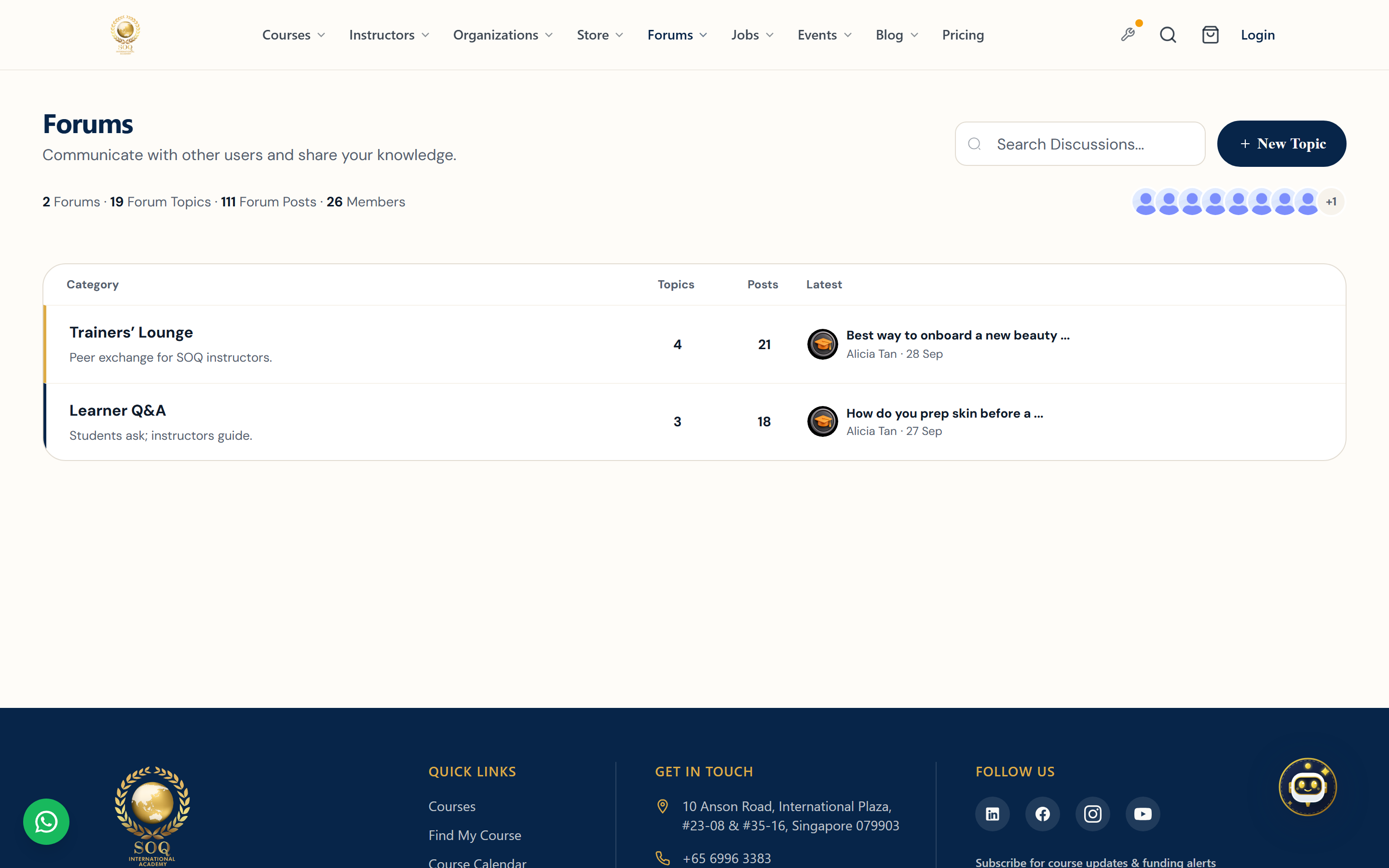
Live screenshot from the SOQ beauty demo (aiacademy.aiee.dev).
Surfaces, roles and current terminology
| Surface | Current navigation terminology | Status |
|---|---|---|
| Learning discovery | Public ? Bundles and Upcoming Courses | Feature-gated |
| Services | Public ? Meetings, Jobs, Events | Feature-gated |
| Publishing | Public ? Blog and CMS/custom pages | Blog/CMS are core publishing surfaces |
| Engagement | Public ? Forms and Gifts | Feature-gated |
| Preferences and legal | Header/footer ? Locale and Privacy pages/settings | Locale and CMS/privacy configuration |
Permissions, settings and activation
- Public visibility requires published content, valid dates, and any configured audience rules.
- Meetings require available instructor slots; jobs/events can impose dates, capacity, or sign-in requirements.
- Bundles, upcoming courses, meetings, jobs, events, forms, and gifts may remain unavailable until activated and enabled.
- Locale choices depend on enabled languages. Privacy content must be published through the configured CMS/page surface.
Core workflows
Discover and act
- Open the public navigation or linked landing page for Meetings, Bundles, Upcoming Courses, Jobs, or Events.
- Review dates, owner, eligibility, price, and availability.
- Sign in when prompted, then book, purchase, apply, register, or join the wait state exposed by that feature.
- Confirm the result in the user Panel, email, or displayed confirmation.
Read or submit public content
- Browse Blog or a CMS page from public navigation or the footer.
- For a form, complete required fields and submit once.
- For gifts, enter recipient and delivery details available in the active flow.
- Keep the displayed confirmation or reference for follow-up.
Change locale and review privacy
- Use the public locale selector to choose an enabled language.
- Confirm navigation and content direction update for that locale.
- Open the published Privacy page from the footer or configured link.
- Review privacy information before submitting forms, applications, bookings, or purchases.
Result states
- Success: Published content is visible and the booking, registration, application, form, gift, or locale action confirms once.
- Pending: A future release, approval, capacity wait, scheduled gift, or staff response is outstanding.
- Denied: The item is unpublished, inactive, full, expired, outside eligibility, or requires sign-in/feature activation.
- Error: Validation, availability, payment, locale, or delivery failure prevents completion; retain entered details and avoid duplicate submissions.